190
Chapter 4 Remote Interface Reference
Amplitude Modulation (AM) Commands
4
AM Commands
AM:SOURce {INTernal|EXTernal}
AM:SOURce?
Select the source of the modulating signal. The function generator will
accept an internal or external modulation source. The default is INT.
The :SOUR? query returns “INT” or “EXT”.
• If you select the External source, the carrier waveform is modulated
with an external waveform. The modulation depth is controlled by the
±5V signal level present on the rear-panel Modulation In connector.
For example, if you have set the modulation depth to 100% using the
AM:DEPT
command, then when the modulating signal is at +5 volts,
the output will be at the
maximum
amplitude. When the modulating
signal is at -5 volts, then the output will be at the
minimum
amplitude.
AM:
INTernal
:FUNCtion {SINusoid|SQUare|RAMP|NRAMp|TRIangle|NOISe|USER}
:FUNCtion?
Select the shape of the modulating waveform. Used only when the
Internal
modulation source is selected (
AM:SOUR INT
command). You can
use noise as the modulating waveshape, but you cannot use ramp, noise,
pulse, dc, or arbitrary as the carrier waveform. The default is SIN.
The :FUNC? query returns “SIN”, “SQU”, “RAMP”, “NRAM”, “TRI”,
“NOIS”, or “USER”.
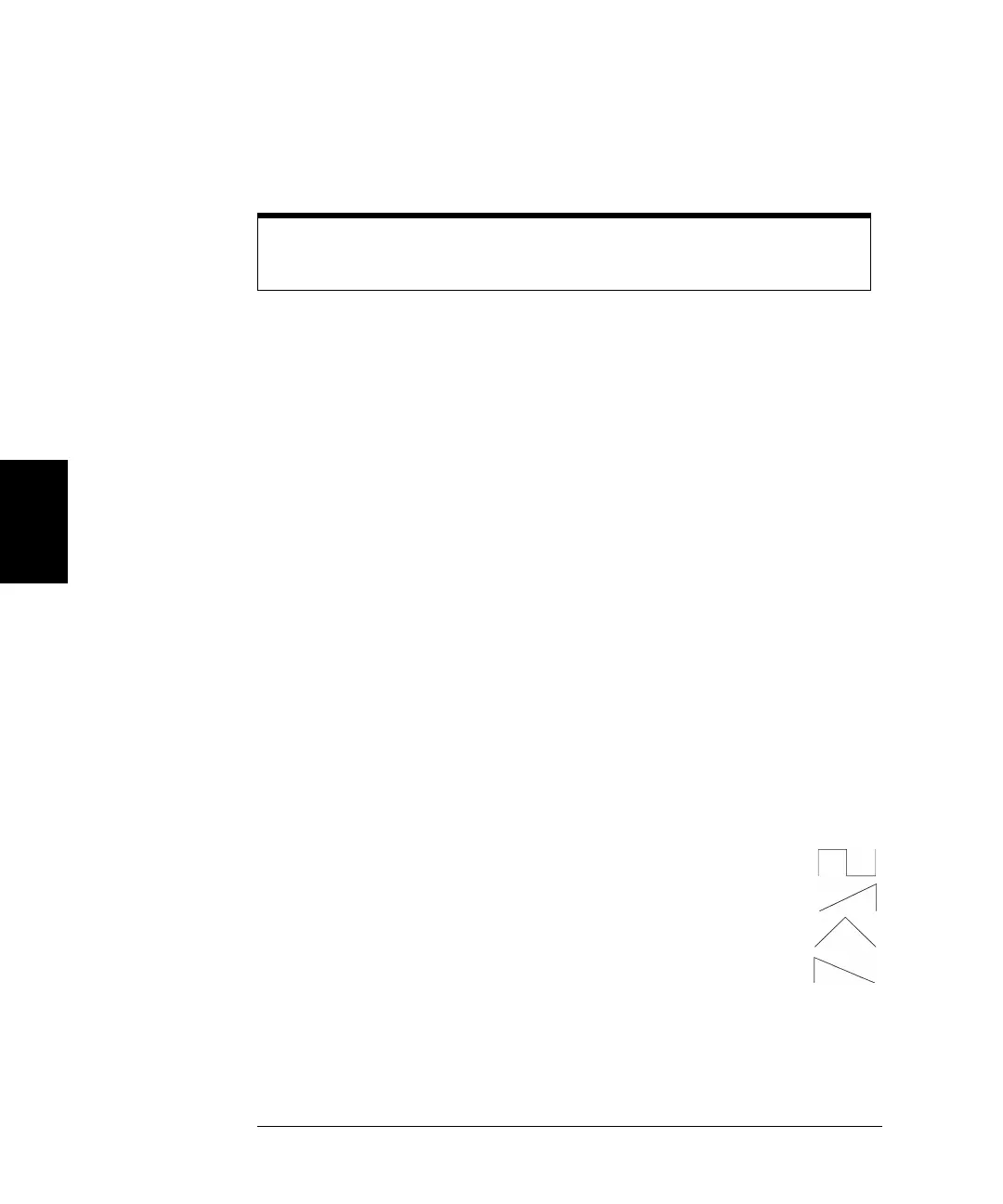
• Select “SQU” for a square waveform with a 50% duty cycle.
• Select “RAMP” for a ramp waveform with 100% symmetry.
• Select “TRI” for a ramp waveform with 50% symmetry.
• Select “NRAM” (negative ramp) for a ramp waveform
with 0% symmetry.
Use the APPLy command or the equivalent FUNC, FREQ, VOLT, and
VOLT:OFFS commands to configure the carrier waveform.
33210A users guide.book Page 190 Wednesday, July 16, 2008 11:16 AM



 To Next Page