Getting Started 2
Keysight Infiniium MXR/EXR-Series Real-Time Oscilloscopes User's Guide 27
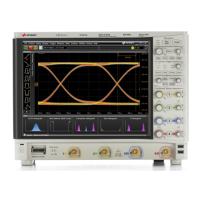
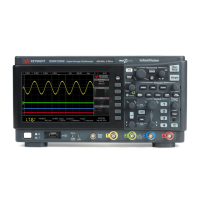
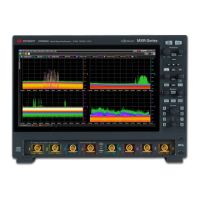
The Infiniium MXR/EXR-Series oscilloscope front panel controls provide direct
access to the functions needed to perform the most common measurements.
Knobs and keys let you directly set vertical and horizontal parameters. You can see
the oscilloscope's configuration at a glance.
The oscilloscope uses color consistently throughout the front panel and user
interface. For example, the color of the knob for channel 1 is the same color as the
waveform for channel 1. All configuration items and values related to channel 1 are
displayed in the same color.
The MXR-Series oscilloscopes have the [RTSA] front panel key for the RTSA
(Real-Time Spectrum Analysis) mode. At the same location in the EXR-Series
oscilloscopes is the [Fault Hunter] key for the Fault Hunter analysis feature.


 To Next Page
 Loading...