Getting Started 2
Keysight Infiniium MXR/EXR-Series Real-Time Oscilloscopes User's Guide 29
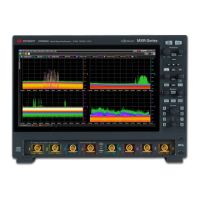
Table 4 Infiniium oscilloscope display descriptions
Menu bar Use menu selections to perform defined operations and access every
function the oscilloscope provides.
Grid selection modes The selected grid mode determines whether you draw a selection box or
manipulate waveforms when you touch the screen.
Waveform display area The waveform display area shows up to eight waveform windows. Several
display options are available, such as grids or horizontal and vertical
scales.
Results pane A Results pane is visible at the bottom of the display when you do
something that produces results, such as taking a measurement or using
bookmarks. When it is not needed, the Results pane is not visible.


 To Next Page
 Loading...