2 General Information
22 Keysight U8001A/U8002A User’s and Service Guide
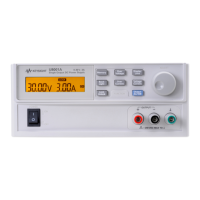
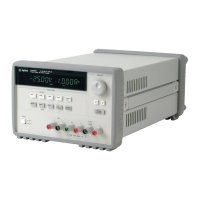
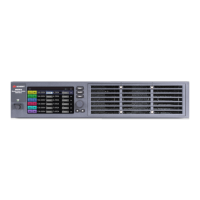
Front Panel at a Glance
Panels Functions
1 LCD Display Displays the measurements.
2 Memory To set the memory settings, enables memory recall and memory state selection (M1, M2, M3).
3 CAL Enables voltage and current calibration.
4 Back Light To turn On/Off the backlight.
5 Lock / Unlock Enables and disables the front panel operation.
6 Over Voltage Enables and disables the over voltage protection function, sets trip voltage and clears the over
voltage condition.
7 Over Current Enables and disables the over current protection function, sets trip current and clears the over
current condition.
8 Display Limit Displays and sets the voltage and current limit values.
9 Voltage / Current Selects the knob control function for voltage and current adjustment.
10 Output On/Off Enables and disables the power supply output.
11 Knob Increases and decreases the value of the flashing digit.
12 Power On/Off To turn On/Off the power supply.
13 Binding posts Positive, negative and ground binding posts for wire connections.



 To Next Page