3-17
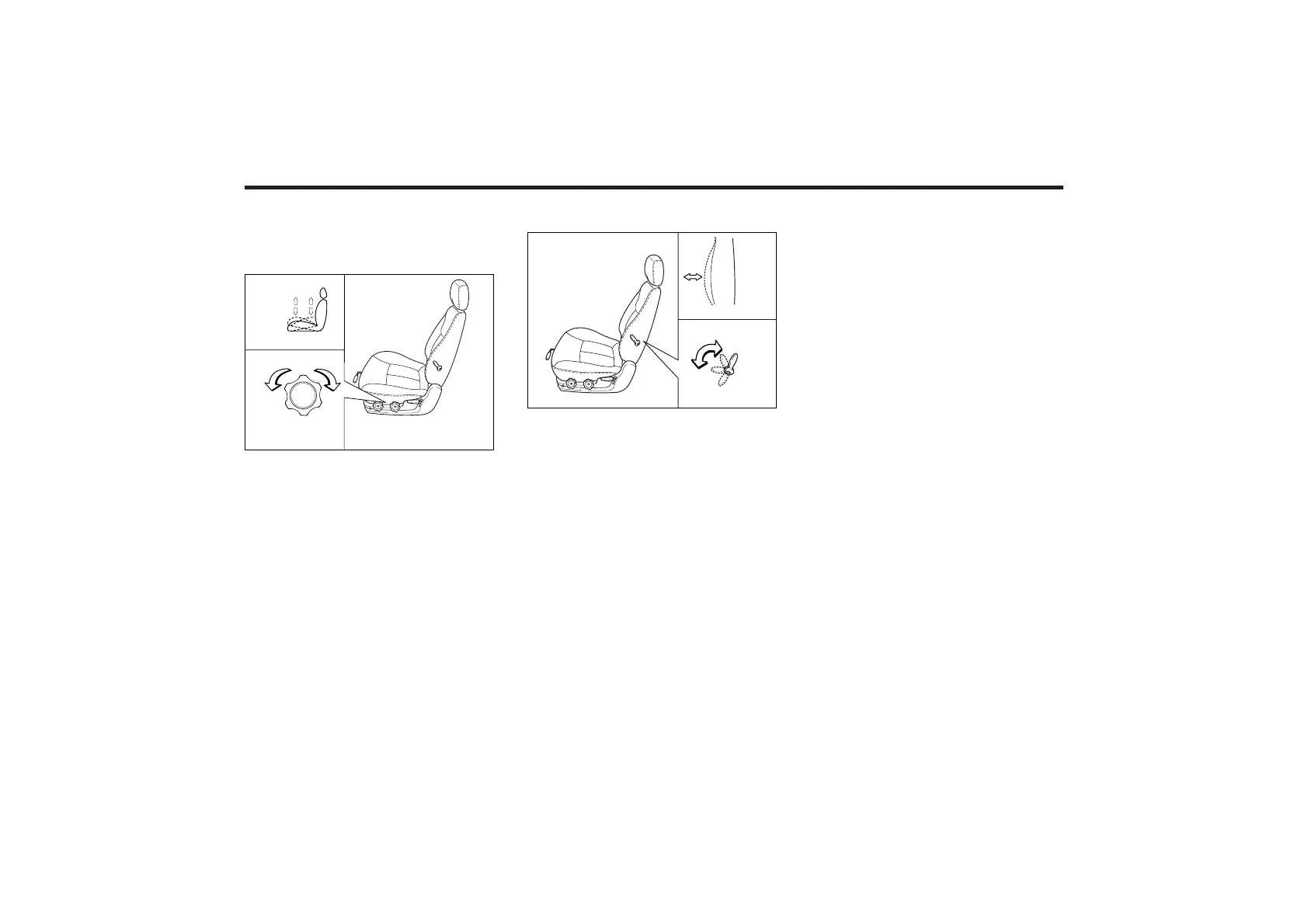
Adjusting the Height of
Driver’s Seat Cushion
(If equipped)
To change the height (front portion) of
the seat cushion, rotate the knob located
on the outside of the seat cushion.
• To lower the seat cushion, rotate the
knob toward the front of the vehicle.
• To raise the seat cushion, rotate the
knob toward the rear of the vehicle.
Lumbar Support (If equipped)
You can adjust the lumbar support by
moving the lever on the side of the
driver’s seatback. Pivoting the lever
toward the front of the vehicle increases
the lumbar support. Pivoting the lever
toward the rear of the vehicle decreases
the lumbar support.
POWER DRIVER’S SEAT (IF
EQUIPPED)
The driver's seat can be adjusted
appropriately by using the control knob
on the left side of the seat. Before
driving, adjust the seat to the proper
position so as to easily control the
steering wheel, pedals and switches on
the instrument panel.
CAUTION:
Do not operate two knobs at the same
time.
EMSA3009
EMSA3010















 To Next Page