Features of your vehicle
844
• The Parking Assist System will be acti-
vated (the button indicator will illumi-
nate).
A warning sound will be heard if an
obstacle is detected.
• Press the Smart Parking Assist
System button again for more than 2
seconds to turn off the system.
• The Smart Parking Assist System
defaults to the OFF position whenever
the ignition switch is turned on.
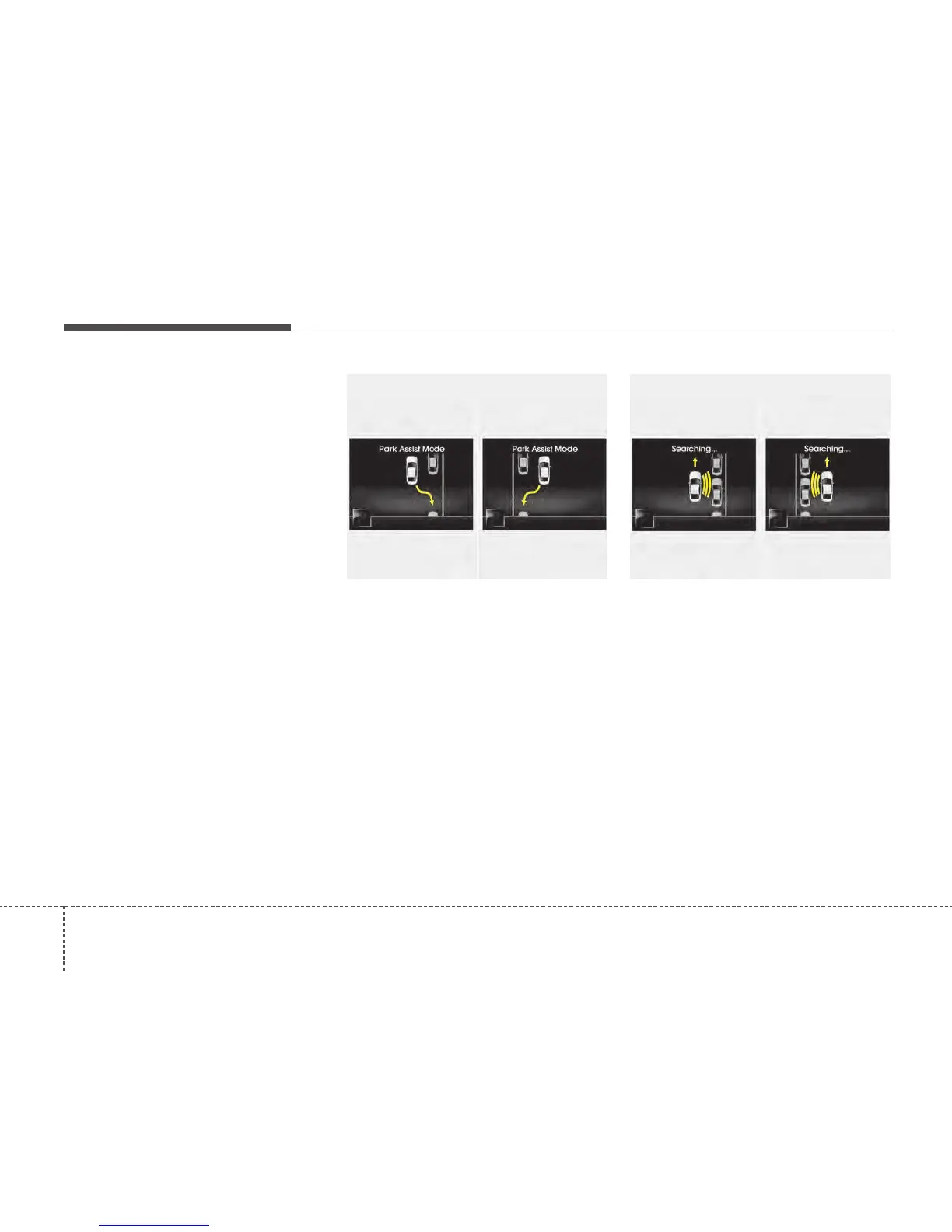
2. Select parking assist mode
• Select the parking assist mode by
pressing the Smart Parking Assist
System button with the shift lever in N
(Neutral) or D(Drive) and the brake
pedal depressed.
• The right side parallel mode is select-
ed automatically when the Smart
Parking Assist System is activated.
• To select the left side parallel mode
press the Smart Parking Assist System
button once more.
• If the button is pressed again, the sys-
tem will turn off.
3. Search for parking space
• Slowly drive forward maintaining the
distance of approximately 50cm ~
150cm (19.6in.~59.0in.) with the
parked vehicles. The side sensors will
search for a parking space.
• If the vehicle speed is over 30km/h
(18.6mph), a message will appear to
notify to reduce speed.
• If the vehicle speed is over 40km/h
(24.8mph), the system will cancel.
OTFS042211
■ Right side
- parallel mode
■ Left side
-parallel mode
OTFS042212
■ Right side
- parallel mode
■ Left side
-parallel mode






 To Next Page