Features of your vehicle
864
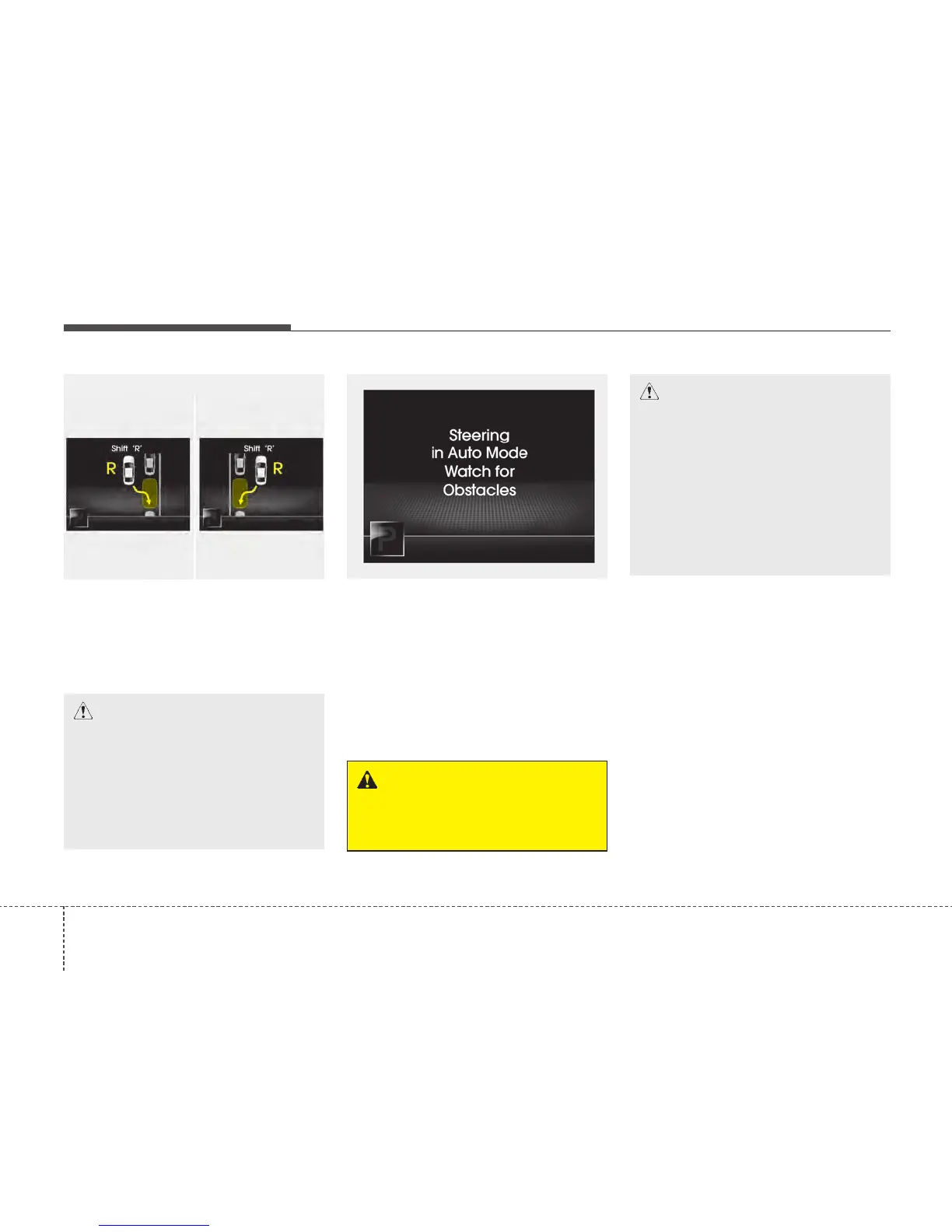
4. Search complete
Whilst driving forward to search for a
parking space, the above message will
appear with a beep sound if the search is
complete. Stop the vehicle and shift to
the R (Reverse) position.
5. Steering wheel control
• The above message will appear if the
shift lever is in R (Reverse). The steer-
ing wheel will be controlled automati-
cally.
• The system will be cancelled if you
firmly hold the steering wheel whilst it
is controlled automatically.
• The system will be cancelled if vehicle
speed is over 7km/h(4.3mph).
✽✽
NOTICE
• If you do not follow the instructions
provided, you may fail to park your
vehicle.
However, if the Parking Assist System
warning sound (distance from object
is within 30cm: continuous beep)
occurs, slowly drive the vehicle to the
reverse direction of the detected
object after checking the surrounding.
• Always check the surrounding before
driving your vehicle if the Parking
Assist System warning sound (dis-
tance from object is within 30cm: con-
tinuous beep) is heard for the object is
close to your vehicle.
CAUTION
• Always drive slowly with the
brake pedal applied.
• Always check for objects around
your vehicle before driving.
• If the vehicle does not move even
though the brake pedal is not
depressed, check the surround-
ing before depressing the accel-
erator pedal. Be sure not to speed
over 7km/h(4.3mph).
CAUTION
• Always drive slowly with the
brake pedal applied.
• If the parking space is to small
the system may be cancelled at
the Steering wheel control stage.
Do not park your vehicle if the
space is too small.
OTFS042214
■ Right side
- parallel mode
■ Left side
-parallel mode
OTFS042215
WARNING
Do not put your hands between the
steering wheel whilst it is being
automatically controlled.






 To Next Page