Features of your vehicle
1644
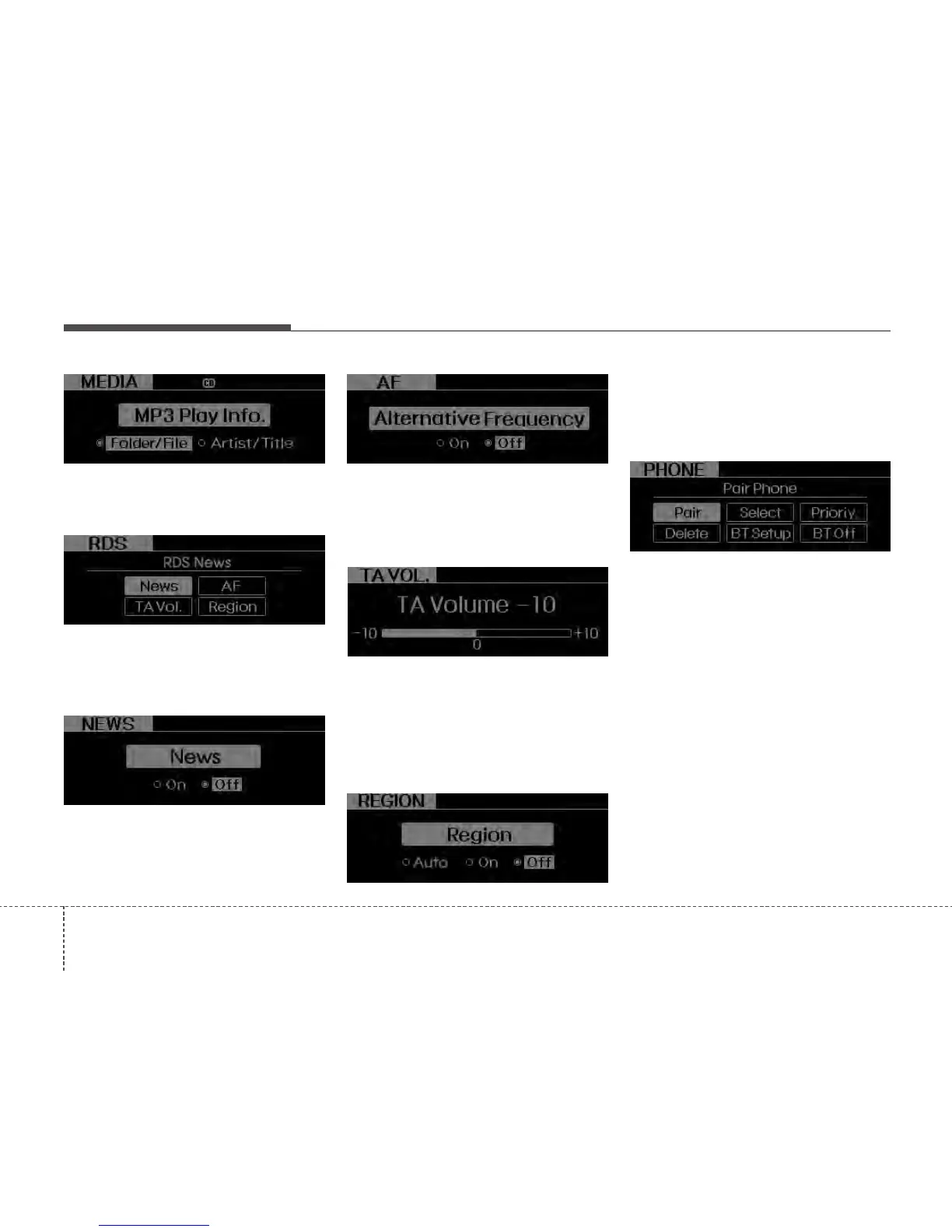
• RDS(if available)
RDS menu includes News/AF/Region/TA
Vol. menu sequentially.
• NEWS(NEWS MENU indication is pos
sible with RDS MENU)
Turns the automatic NEWS reception fea-
ture ON or OFF.
• AF(AF MENU indication is possible with
RDS MENU)
Select this item to turn the AF(Alternate
Frequency) feature ON or OFF.
• TA VOL(TA VOL MENU indication is
possible with RDS MENU)
Adjusts the TA (Traffic Announcement) vol-
ume level according to normal audio vol-
ume level.
• REGION(REGION MENU indication is
possible with RDS MENU)
Selects whether REGION code is used
(ON) or not (OFF) once the radio deter-
mines the AF jump condition. If AUTO is
selected, AF jump condition is determined
automatically via PI reception status.
• PHONE(if available)
Select this item to enter BLUETOOTH
setup mode. Refer to “BLUETOOTH
PHONE OPERATION” section for
detailed information.






 To Next Page