Features of your vehicle
1784
<Voice Recognism>
The
Bluetooth
®
Wireless Technology icon
appears on the upper side of audio dis-
play when a phone is connected.
■
Phone Setup
All
Bluetooth
®
Wireless Technology-relat-
ed operations can be performed by voice
command or by manual operation.
- By Voice Command:
Press button on the steering wheel
to activate voice recognition.
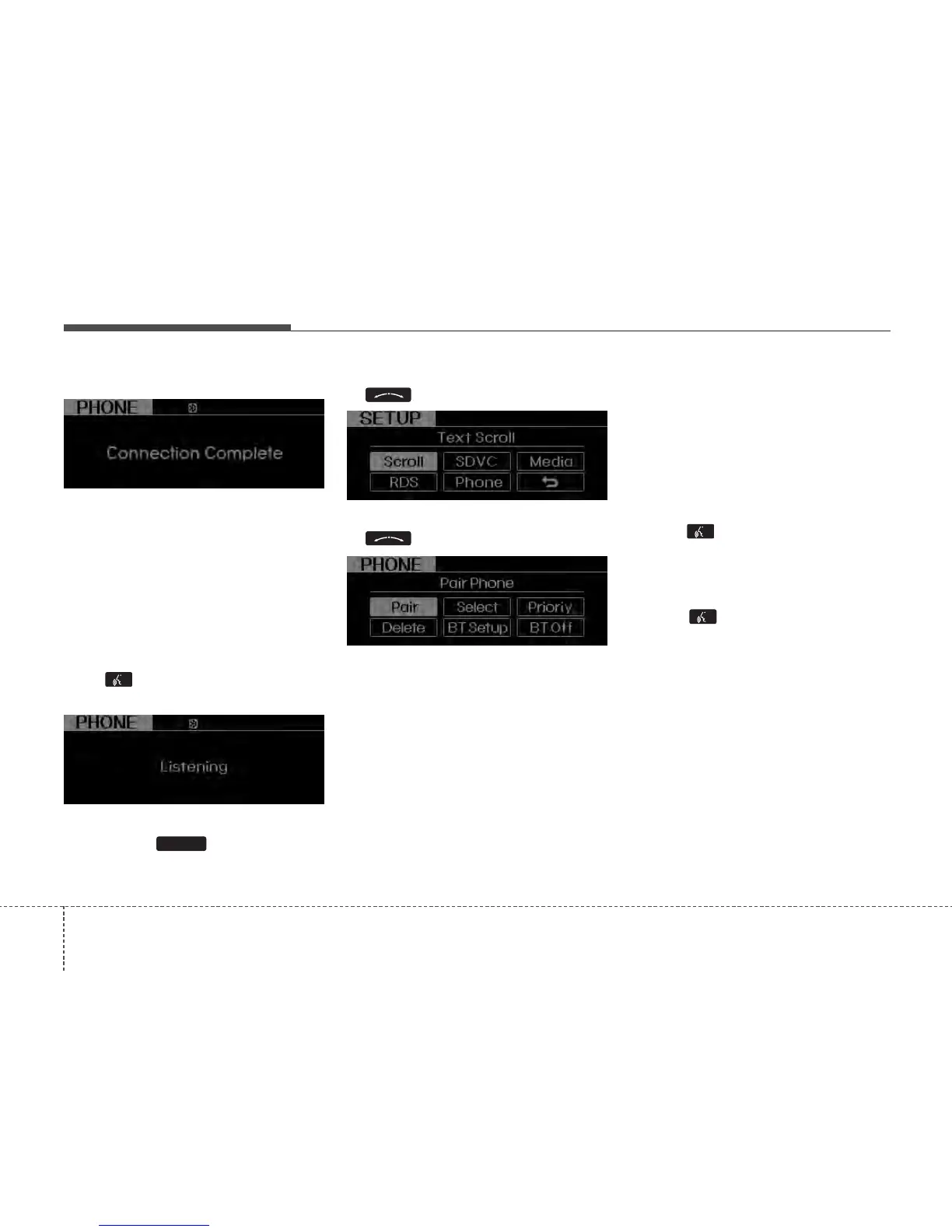
- By Manual Operation:
1) Push the button to enter
SETUP mode.
2) Select “PHONE” item by rotating the
knob, then push the knob.
3) Select desired item by rotating the
knob, then push the knob.
• Pairing phone
Before using
Bluetooth
®
Wireless
Technology features, the phone must be
paired (registered) to the audio system.
Up to 5 phones can be paired with the
system.
NOTE:
The pairing procedure of the phone
varies according to each phone
model. Before attempting to pair
phone, please see your phone’s
User’s Guide for instructions.
NOTE:
Once pairing with the phone is com-
pleted, there is no need to pair with
that phone again unless the phone is
deleted manually from the audio sys-
tem (refer “Deleting Phone” section)
or the vehicle’s information is
removed from the phone.
1. Press button.
2. Say “Set Up”.
- The system replies with available
commands.
- To skip the information message,
press again and then a beep is
heard.
3. Say “Pair Phone”
4. Proceed at next step.
5. Say the name of your phone when
prompted.
- Use any name to uniquely describe
your phone.
- Use Full name to voice tag.
- Not use to short name or similar to
voice command.
6.
Bluetooth
®
Wireless Technology sys-
tem will repeat the name you stated.
7. Say “Yes” to confirm.
8. The audio displays “searching
----
passkey: 0000” and asks you to initiate
pairing procedure from the phone.
SETUP






 To Next Page