4179
Features of your vehicle
9. Search the
Bluetooth
®
Wireless
Technology system on your phone
.Your phone should display your [vehi-
cle model name] on the
Bluetooth
®
Wireless Technology device list. Then
attempt pairing on your phone
10. After Pairing is completed, your
phone will start to transfer phone/con-
tact list to the audio system.
- This process may take from a few
minutes to over 10 minutes depend-
ing on the phone model and number
of entries in the phone/contact list.
11. By manual operation:
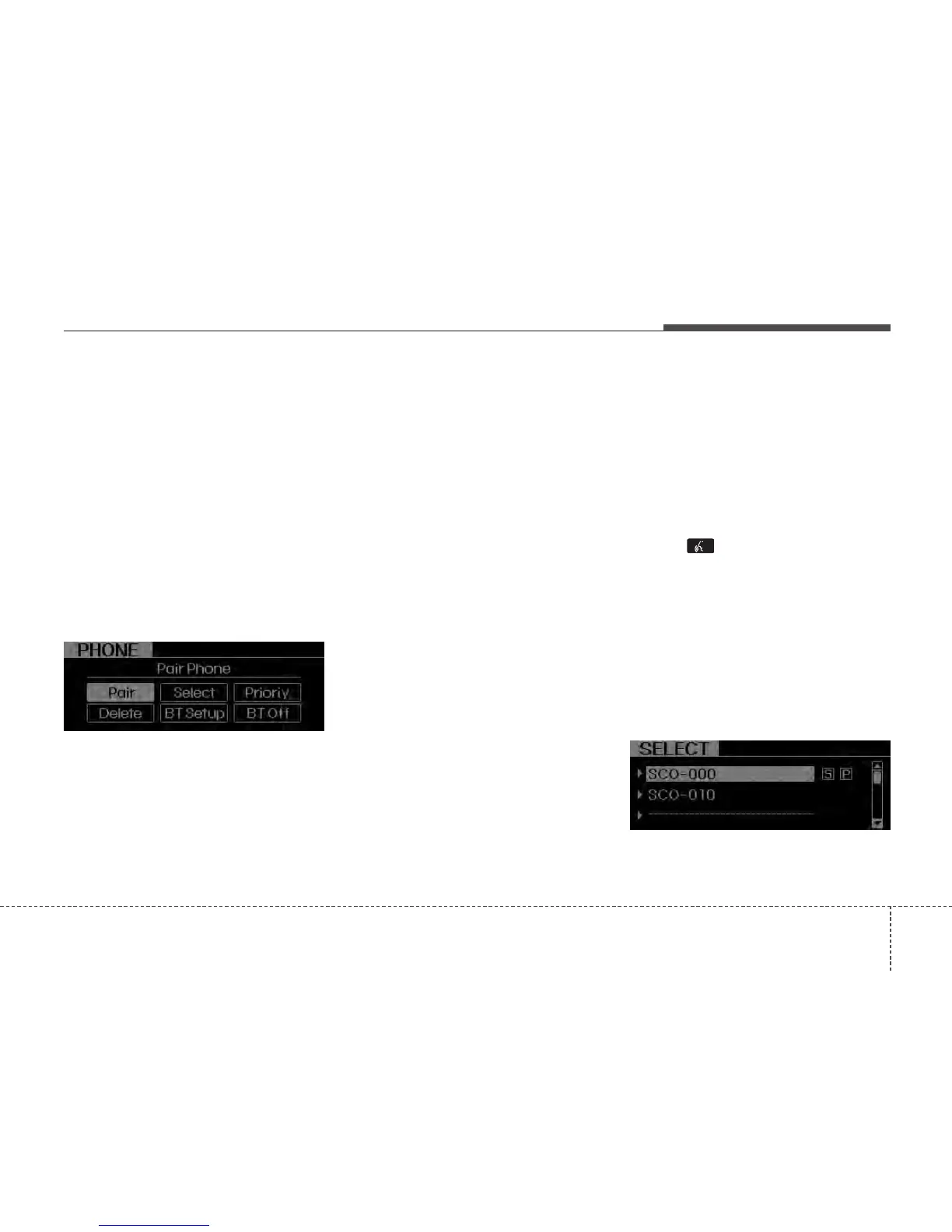
- Select “PAIR” in PHONE menu, then
proceed from step 5.
NOTE:
• Until the audio displays “Transfer
Complete”,
Bluetooth
®
Wireless
Technology hands-free feature may
not be fully operational.
• Depending on the phone make and
model, the phone book contact list
mat not transfer to the audio system.
NOTE:
• If the phone is paired with two or
more vehicles of the same model,
some phones may not handle
Bluetooth
®
Wireless Technology
devices of that name correctly. In
this case, you may need to change
the name displayed on your phone.
For example, if the vehicles’ name is
KMC CAR, you may need to change
the name displayed on you phone
from KMC_CAR to JHONS_CAR or
KMC CAR_1 to avoid ambiguity.
Refer to your phone’s User’s Guide,
or contact your mobile carrier or
phone manufacturer for instructions.
• Connecting phone
When the
Bluetooth
®
Wireless Technology
system is enabled, the phone previously
used is automatically selected and re-con-
nected. If you want to select different
phone previously paired, the phone can be
selected through “Select Phone” menu.
Only a selected phone can be used with
the hands-free system at a time.
1. Press button.
2. Say “Set Up”.
3. Say “Select Phone” after prompt
- The system lists all the registered
phone names.
4. Say the name or number of desired
phone from the list.
5. Say “Yes” to confirm.
6. By manual operation:
- Select “SELECT” in PHONE menu,
then select desired phone from the list.






 To Next Page