Features of your vehicle
1804
• Deleting Phone
The paired phone can be deleted.
- When the phone is deleted, all the infor-
mation associated with that phone is
also deleted (including phonebook).
- If you want to use the deleted phone
with the audio system again, pairing
procedure must be completed once
more.
1.Press button.
2.Say “Set Up”.
3.Say “Delete Phone” after prompt.
- The system lists all the registered
phone names.
4.Say the name or number of desired
phone from the list.
5.Say “Yes” to confirm.
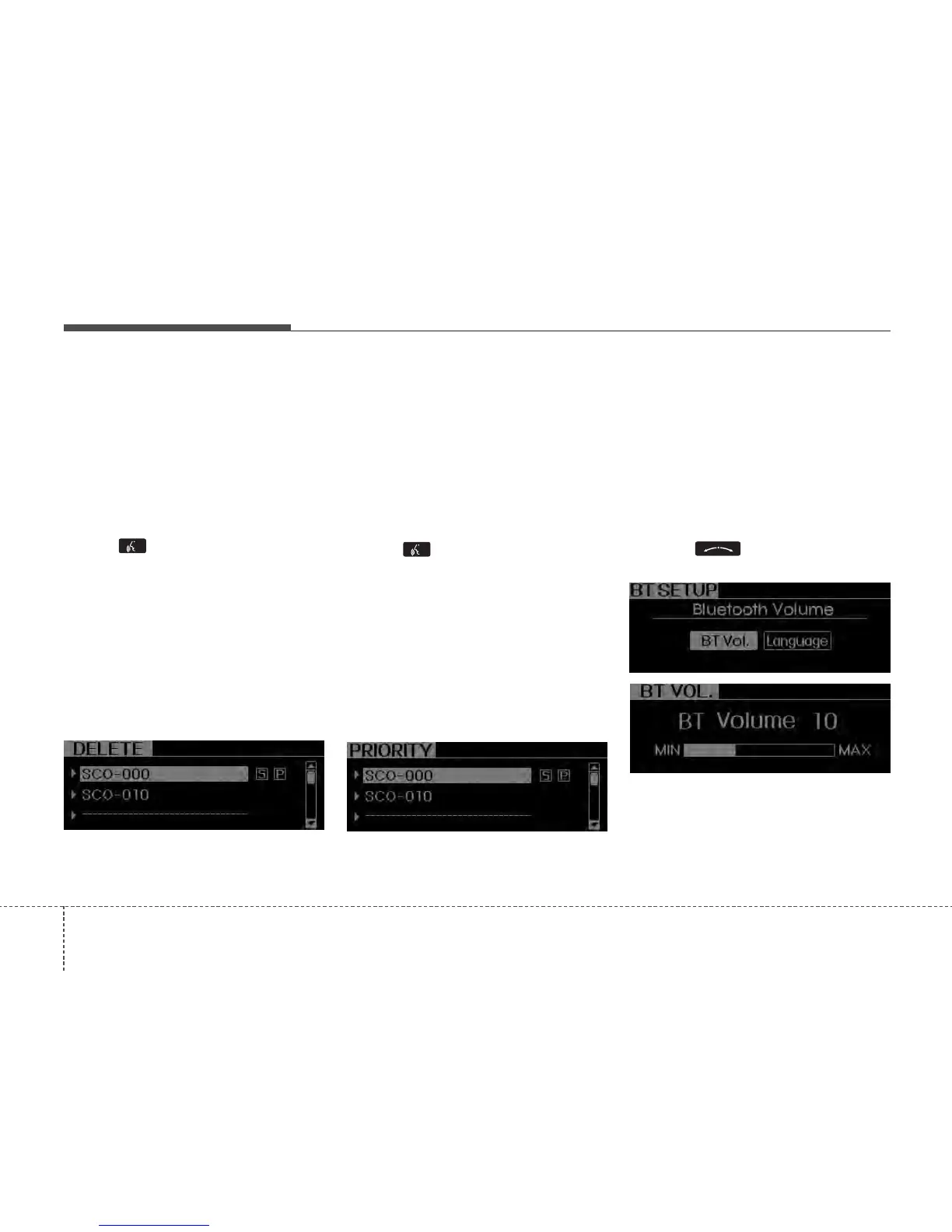
6.By manual operation:
- Select “DELETE” in PHONE menu,
then select desired phone from the list.
• Changing Priority
When several phones are paired to the
audio system, the system attempts to
connect following order when the
Bluetooth
®
Wireless Technology is
enabled:
1) “Priority” checked phone.
2) Previously connected phone
3) Gives up auto connection.
1. Press button.
2. Say “Set Up”.
3. Say “Change Priority” after prompt.
- The system lists all the registered
phone names.
4. Say the name or number of desired
phone from the list.
5. Say “Yes” to confirm.
6. By manual operation:
- Select “PRIORITY” in PHONE menu,
then select desired phone from the list.
• BT SETUP
1. Adjusting
Bluetooth
®
Wireless
Technology
•
Volume
Bluetooth
®
Wireless Technology
system volume can be adjusted sepa-
rately from main volume of the audio
system. Volume control is available by
manual operation only.
- Select “BT Vol.” in BT SETUP menu,
adjust volume to desired level by turn-
ing the knob, then press the
knob again to confirm.






 To Next Page