4181
Features of your vehicle
2. Adjusting
Bluetooth
®
Wireless
Technology
•
language
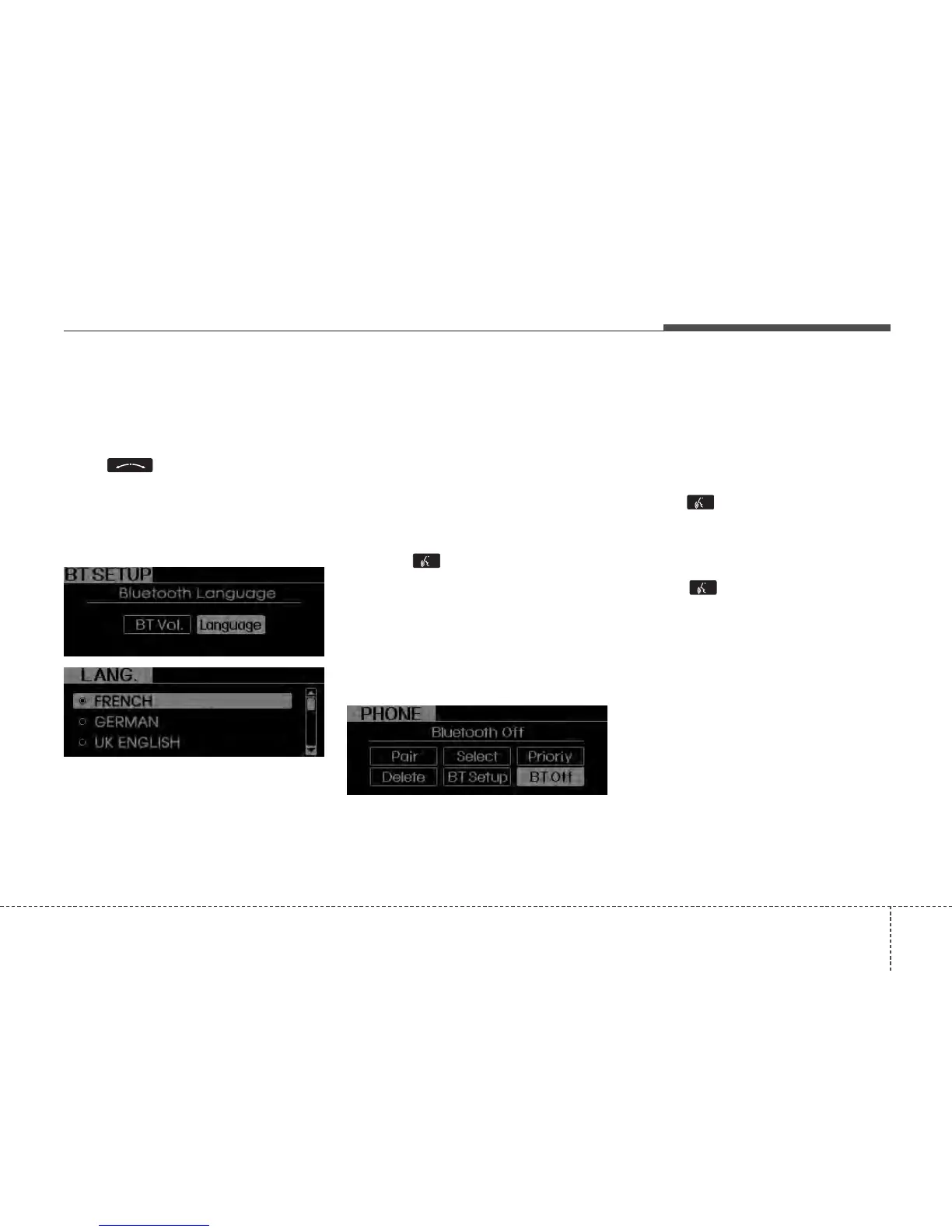
Select “BT Voice Recognition lan-
guage” in PHONE menu, adjust lan-
guage to desired language by turning
the knob, then press the knob
again to confirm.
- Supported Languages:
FRENCH/GERMAN/UK ENGLISH
SPANISH/DUTCH/ITALIAN/DANISH
/RU
SSIAN/POLISH/SWEDISH.
NOTE:
The Phone need to be paired again
after changing system language.
• Avoid resting your thumb or finger
on the talk button as the language
could unintentionally change.
• Turning
Bluetooth
®
Wireless
Technology ON/OFF
Bluetooth
®
Wireless Technology system
can be enabled (ON) or disabled (OFF)
by this menu.
- If
Bluetooth
®
Wireless Technology is
disabled, all the commands related to
Bluetooth
®
Wireless Technology sys-
tem prompts whether you wish to turn
Bluetooth
®
Wireless Technology ON or
not.
1. Press button.
2. Say “Set Up”
3. Say “Bluetooth Off” after prompt.
4. Say “Yes” to confirm.
5. By manual operation:
- Select “BT Off” in PHONE menu,
then after announcement, say “YES”
to confirm.
■
Phone Book (In-Vehicle)
• Adding Entry
Phone numbers and voice tags can be
registered. Entries registered in the
phone can also be transferred.
• Adding Entry by Voice
1. Press button.
2. Say "Phonebook".
- The system replies with all available
commands.
- To skip the information message,
press again and then a beep is
heard.
3. Say “Add Entry”.
4. Say “By Voice” to proceed.
5. Say the name of the entry when
prompted.
6. Say “Yes” to confirm.
7. Say the phone number of that entry
when prompted.
8. Say “Store” if phone number input is
finished.
9. Say a phone number type. “Home”,
“Work”, “Mobile”, “Other” or “Default” is
available.
10. Say “Yes” to complete adding entry.
11. Say “Yes” to store additional location
for this contact, or say “Cancel” to fin-
ish the process.






 To Next Page