65
5
5
Features of your vehicle LCD windows
4. User settings mode (if equipped)
On this mode, you can change
settings of the doors, lamps and
so on. The information provided
may differ depending on which
functions are applicable to your
vehicle. If an infotainment system
is equipped, the user settings
menus and items may differ.
Refer to the infotainment system
manual.
5. Master warning mode
This mode informs of warning
message related to below func
-
tions.
䳜 Forward Collision-Avoidance
Assist system malfunction (if
equipped)
䳜 Forward Collision-Avoidance
Assist system radar blind (if
equipped)
䳜 Blind-Spot Collision Warning
system malfunction (if
equipped)
䳜 Blind-Spot Collision Warning
system radar blind (if equipped)
䳜 High Beam Assist system mal
-
function (if equipped)
䳜 Lamp malfunction
䳜 LED head lamp malfunction (if
equipped)
䳜 Smart Cruise Control system
malfunction (if equipped)
䳜 Smart Cruise Control system
radar blind (if equipped)
䳜 Engine oil
* For controlling the LCD modes,
refer to "LCD window control" on
page 5-64.
Trip information (Trip computer)
The trip computer is a microcom
-
puter- controlled driver information
system that displays information
related to driving.
Some driving information stored in
the trip computer (for example
Average Fuel Economy) resets if the
battery is disconnected.
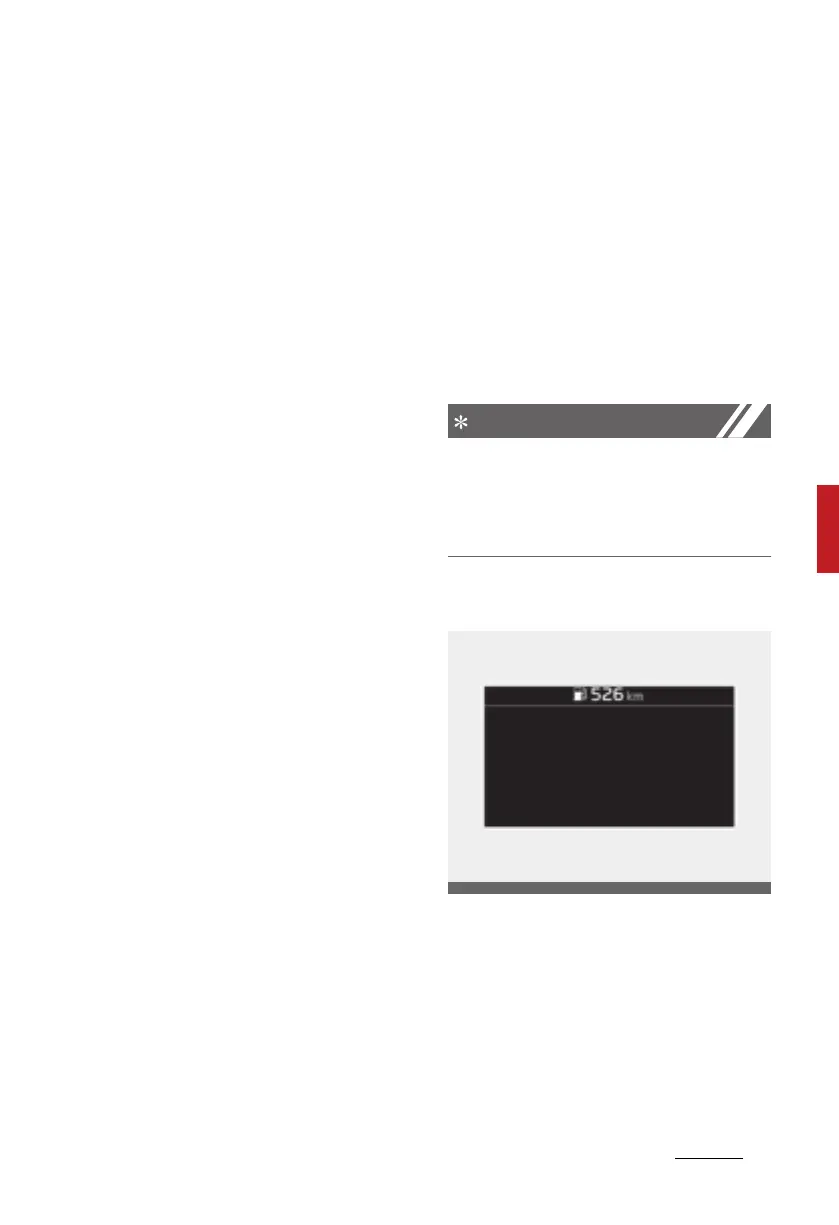
Distance to empty
䳜 The distance to empty is the esti
-
mated distance the vehicle can be
driven with the remaining fuel.
- Distance range: 1 ~ 9,999 km or
1 ~ 9,999 mi.
CD_PHEV_LHD_features_driving.book Page 65 Thursday, November 14, 2019 10:22 PM












 To Next Page