Features of your vehicle
1105
Parking Assist (PA)
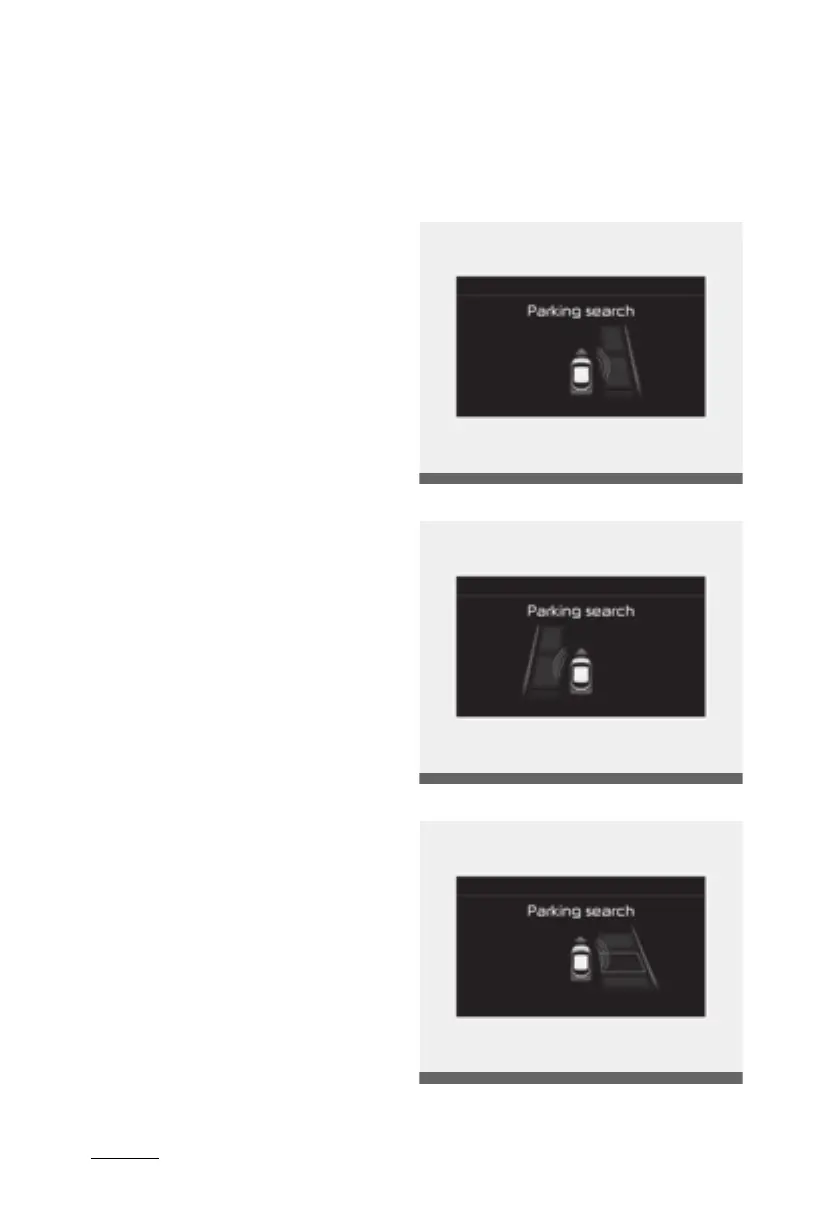
2. Select Parking Mode
䳜 Select parallel mode or reverse
mode by pressing the Parking
Assist button with the shift lever
in D (Drive).
䳜 If the system already recognized
parking space before activating
Parking Assist, you can see 䳖Park
-
ing search䳗 or 䳖Space found䳗.
䳜 The right side parallel mode is
selected automatically when
Parking Assist is activated.
䳜 The mode changes from parallel
mode (right → left) to reverse
mode (right → left) whenever the
Parking Assist button is pressed.
(for LHD)
䳜 The mode changes from parallel
mode (left → right) to reverse
mode (left → right) whenever the
Parking Assist button is pressed.
(for RHD)
䳜 If the button is pressed again, the
system will turn off.
3. Search for parking space
(optional)
Right side - Parallel parking
Left side - Parallel parking
Right side - Reverse parking
CD_PHEV_LHD_features_driving.book Page 110 Thursday, November 14, 2019 10:22 PM













 To Next Page