47
6
6
Driving your vehicle Forward Collision-Avoidance Assist (FCA) (Front
view camera only)
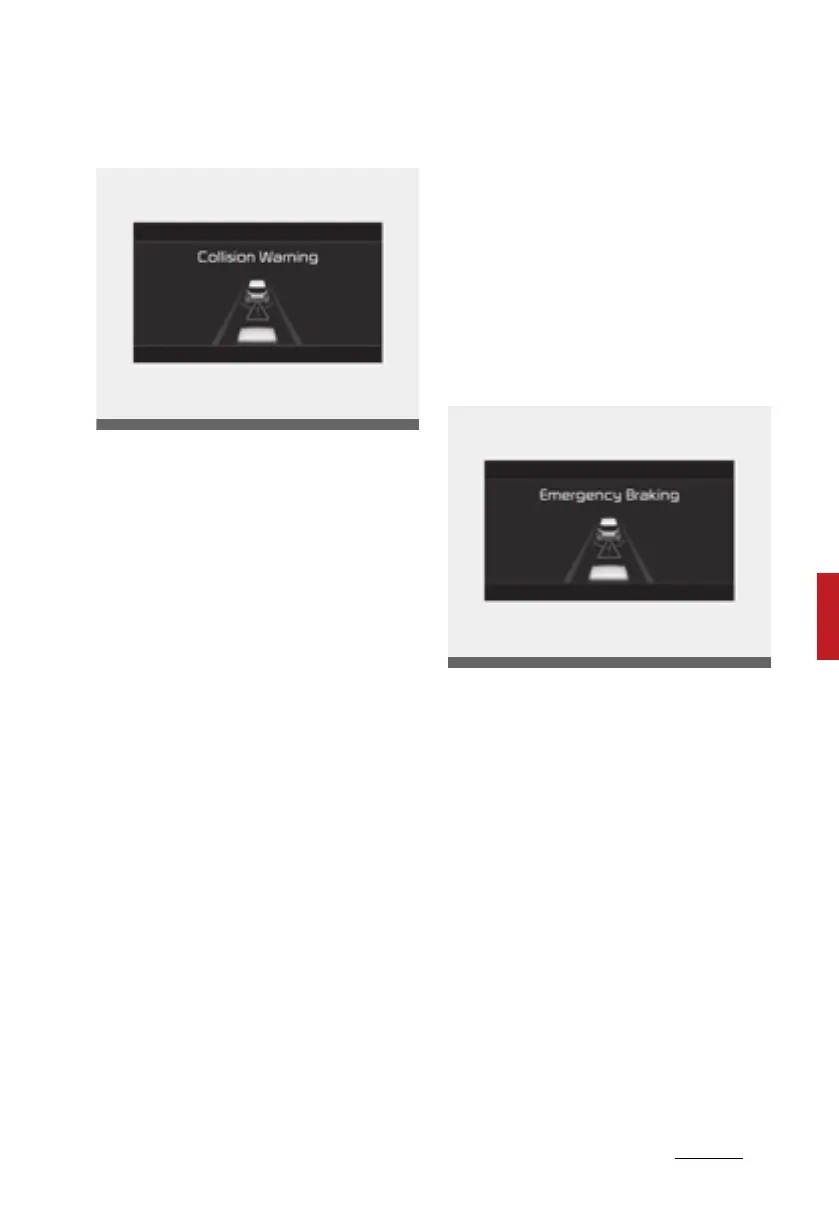
Collision Warning (1st warning)
䳜 The warning message appears on
the LCD display with the warning
alarms.
Additionally, some vehicle system
intervention occurs by the engine
management system to help
decelerate the vehicle.
䳜 The vehicle may slow down
slightly.
䳜 It will operate if the vehicle speed
is greater than 10 km/h and less
than or equal to 180 km/h on a
forward vehicle. (Depending on
the condition of the vehicle ahead
and the environment surrounding
it, the possible maximum operat
-
ing speed may be reduced.)
䳜 For pedestrians the vehicle speed
is greater than or equal to 10 km/
h and less than 80 km/h.
(Depending on the condition of
pedestrians and the surrounding
environment the possible maxi
-
mum operating speed may be
reduced.)
- If you select "Warning Only",
FCA system activates and pro
-
duces only warning alarms in
accordance with the collision
risk levels. You should control
the brake directly because FCA
system do not control the
brake.
Emergency braking (2nd warning)
䳜 The warning message appears on
the LCD display with the warning
alarms.
Additionally, some vehicle system
intervention occurs by the engine
management system to help
decelerate the vehicle.
䳜 The vehicle may slow down
slightly.
䳜 It will operate if the vehicle speed
is greater than 10 km/h and less
than or equal to 180 km/h on a
forward vehicle. (Depending on
the condition of the vehicle ahead
and the environment surrounding
it, the possible maximum operat
-
ing speed may be reduced.)
Driving_your_vehicle.fm Page 47 Thursday, November 14, 2019 10:42 PM













 To Next Page