Kinco-HP
User Manual
3.1.2 Edit configuration .
Reference Kinco HMIware manual.
3.1.3 download link for HMI manual
https://en.kinco.cn/Download/D_enUserManual/HMI/Kinco%20DTools%20User%20Manual.
pdf
3.2 PLC
3.2.1 introduction
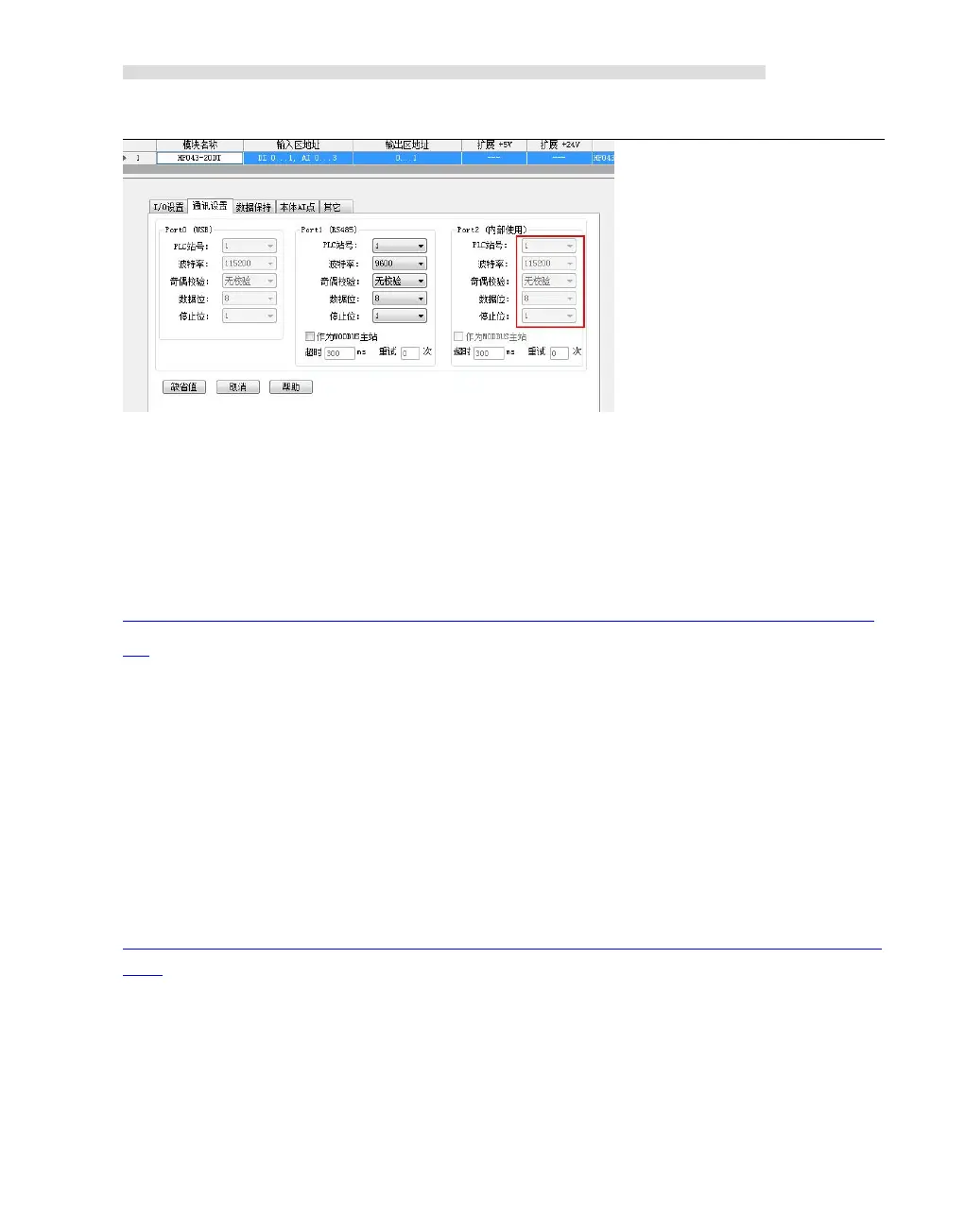
Kinco HMI-PLC use Kincobuilder programming software and same instructions, same as K5.
HMI-PLC improve some functions, pls reference the manual.
Pls reference Kincobuilder software 【Help】or download K5/K2 software for most functions.
https://en.kinco.cn/Download/D_enUserManual/PLC/Software%20manualfor%20K5_2019051
6.zip
3.2.2 Install driver of USB programming port
HMI-PLC provides USB programming port. This programming port will be used as virtual
serial port in PC. Its driver files are located in \drivers in Kincobuilder installation folder. Right
now it supports Windows XP 、 Windows 7 和 Windows 8 systems, as shown in following


 To Next Page