3.7.
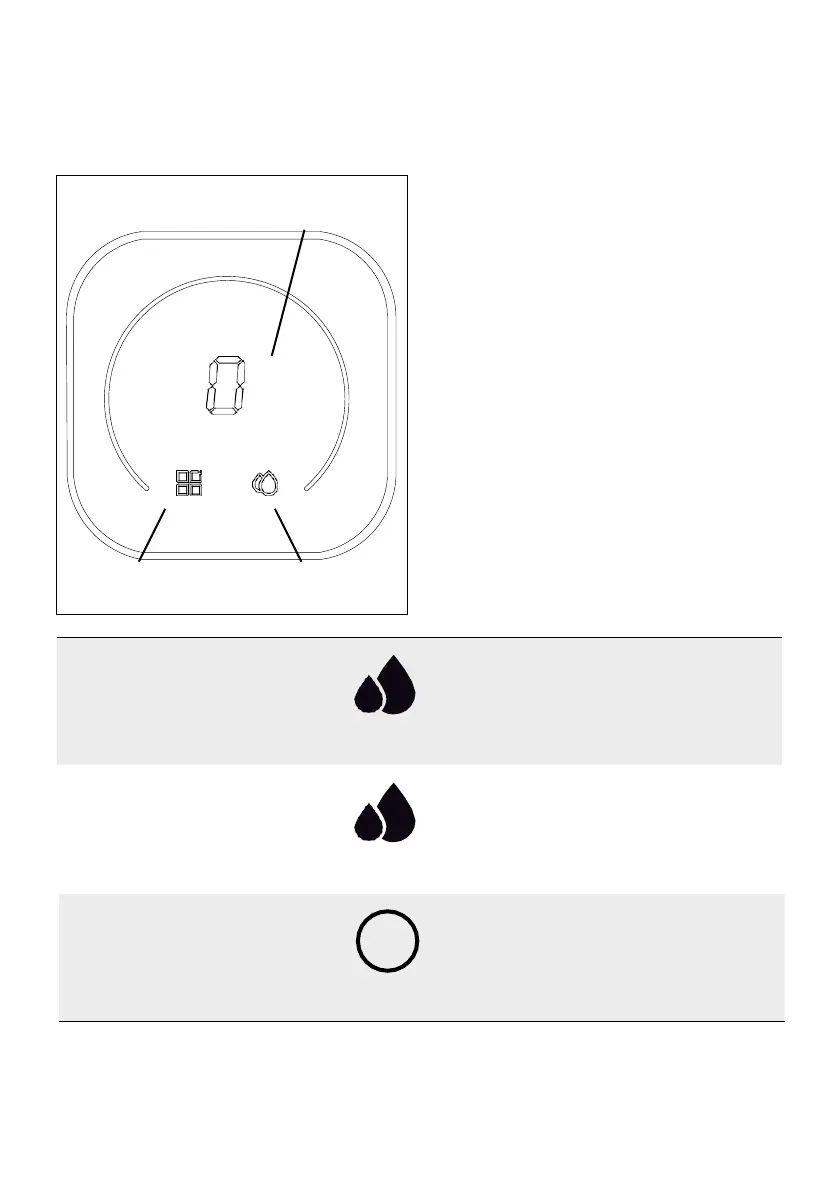
3.6. SMART DEVICE STATUS INDICATORS
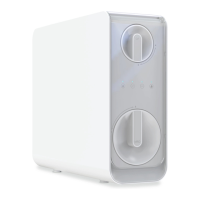
The smart device replicates on its outer ring the status
of the filters that are seen on the equipment display (CF,
MRO). The droplet symbol replicates the status of the
water quality indicator LED.
CODE CHANGE IN INTERFACE (Code Table see next
page):
To change the appliance’s program, proceed as
follows:
•
Keep the device without production or active was-
hing.
•
Hold down the “MODE” logo for 5 seconds, until
for the central code to flash, then release.
•
Press on the same key until the desired code is
displayed.
•
Release the “MODE” key and allow the interface to
reset automatically.
* Keep in mind that the sensor on the “MODE” key is
a touch system, and there may be situations in which
this sensor is not highly sensitive, so you may have to
position your finger correctly in front of it.
FLUSHING
BLINKING BLUE
Blinking indicator while
the unit is flushing the
membrane.





 To Next Page