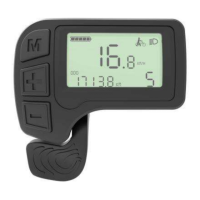
5.6 Wheel Diameter Set up
UP or DOWN choose a right diameter for the bike.
Default set is 26 . The interface is as follows:
Press MODE to confirm the wheel size and enter into the
LCD backlight contrast set up.
5.7 Backlight contrast
Press UP or DOWN to modify the backlight brightness.
You can choose from level 1 to level 3. Level 1 is the
minimum brightness. Level 3 is the maximum brightness.
The default value of the backlight brightness in J LCD
display is level 1.
5.8 Quit from set up
Press MODE no more than 2 seconds is confirming the
input, then press MODE more than 2 seconds is saving
current new set up.



 To Next Page
 Loading...