Page 10
ENABLE THE ALARM (OPTIONAL)
This antenna is factory preset for MODE 1.
• DIRECTV Service • Alarm disabled
• DIRECTV Service • Alarm enabled
Use this procedure to enable the alarm.
To enable the alarm, follow the instructions on page 11 to choose MODE 5.
You can enable or disable the alarm at any time using this procedure.
KC1261
HOW THE ALARM WORKS
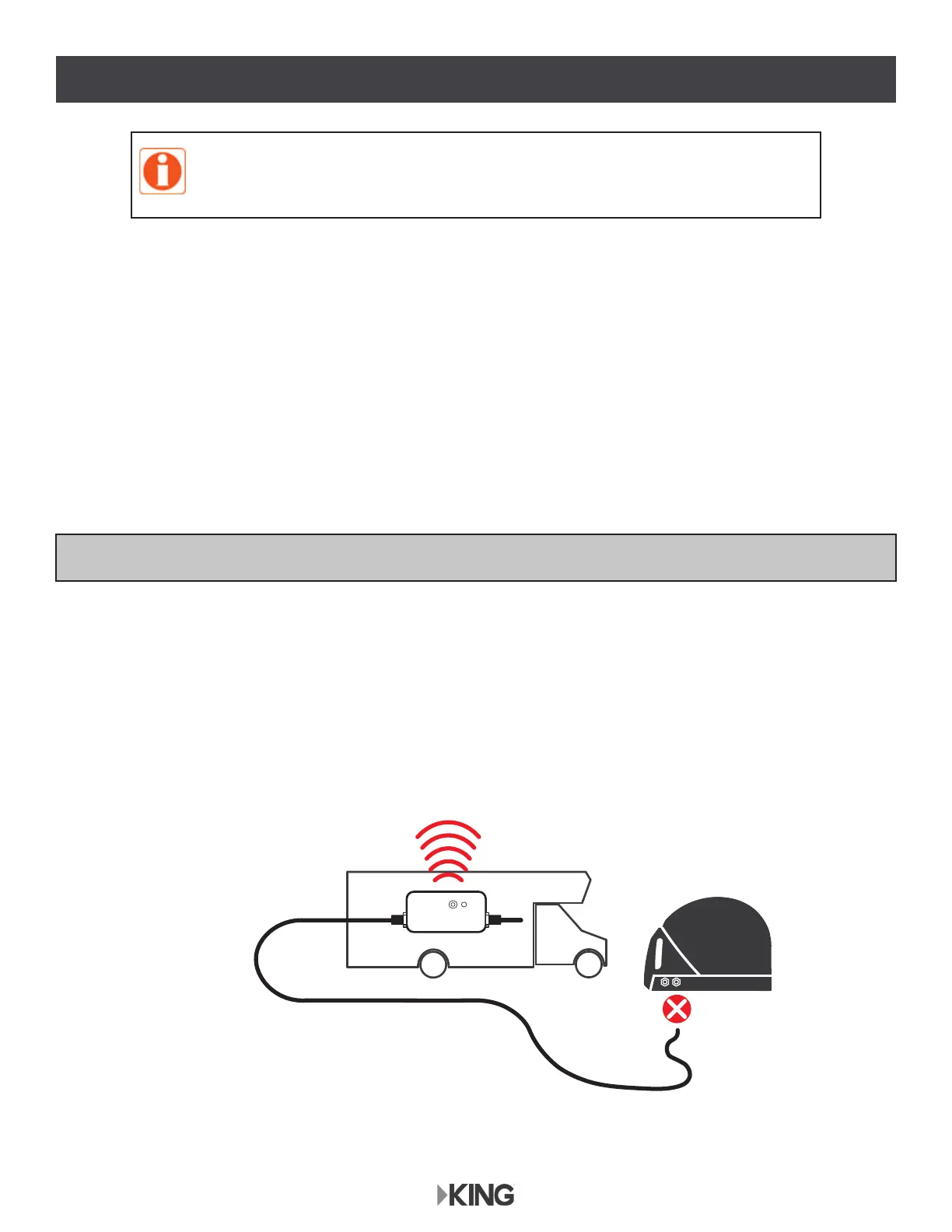
When enabled, the alarm will sound if the coax is disconnected from the antenna.
$ODUPVKXWVRႇDIWHUVHFRQGVRUZKHQFRD[LVUHFRQQHFWHG
• Alarm also sounds if coax is disconnected from power inserter.



 To Next Page