Page 4
Section 3 KING JACK OPERATION WITH SURELOCK SIGNAL METER
OPERATION
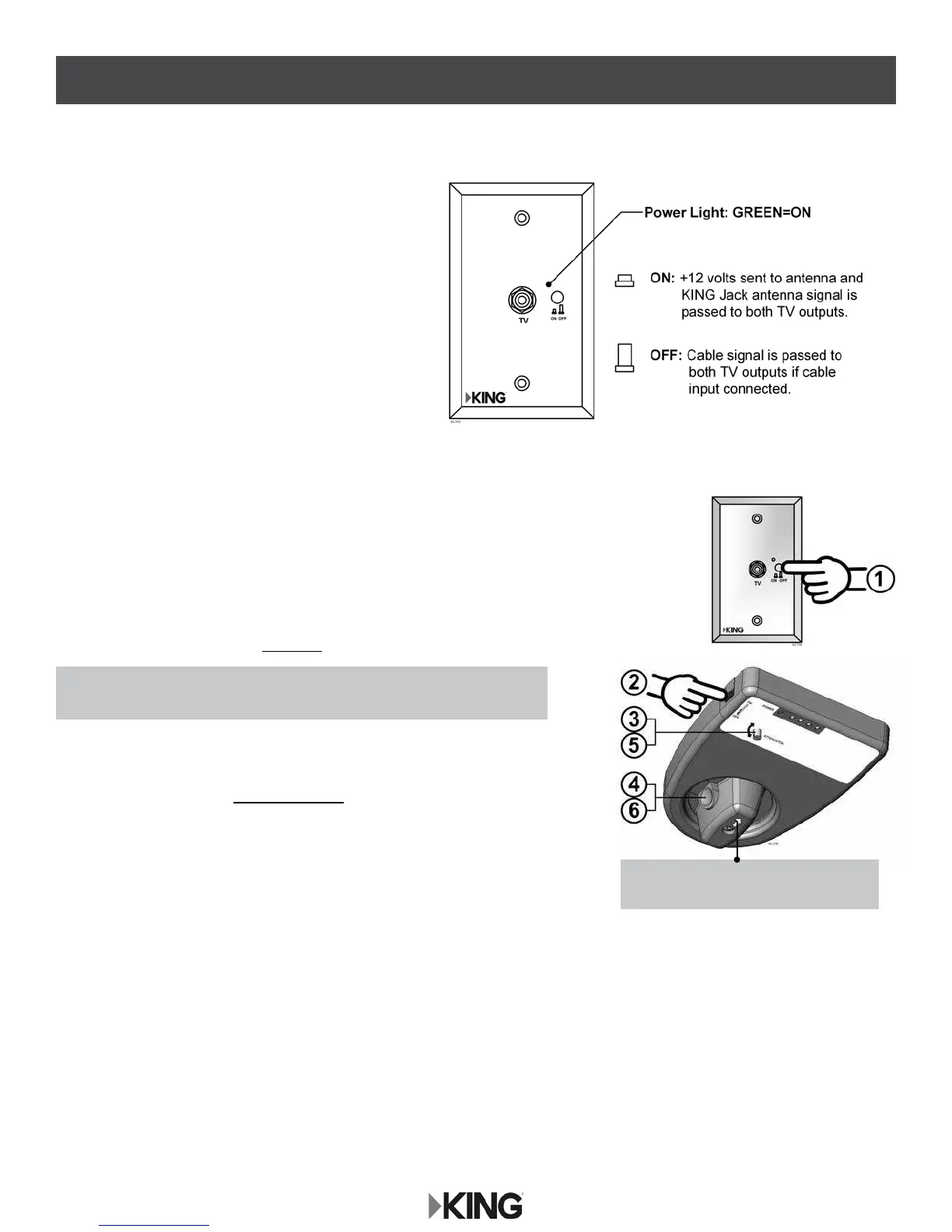
The wall mount Power Injector will switch between
cable feed and over-the-air signals from the
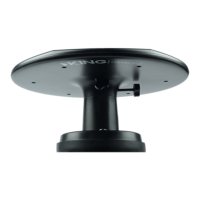
KING Jack antenna.
To use the Power Injector, simply turn the unit on with the
ON/OFF button. When on (button depressed), the power
light will turn green indicating +12 volts to the antenna,
and the over-the-air signal from the KING Jack antenna
will be fed to the two TV outputs.
When off, the cable TV signal will be fed to the two TV
outputs if wired for cable TV input.
POSITIONING THE ANTENNA
1. Turn on Power Injector (power is now supplied to the KING Jack antenna).
(Make sure TV is also on.)
2. Turn on KING SureLock Signal Meter with switch on side of rotational knob enclosure.
3. Rotate attenuator dial fully clockwise.
4. Depress button on rotational knob and rotate antenna
until maximum number of LED lights illuminate on signal meter.
5. Rotate attenuator dial counter clockwise until last illuminated LED light ickers.
6. Rotate antenna to illuminate last ickering LED light.
7. Repeat steps 5 and 6 to pinpoint signal reception.
8. Follow instructions for TV or converter box to scan for available channels.
NOTE: In step 4, LED lights will illuminate from left (next to power) to right.
All LED lights may not illuminate depending on signal strength.
NOTE: Arrow on knob indicates which
direction antenna is pointing.






 To Next Page