Page 5
Section 4 KING JACK OPERATION WITHOUT SURELOCK SIGNAL METER
OPERATION
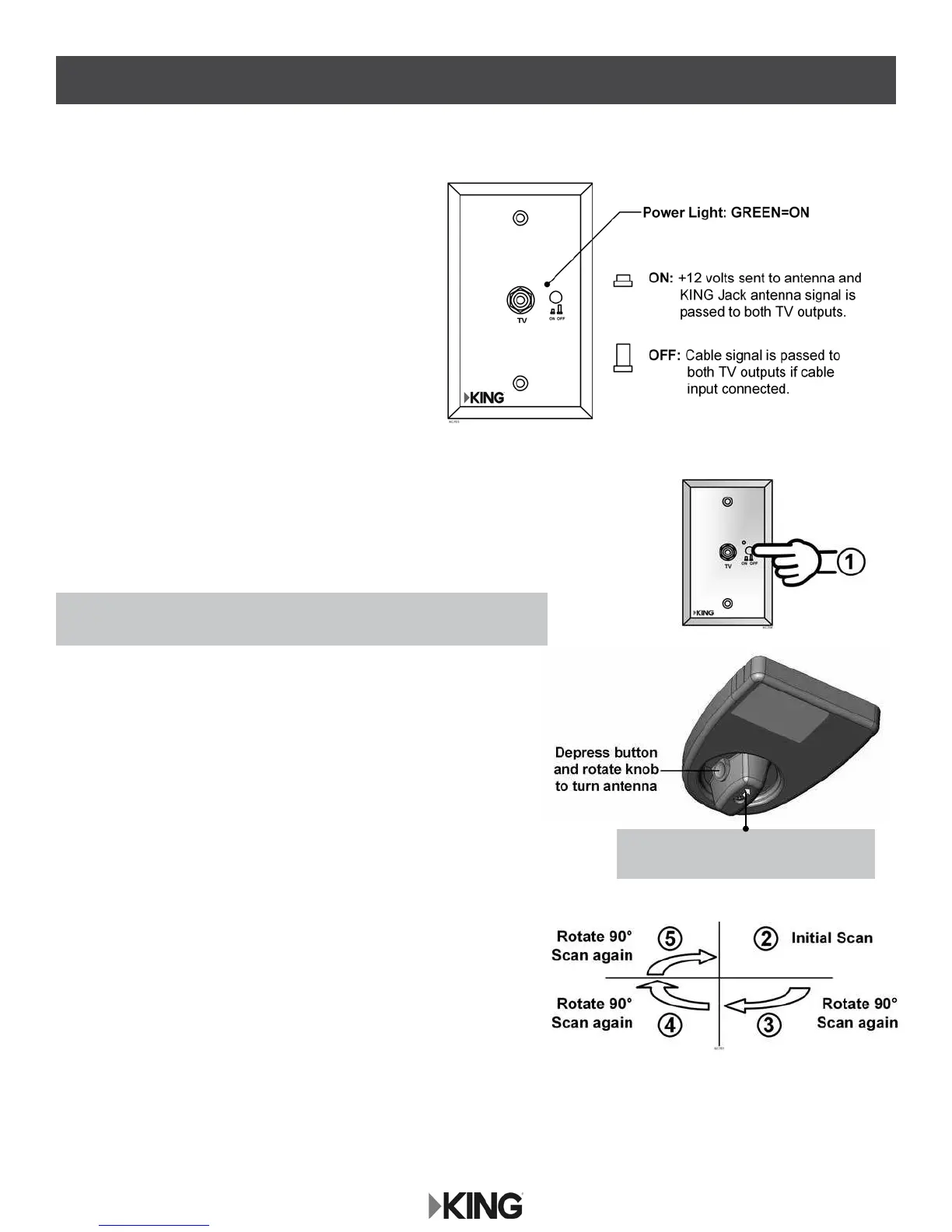
The wall mount Power Injector will switch between
cable feed and over-the-air signals from the
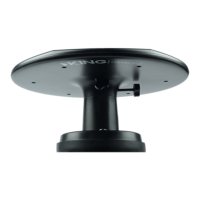
KING Jack antenna.
To use the Power Injector, simply turn the unit on with the
ON/OFF button. When on (button depressed), the power
light will turn green indicating +12 volts to the antenna,
and the over-the-air signal from the KING Jack antenna
will be fed to the two TV outputs.
When off, the cable TV signal will be fed to the two TV
outputs if wired for cable TV input.
POSITIONING THE ANTENNA
1. Turn on Power Injector (power is now supplied to the KING Jack antenna).
(Make sure TV is also on.)
2. Perform an initial channel scan per the digital TV or digital TV
converter box manufacturer’s instructions.
3. Depress button on rotational knob and rotate antenna 90 degrees.
Scan again.
4. Depress button on rotational knob and rotate antenna 90 degrees.
Scan again.
5. Depress button on rotational knob and rotate antenna 90 degrees.
Scan again.
6. Reposition the KING Jack antenna to where you received the most
channels. Choose one of those channels on the TV.
7. Now monitor the signal strength screen and ne tune the
KING Jack until the highest signal strength is achieved.
8. Perform one nal scan.
NOTE: Arrow on knob indicates which
direction antenna is pointing.
NOTE: In steps 2-5, keep track of in which direction you received the most
channels when each scan is complete.







 To Next Page