EasyManua.ls Logo

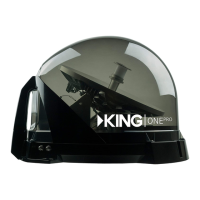
KING QUEST VQ4200 - Standard DISH Receiver Operation; Mobile Antenna Setup and Scanning

KING QUEST VQ4200
36 pages
Print Icon
To Next Page IconTo Next Page
To Previous Page IconTo Previous Page
Loading...
Page 14
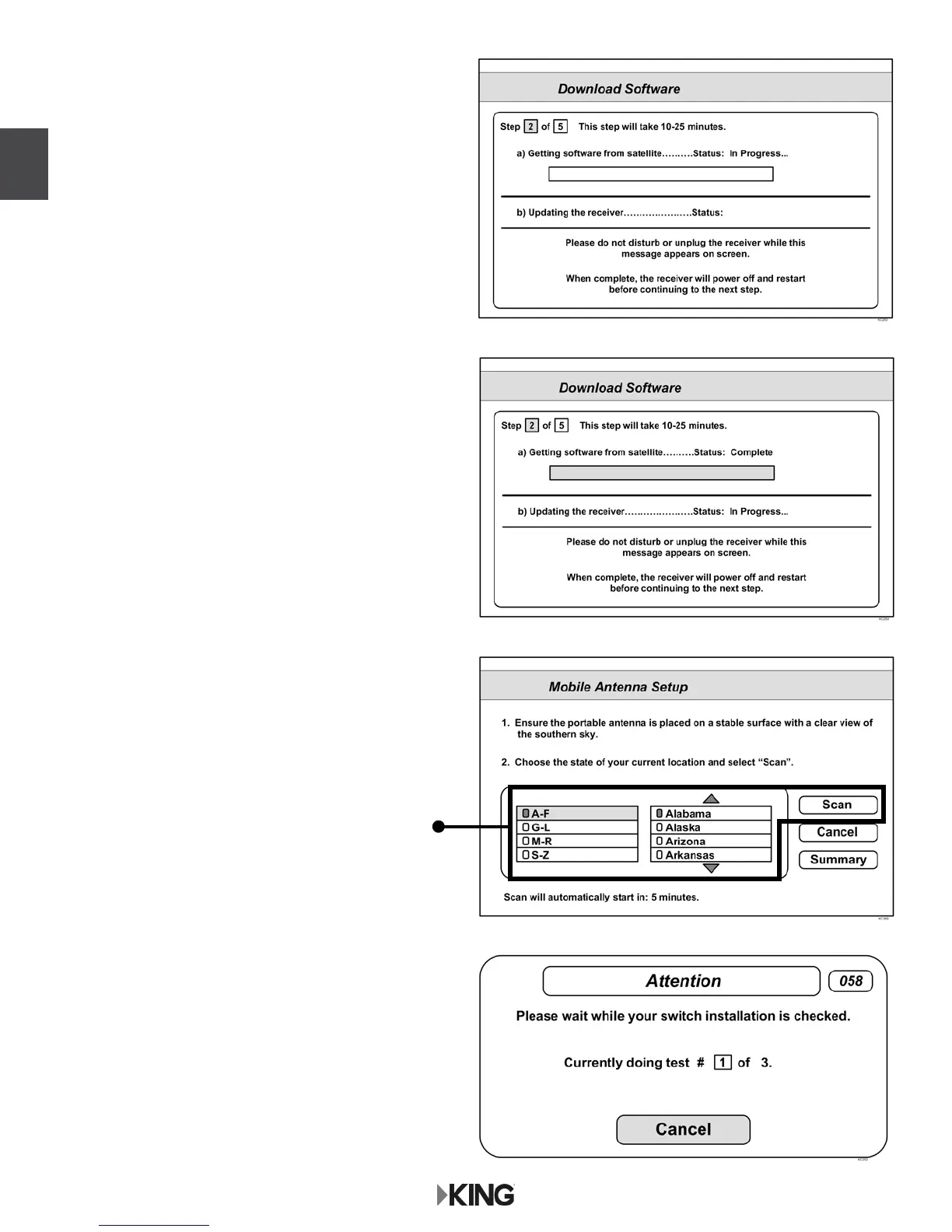
The receiver will download software
for the Custom User Interface.
This step may take 20-25 minutes.
5. The receiver will reset and the
Mobile Antenna Setup Screen will appear.
Repeat steps 2-4 to start a second scan.
The unit will scan a second time.
DISH

Other manuals for KING QUEST VQ4200

Related product manuals