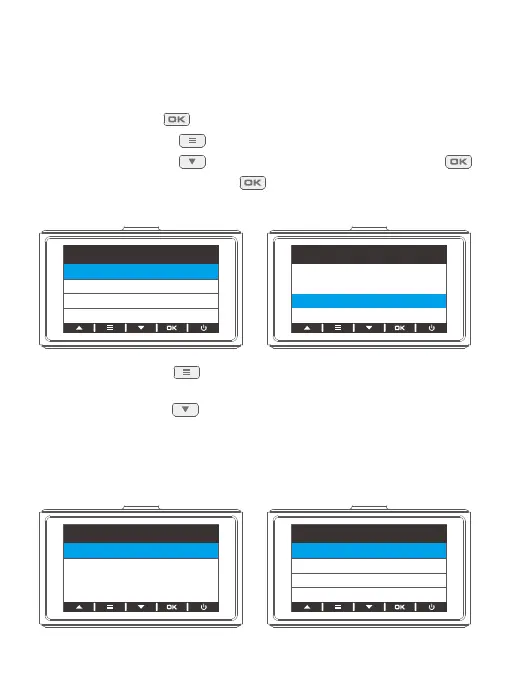
2.3 Formatting
Please format the memory in the camera before using this dash cam.
Tip: Do not remove or insert the memory card when the dash cam is turned on as
this may damage the card.
① Press the OK button to pause recording.
② Press the Setup button to enter the settings page.
③ Press the Down button to select Format, then press the OK button .
④ Select OK and press the OK button .
Once formatting is complete, it will automatically exit this page.
⑤ Press the Setup button to go back to the preview screen and start recording
automatically.
⑥ Press the Down button to switch display modes when the device is recording.
3. Time Zone Settings
Choose the time zone manually. The device will then display the time of the selected
time zone. Default Setting is Off.
Cancel
OK
All data will be
deleted
Setup
Format
Default Setting
Version
Time Zone Select
Format
GMT+ 02:00
GMT+ 01:00
GMT+ 03:00
GMT
Setup
Time Zone Select
Format
01 02 03 04 05 06
07 08 09 10 11 12 13
14 15 16 17 18 19
20
21 22 23 24 25 26 27
28 29 30 31 32 33



 To Next Page