2. Kingslim APP playback
2.1 APP Download
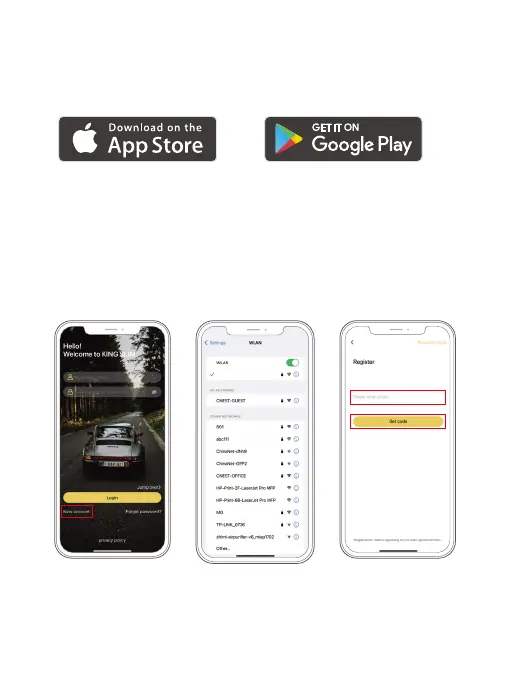
Download the Kingslim APP on the App Store or Google Play.
2.2 Connect to Kingslim APP
① Stop video recording on the dash cam.
② After pausing video recording, long press the Down button to enter the Wifi
mode (once you quit, the Wifi will be disconnected.)
③ Go to your smartphone’s Wifi settings, search for the same Wifi SSID name
displayed on the screen, and enter the password 12345678 for connection.
④ Open the Kingslim APP, tap the “New Account” icon, enter your email and get
the verification code for login.
D2 PRO_
****
01 02 03 04 05 06
07 08 09 10 11 12 13
14 15 16 17 18 19 20
21
22 23 24 25 26 27
28 29 30 31 32 33



 To Next Page