Chapter 3 Error Correction 3-14
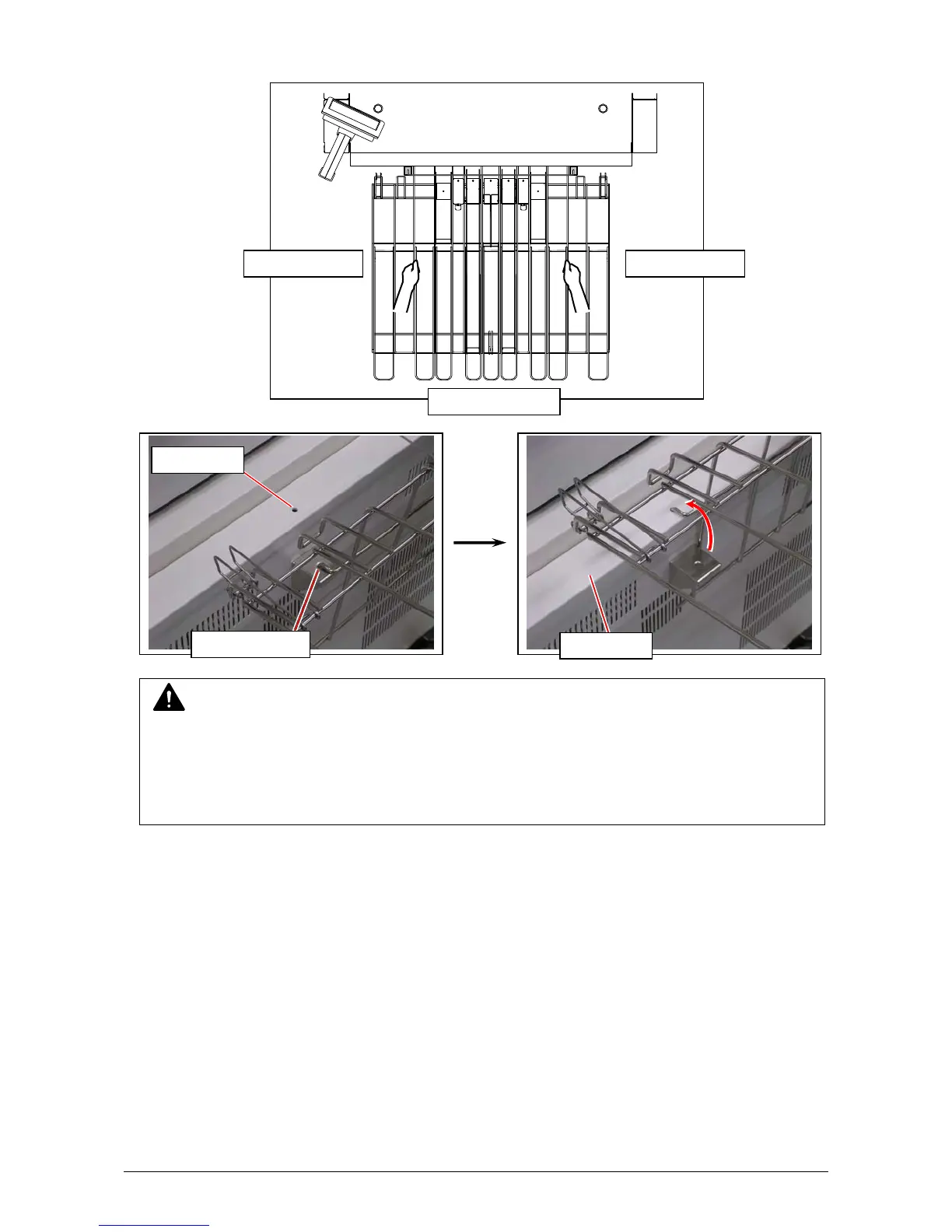
12. Hold the thick wire parts of the tray and insert the hook parts at the “lock position” on the top
face of the printer’s rear beam.
NOTE
(1) Do not hold a thinner wire to carry the entire tray.
(2) Ejected prints will be stacked incorrectly on Print Tray until you move it from “release
position” to “lock position”.
Lock Position
Release Position
Hold the thick wire Hold the thick wire
Lift u
the entire tra
rear beam



 To Next Page