14
INSTALLATION
OPERATION
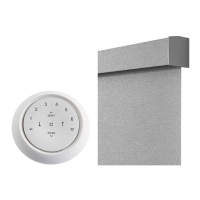
Top-Down / Bottom-Up and Day/Night Shades
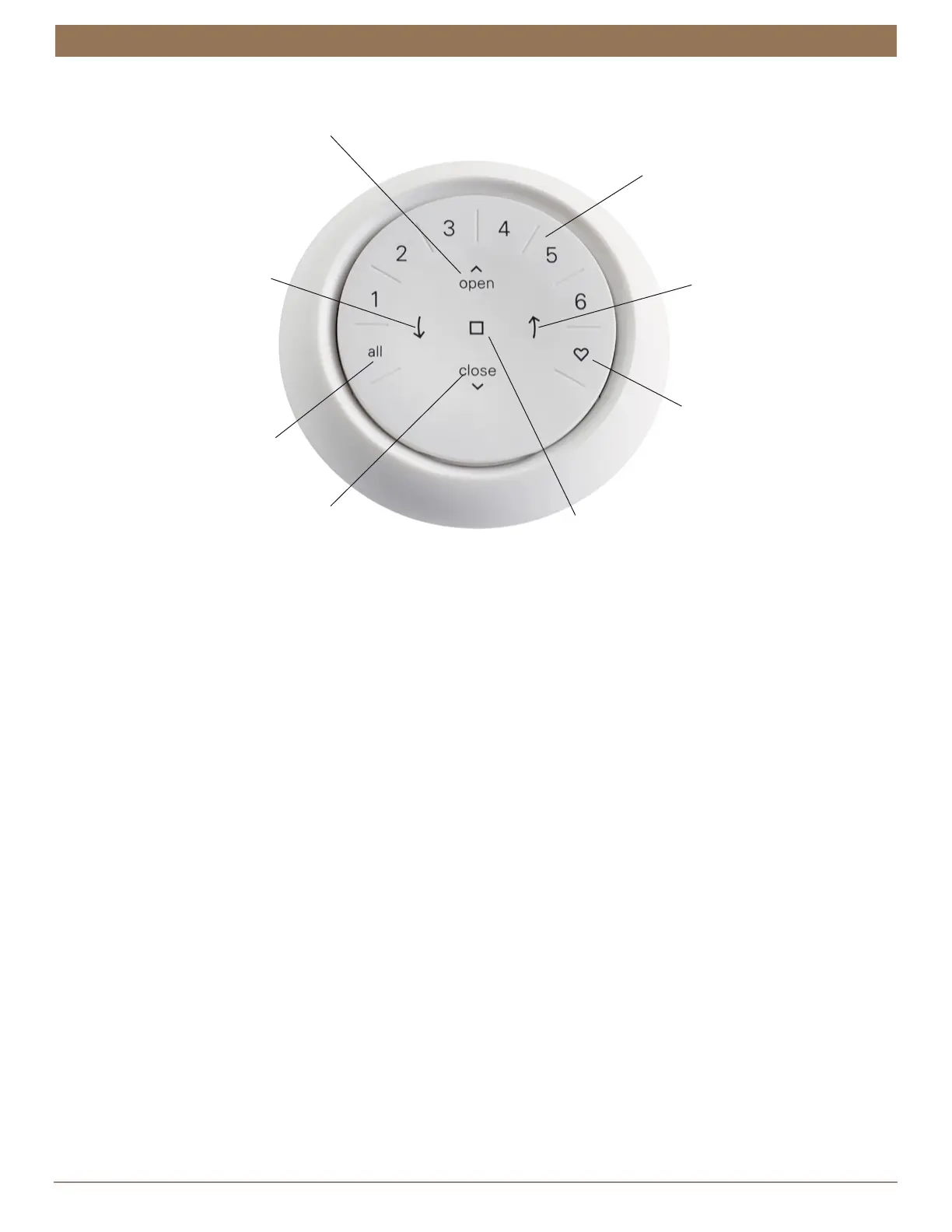
OPEN
LEFT ARROW
RIGHT ARROW
STOP
- Stops motion
FAVORITE
- Press once to send
shade(s) to your first
Favorite position*
GROUP NUMBERS
Each number represents
a different group
- Press once to raise the
bottom and middle rails
and open the shade(s)
from the bottom-up
- Quickly press twice to
raise the bottom rail***
CLOSE
- Press once to lower
the bottom rail and
raise the middle rail,
closing the shades
- Quickly press twice to
lower the bottom rail***
- Press once to lower the
bottom and middle rails,
opening the shade(s)
from the top-down
- Quickly press twice to
lower the middle rail****
- Press once to raise
the middle rail and
close the shade(s)
- Quickly press twice to
raise the middle rail****
- Quickly press twice to
send shade(s) to your
second Favorite position**
*The default first Favorite position is the shade(s) at 50% open.
**Both Favorite positions can be updated in the Automation App > Shade Settings.
***The middle rail will stay in its current position.
****The bottom rail will stay in its current position.
ALL
- Press to select
all groups



 To Next Page