5/12
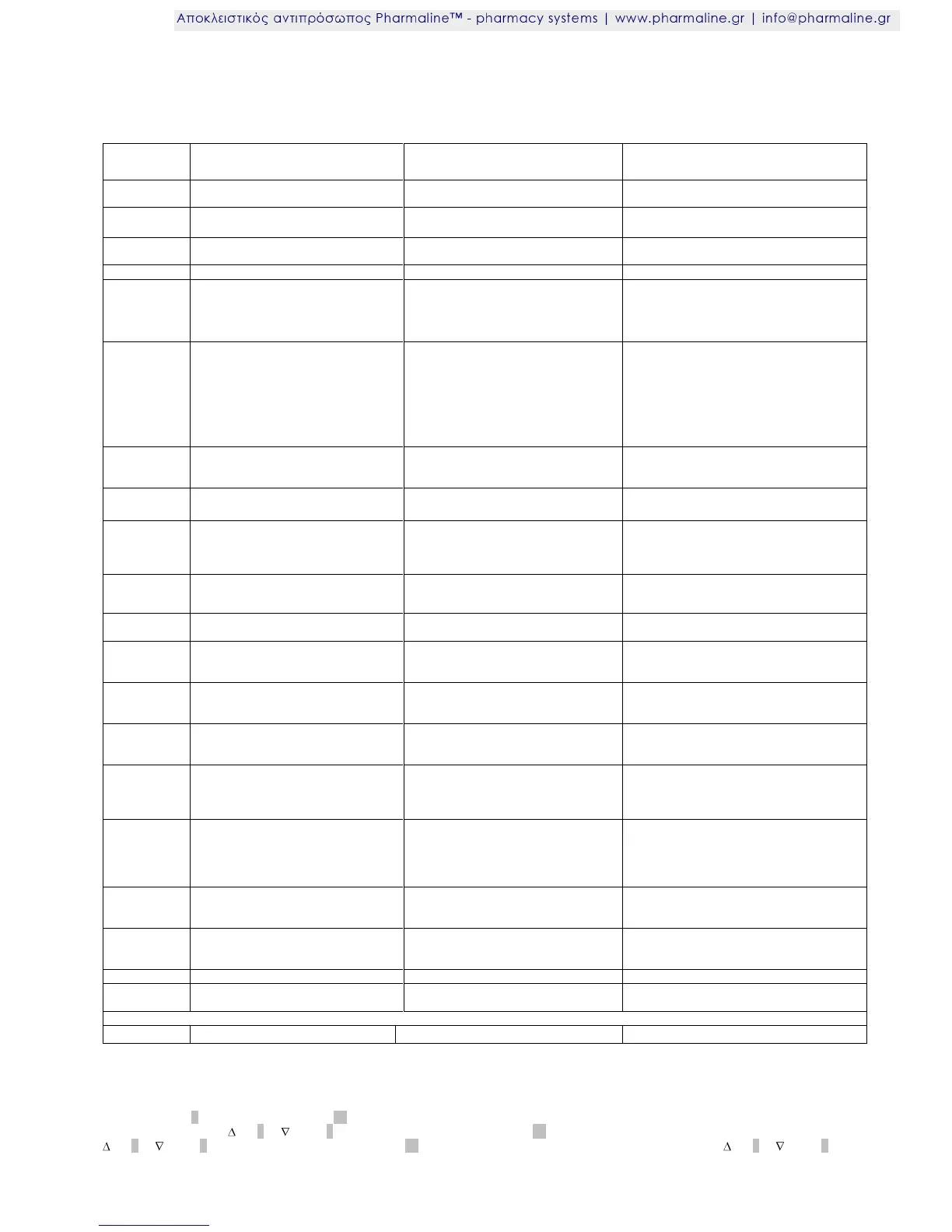
Fault and status messages (extract from the operating manual)
Fault messages are displayed alternating with the current temperature. If several faults have occurred, these are
displayed in succession.
Appliance connected to the mains
supply, regulator on stand-by
Switch the appliance on, turn key switch to
position 1
Flashing: defrosting necessary
On: defrosting process active
Flashing: Requirement
On: high air humidity activated
Fan stops when door is opened
Fan on permanently
Temperature above warning threshold
A1
High temperature alarm (poss. too
many articles to be cooled added at
once or door left open too long)
Observe whether the state returns to normal
quickly, if not there is a technical problem
Temperature below warning threshold
A2
Low temperature alarm, safety device is
triggered, monitoring circuit has
switched off the refrigerator (can occur if
the door has been open for somewhat
longer and the appliance has to be
cooled down considerably.
Observe whether the state returns to normal
quickly, if not there is a technical problem
Fault cold store sensor,
break or short-circuit
Cold regulator works in emergency
program mode
Fault evaporator sensor,
break or short-circuit
Cold regulator works normally, defrost-
ing time is limited
Fault monitoring sensor 1,
break or short-circuit
Cold regulator continues to work,
monitoring circuit has no temperature
control
Door open for longer than 60 seconds
Fault during self-test by cooling regula-
tor
monitoring circuit takes over tempera-
ture control
Loss of data in parameter memory
Cooling regulator switches off,
monitoring circuit takes over tempera-
ture control
Fault during self-test by operating
panel
Cooling regulator and monitoring circuit
are working, buzzer and alarm relay in
the monitoring circuit are on
Loss of data in the parameter memory
of the operating panel
Cooling regulator switches off,
monitoring circuit takes over tempera-
ture control
Fault during self-test in the monitoring
circuit
Cooling regulator is active
Monitoring circuit triggers alarm but
does not intervene in temperature
regulation
Loss of data in the parameter memory
of the monitoring circuit
Cooling regulator is active
Monitoring circuit triggers alarm but
does not intervene in temperature
regulation
Loss of data in data store
Cooling regulator is active
Monitoring circuit triggers alarm, no data
recorded
Check the cable connecting the operating
panel and the control board, otherwise re-
place the control unit
Replace battery pack or check connection
No cooling, alarm triggered, remote
warning contact triggered
Set time on fridge controller (Option):
Turn Key Switch 1 to “P”. Press “Set” button 12 twice and current set time will be displayed (for 3 seconds).
Adjust time by pressing Up 3 or Down 8 key as necessary. Press “Set” button 12 to confirm time and move to date setting. Adjust date with
Up 3 or Down 8 key as necessary. Press “Set” button 12 to confirm time and move to year setting. Adjust year with Up 3 or Down 8 key
as necessary









 To Next Page