6/12
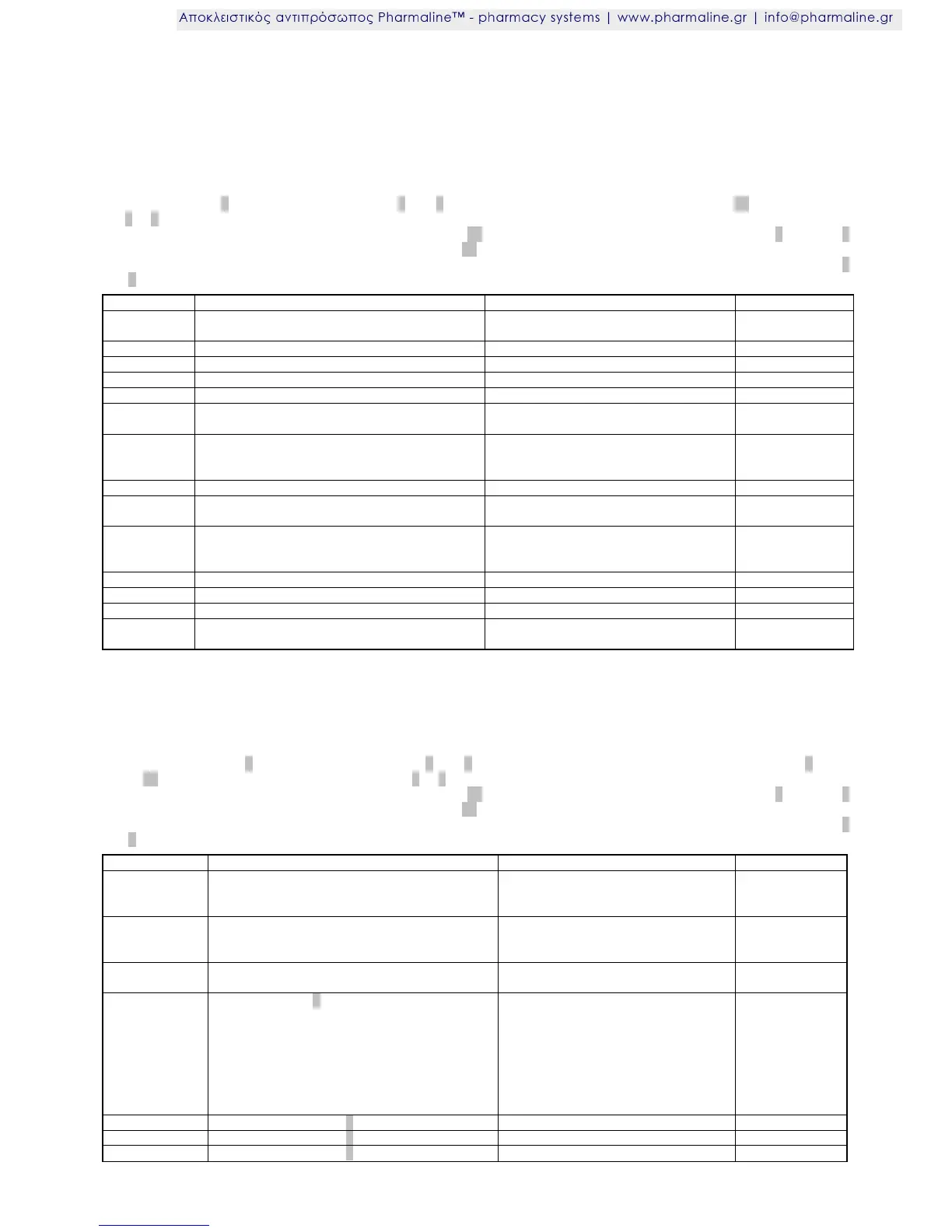
Parameter description
The following values can change the appliance characteristics.
For this reason, any adjustments must be made with the greatest care.
Parameter list PA0
Access: Key switch 1 to position P, press buttons 3 and 8 simultaneously for 4 seconds, then press button 12 briefly. Now but-
ton 3 or 8 can be used to scroll through the parameter list.
The value of the parameter selected is displayed when button 12 is pressed. It can be adjusted by pressing button 3 or button 8
in addition. The new value is stored immediately when button 12 is released.
The value is automatically reset to the original value if no key is pressed for 45 seconds or by simultaneously pressing buttons 3
and 8 for approx. 4 seconds.
0: no automatic defrosting
1 ... 99 hours
Stop at defrosting temperature
Actual value cold store sensor F1
Actual value evaporator sensor F2, if available
Actual value monitoring sensor F3, undelayed
Actual value monitoring sensor F4, undelayed, if
available
Correction / comparison of cold store sensor (the
evaporator sensor is compared with the same
value)
Correction/comparison of monitoring sensor
Actual value of battery voltage (with optional
battery pack)
-1 = detect automatically
1 = yes
0 = no
0: delayed display sensor F3
1 – 4*
If a clock module is not installed, the display will show 1.1.2001 0:00 and cannot be changed.
*The parameter H0 offers the possibility of displaying the value for a certain sensor for 5 minutes. Then the display returns
automatically to normal again. Enter a 1 for sensor F1, a 2 for sensor F2 and a 3 for sensor F3.
Parameter list PA1 (operating/display unit)
Access: Set key switch 1 to position P, press buttons 3 and 8 simultaneously for 4 seconds, select PA1 using button 3, keep
button 12 pressed and set -7 (minus 7).
Now button 3 or 8 can be used to scroll through the parameter list.
The value of the parameter selected is displayed when button 12 is pressed. It can be adjusted by pressing button 3 or button 8
in addition. The new value is stored immediately when button 12 is released.
The value is automatically reset to the original value if no key is pressed for 45 seconds or by simultaneously pressing buttons 3
and 8 for approx. 4 seconds.
1: OFF
2: AUS
3: right DP
0: whole number
1: rounded to 0.5
2: 0,1
Functional button 2 (press button briefly)
0: No function
1: Light
2: Humidity
3: Superfrost
4: Defrost
5: Humidity, key switch "P"
6: Superfrost, key switch "P"
7: Defrost, key switch "P"
Press functional button 7 briefly
Press functional button 2 for approx. 4 sec
Press functional button 7 for approx. 4 sec









 To Next Page