8/12
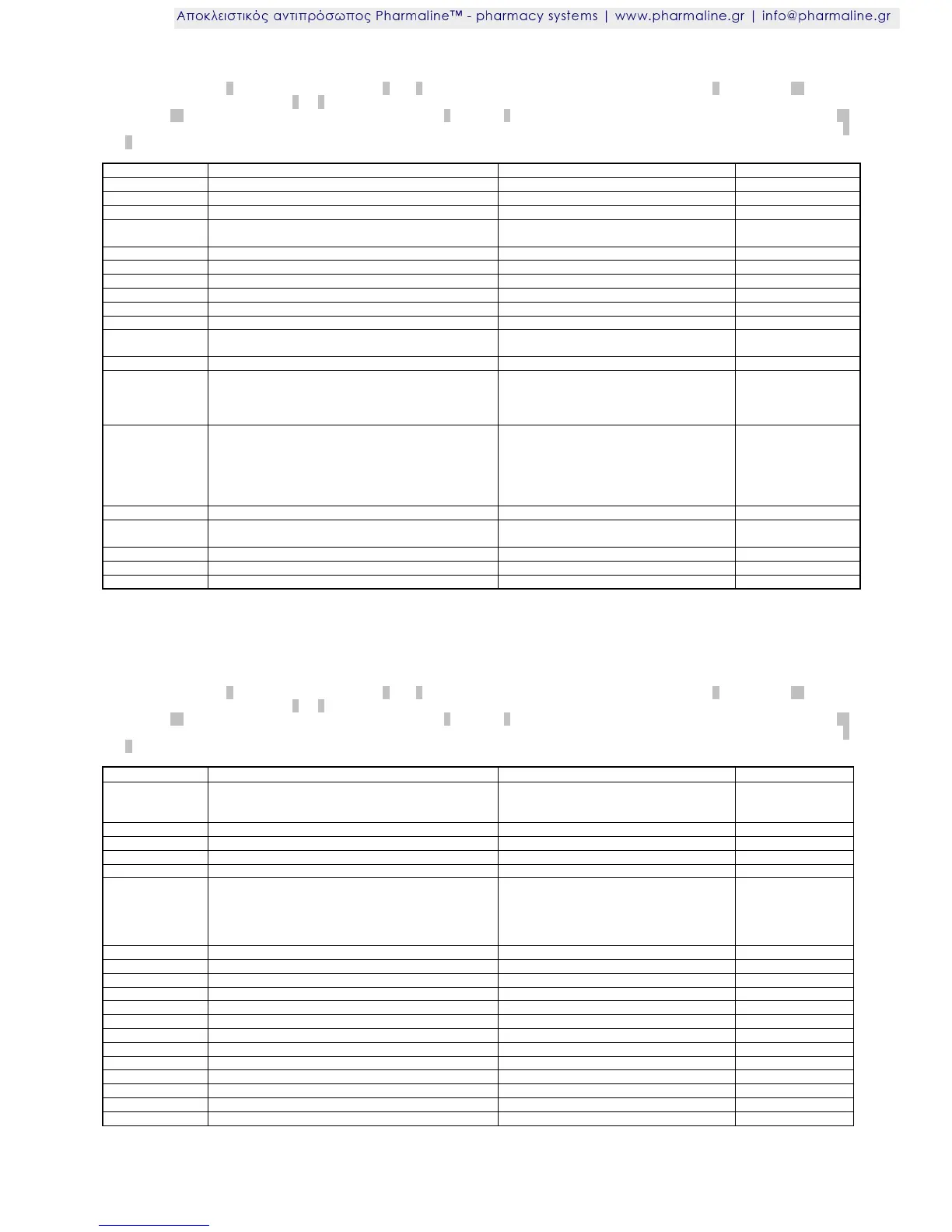
Parameter list PA3 (monitoring circuit)
Access: Set key switch 1 to position P, press buttons 3 and 8 simultaneously for 4 seconds, select PA3 using button 3, keep button 12 pressed
and set -7 (minus 7).
Now button 3 or 8 can be used to scroll through the parameter list. The value of the parameter selected is displayed
when button 12 is pressed. It can be adjusted by pressing button 3 or button 8 in addition. The new value is stored immediately when button 12
is released. The value is automatically reset to the original value if no key is pressed for 45 seconds or by simultaneously pressing buttons 3
and 8 for approx. 4 seconds.
1: one-sided, absolute / 2: one-sided,
relative
Upper setting limit for warning thresholds
Lower setting limit for warning thresholds
Alarm suppression time after temperature alarm
Alarm suppression time after defrosting
Alarm suppression time after switch-on at the mains
Assignment analogue input
0: Sensor F3 / 1: Coupling F3/F4
Display delay, 0 = direct,
100 = full sample bottle, non-linear
Alarm suppression time for door open
0: No alarm / 1 … 300 sec.
Behaviour after independent stopping of temperature
alarm
0: Without buzzer, automatic deletion
1: With buzzer, automatic deletion
2: Without buzzer, with acknowledgement
3: With buzzer, with acknowledgement
Function buzzer and/or display in the operating unit in
the event of an alarm
(for temperature alarm see A14)
1: Display flashes
2: Buzzer only active
3: Display flashes and buzzer active
4: as 2., can be acknowledged
5: as 3., buzzer can be acknowledged
6: as 5., returns automatically after A16
Returning buzzer after acknowledgement
In the event of an operating fault, alarm repetition,
internal buzzer after reset through mains off
Memory time interval, (optional data memory)
Parameter list PA5 (clock)
Access: Set key switch 1 to position P, press buttons 3 and 8 simultaneously for 4 seconds, select PA5 using button 3, keep button 12 pressed
and set -7 (minus 7).
Now button 3 or 8 can be used to scroll through the parameter list. The value of the parameter selected is displayed
when button 12 is pressed. It can be adjusted by pressing button 3 or button 8 in addition. The new value is stored immediately when button 12
is released. The value is automatically reset to the original value if no key is pressed for 45 seconds or by simultaneously pressing buttons 3
and 8 for approx. 4 seconds.
-1: Automatic setting
0: Switched off
1: Available
0: Without function / 1: Start defrosting
Switching day/days for r11
0: Mon - Sun (every day)
1: Mon - Fri (weekdays)
2: Sat - Sun (weekends)
3: Mon
4: Tues, etc.
Switching day/days for r21
Switching day/days for r31
Switching day/days for r41
Switching day/days for r51









 To Next Page