6.2.3 Adjusting the humidity
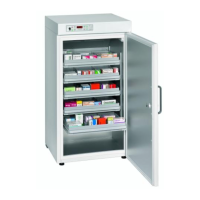
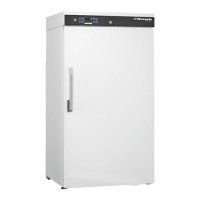
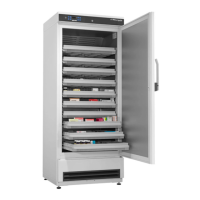
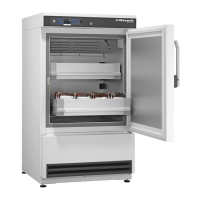
MED 288 PRO-ACTIVE MED 288 ULTIMATE
MED 340 PRO-ACTIVE MED 340 ULTIMATE
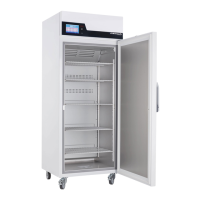
MED 468 PRO-ACTIVE MED 468 ULTIMATE
MED 520 PRO-ACTIVE MED 520 ULTIMATE
MED 520 CR PRO-ACTIVE MED 520 CR ULTIMATE
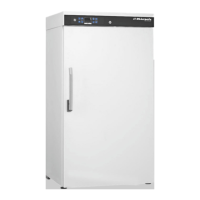
MED 600 PRO-ACTIVE
MED 720 PRO-ACTIVE MED 720 ULTIMATE
Two humidity levels are available for the interior of the unit:
high humidity - approx. 90%
low humidity - approx. 65%
If the “high humidity” setting is selected, the recircu-
lating blower in the interior is constantly in operation
and is switched off only when the door is opened. If the
“low humidity” setting is selected, the blower switches
off briefly each time the cooling machine stops.
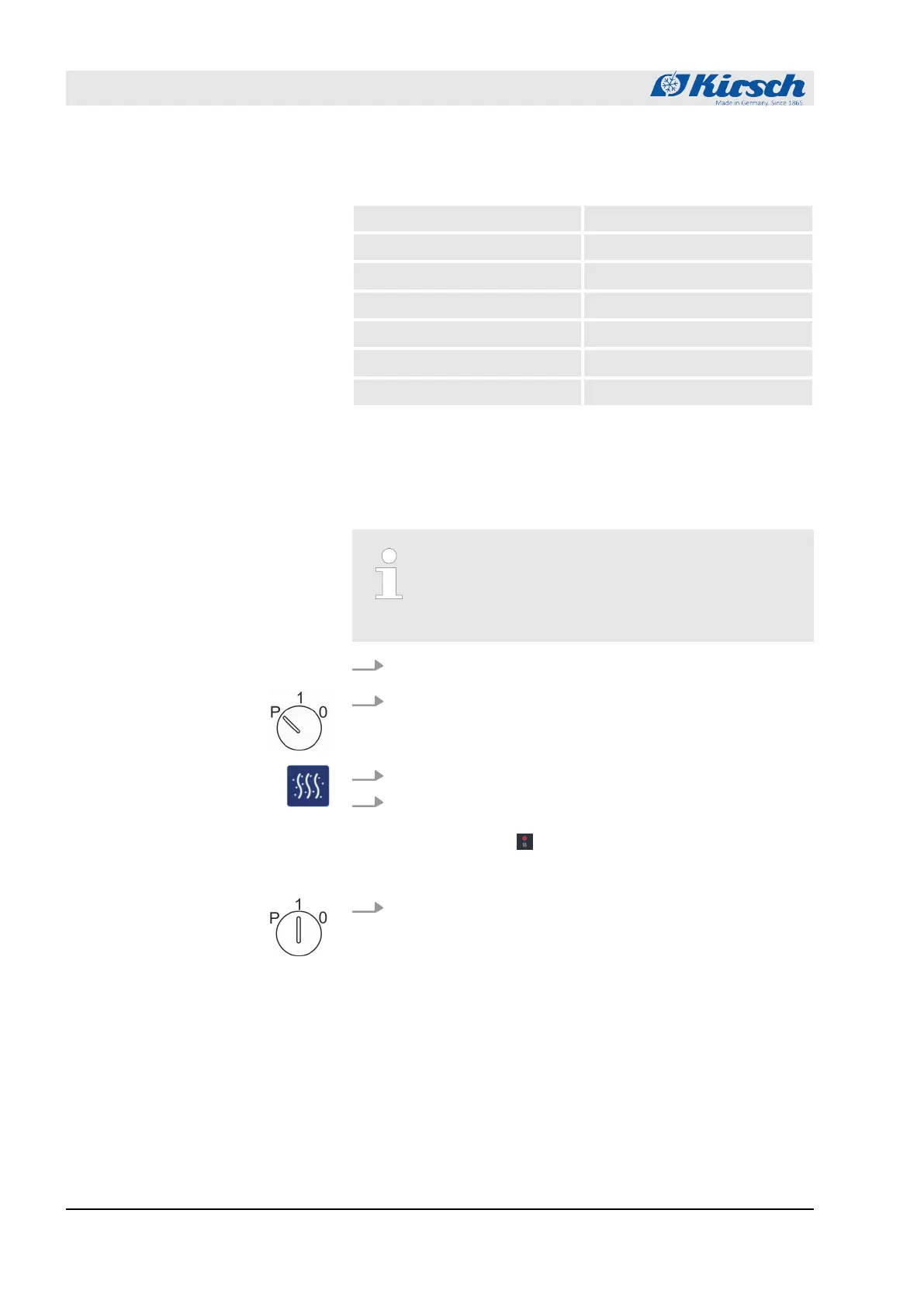
1. Insert the unit key in the key switch.
2. Turn unit key to position “P”.
3. Press button [Humidity] and hold it for at least for 4 seconds.
4. Select humidity.
ð
As soon as you have selected “high humidity”, LED dis-
play lights up. .
After you select “low humidity”, the LED display goes out.
5. Turn unit key to position “1”.
Overview of units with adjustable
humidity
Adjusting the humidity
Commissioning
Programming the unit > Adjusting the humidity
23.05.2023Refrigerator/freezer MED series42



 To Next Page