MODULARM
®
75LC MULTI-MONITOR | OPERATING MANUAL
This document contains confidential information. Dissemination, publication, copying, or duplication of this document or software described herein without prior written authorization is strictly prohibited.
Page 9 of 24
THERE ARE TWO OPTIONS FOR CONTROLLING LIGHTS:
Patented Timed Lighting with AutoPanic (default)
• Open door to turn lights on
• When door is closed, the lights-off and AutoPanic timers activate
•
The IP-1 beeps and blinks for 40-seconds
•
Press the IP-1 within 40-seconds to:
•
“Check in” and keep the lights on for as long as the door remains closed
•
Lock out the 75LC “Light” button and prevent the lights from being turned off from outside
the walk-in
•
Activate the 20-minute AutoPanic timer
•
If the IP-1 is not pressed within 40-seconds, the lights will turn off
• After 20-minutes, the IP-1 beeps and blinks again for 40-seconds
•
Press the IP-1 to “check in “ and restart the AutoPanic timer
•
The 20-minute alarm cycle will repeat for as long as a person remains in the walk-in without
opening the door
•
If the IP-1 is not pressed within 40-seconds, the 75LC will automatically sound a panic alarm
Untimed, Manual Light Control (replaces light switches)
• To turn lights on, press the “Light” button on the 75LC
• To turn lights off, press the “Light” button again
PRODUCT OPERATION
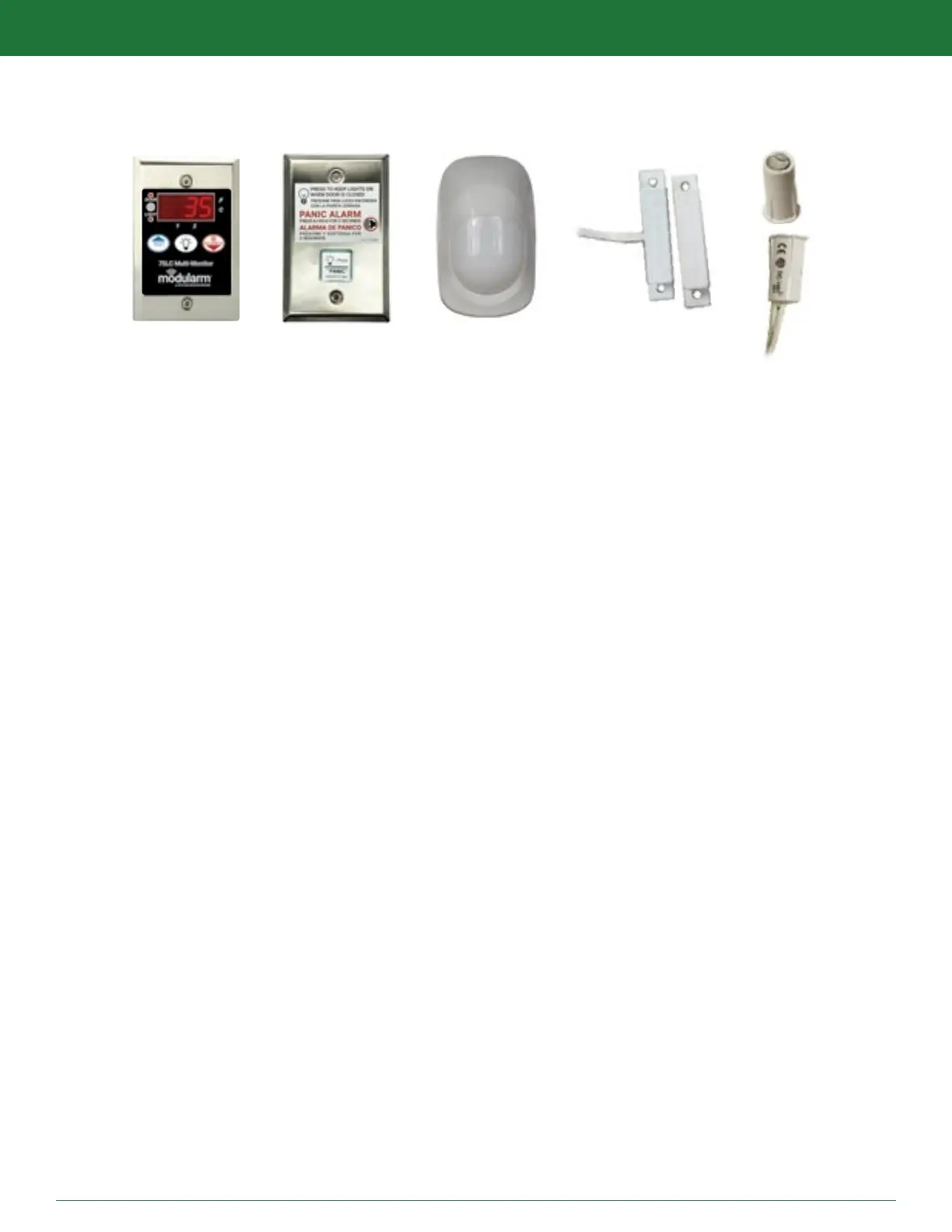
LIGHTING AND PANIC CONTROL OPERATION WITH IP-1, MC-1 AND MD-1 OR MD-1+2 INSTALLED
kitchenbrains.com
1-800-327-8766
OR


 To Next Page