14
PRODUCT USAGE
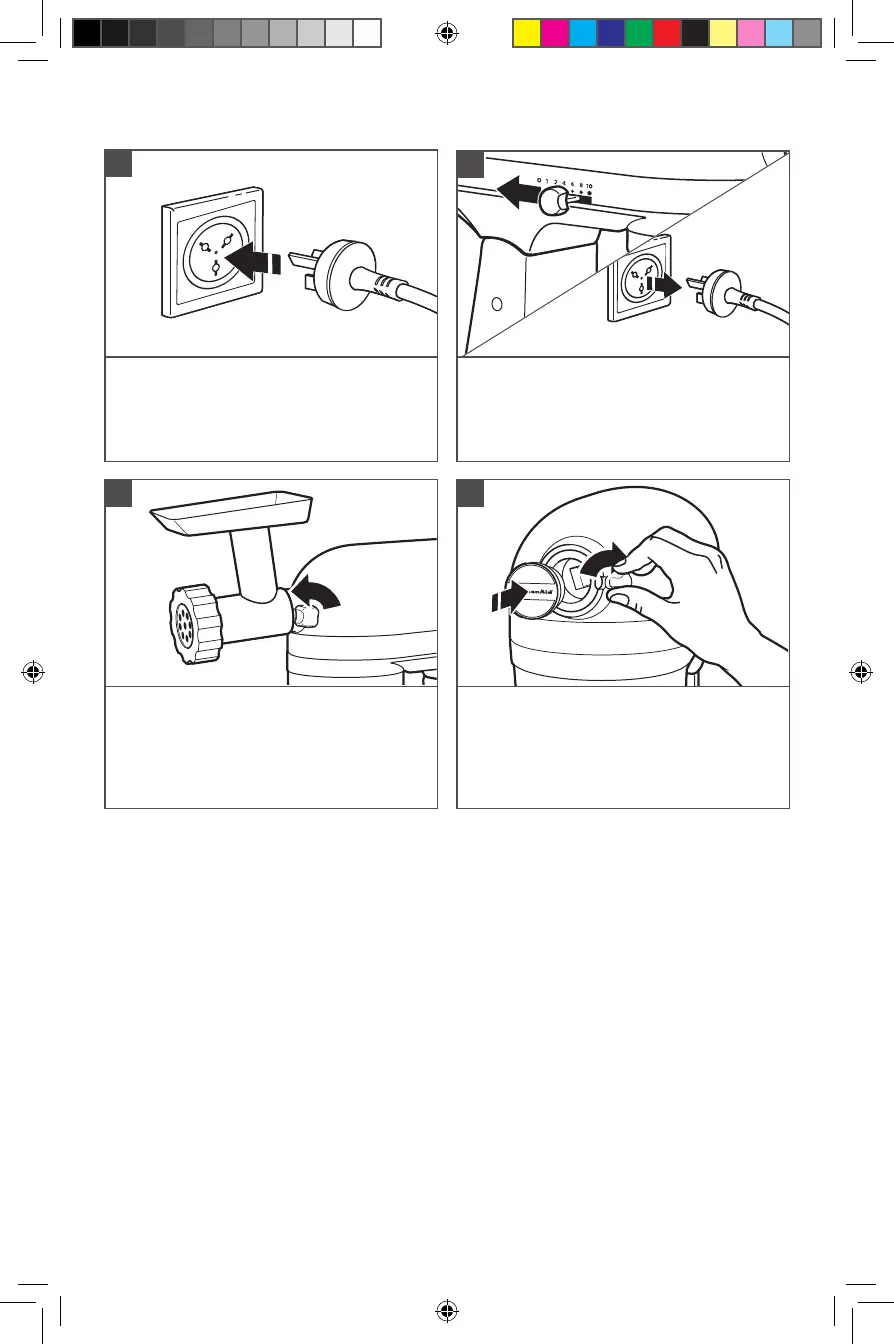
Plug into proper electrical outlet.
5
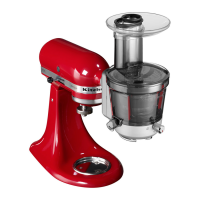
*Included with select models only. Also available as an optional accessory.
Loosen Attachment Knob by turning it
counterclockwise. Rotate attachment slightly
back and forth while pulling out.
7
Replace Attachment Hub cover. Tighten
attachment knob by turning it clockwise.
8
To remove: Turn Speed Control Lever
to off (0). Unplug Stand Mixer.
6
NOTE: See the Use and Care Guide of each specific attachment for recommended
speed settings and operating times.
W11658773A.indb 14W11658773A.indb 14 4/13/2023 4:56:10 PM4/13/2023 4:56:10 PM



 To Next Page