3-7
Manually Lighting the Rotisserie
Burner
1. Do not lean over the grill.
2. Remove the manual lighting extension (see
following illustration) and attach a match
to the split ring.
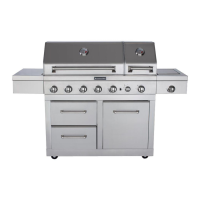
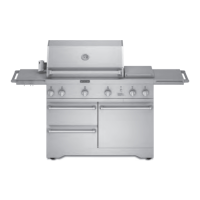
Freestanding grills - right-
hand cabinet door
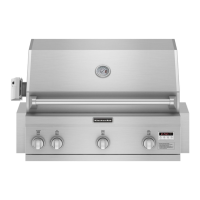
Built-in grills - right-hand side
ange
3. Strike the match to light it.
4. Gently hold the lit match close to the rotis-
serie burner.
A. Lighting extension
B. Rotisserie burner
A
5. Push in and turn the control knob to LITE/
HI. Hold this knob in for 10 seconds after
the burner is lit.
IMPORTANT: If the rotisserie burner does
not light immediately, turn the rotisserie
burner control knob to “OFF” and wait 5
minutes before relighting.
6. Remove the match and replace the man-
ual lighting extension inside the cabinet
drawer.
USING YOUR WARMING DRAWER
Freestanding Ultima Outdoor Grills Only
Control Panel
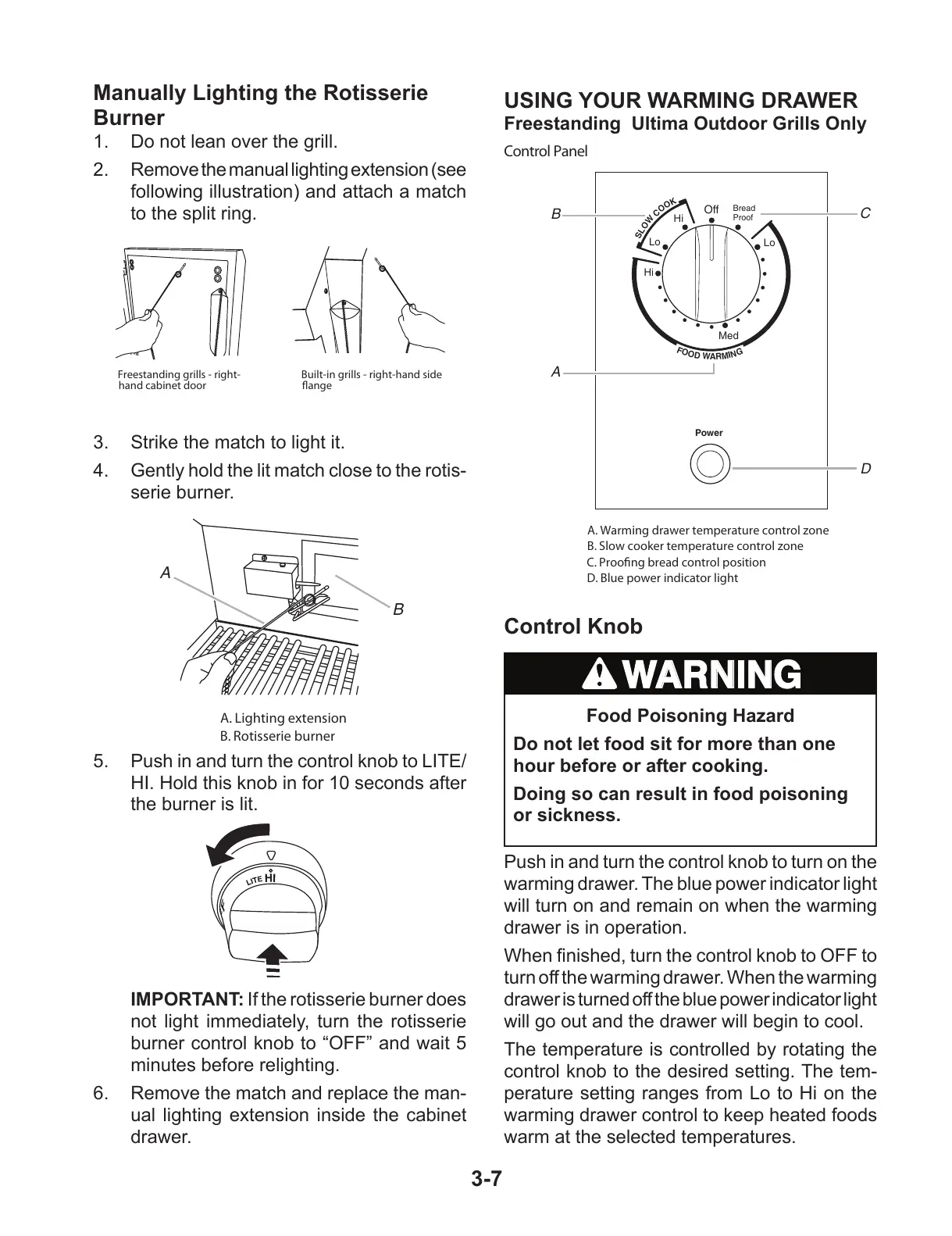
A. Warming drawer temperature control zone
B. Slow cooker temperature control zone
C. Proong bread control position
D. Blue power indicator light
S
L
O
W
C
O
O
K
Bread
Proof
Lo
Lo
Hi
Hi
Med
Off
F
O
O
D
W
A
R
M
I
N
G
Power
A
B
C
D
Control Knob
Food Poisoning Hazard
Do not let food sit for more than one
hour before or after cooking.
Doing so can result in food poisoning
or sickness.
Push in and turn the control knob to turn on the
warming drawer. The blue power indicator light
will turn on and remain on when the warming
drawer is in operation.
When nished, turn the control knob to OFF to
turn off the warming drawer. When the warming
drawer is turned off the blue power indicator light
will go out and the drawer will begin to cool.
The temperature is controlled by rotating the
control knob to the desired setting. The tem-
perature setting ranges from Lo to Hi on the
warming drawer control to keep heated foods
warm at the selected temperatures.
All manuals and user guides at all-guides.com



 To Next Page