8
FLASH THE ZIP LEDs
2
STEP 1: Put batteries into the Servo:Lite PCB, and turn it on.
STEP 2: Connect it to a computer using a micro-USB cable.
STEP 3: Bring up MakeCode Blocks Editor (makecode.microbit.org).
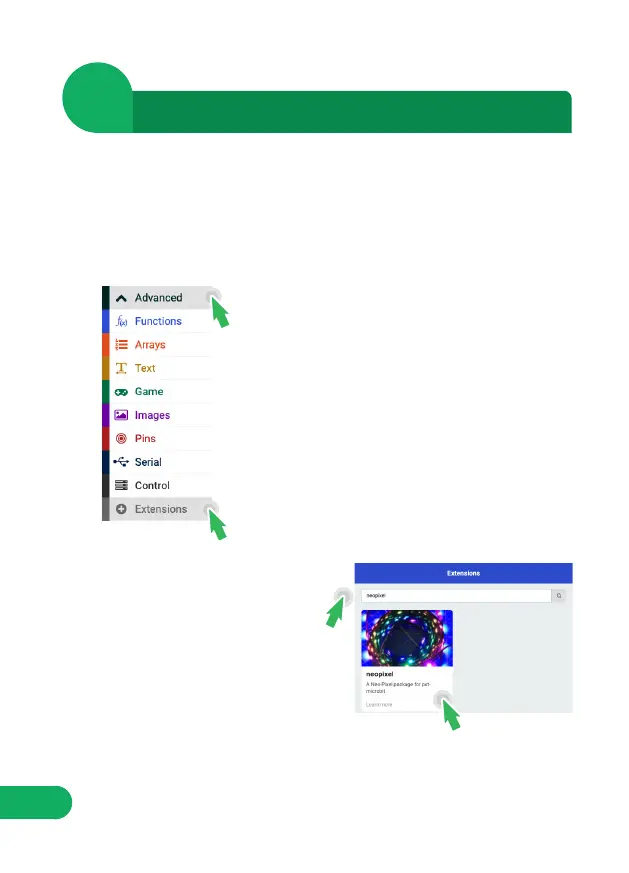
STEP 6: In the search bar type
‘neopixel’, then select the ‘neopixel’
box.
STEP 4: In the toolbox towards the left of the
screen, select the ‘Advanced’ section.
Additional packages should appear below.
NOTE: This will load a set of blocks compatible with Kitronik’s ZIP LEDs,
which makes them really easy to code!
NOTE: Kitronik’s ZIP LEDs are compatible with Adafruit’s Neopixels.
STEP 5: Select ‘Extensions’.

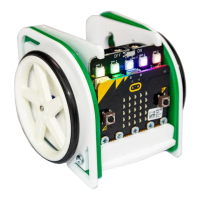

 To Next Page