24 25
Appleappleviewer(Figure4)
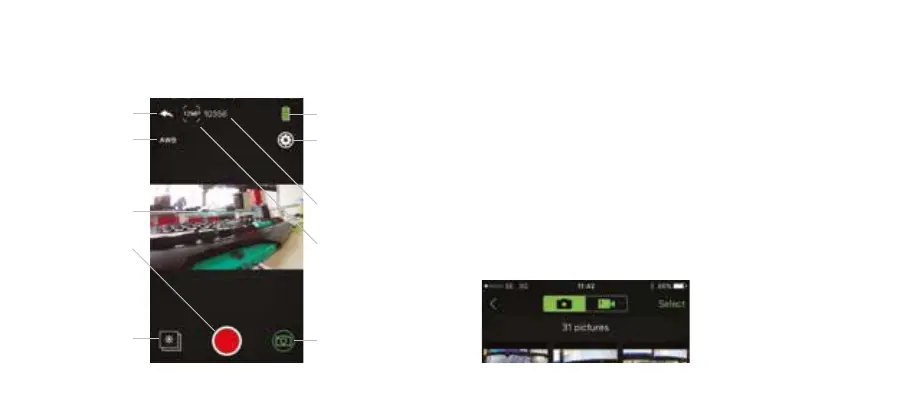
Camera battery
indicator
Remaining photos
available on storage
Change camera
settings
Live feed from camera
Press to switch
between modes
Take a photo
File viewer
Change white balance
Change photo
resolution
Return to home screen
Using Wi-Fi for photo capture Using Wi-Fi for le playback
1. PresstheleviewericonineitherVideoorPhotomodeto
enterthelegallery.
2. On Apple devices, use the top toggle bar to switch between
photo gallery and video gallery. On Android devices, photo
andvideoleswillbedisplayedinonegallery,videoswillhave
a video icon in the bottom left of the thumbnail.
3. Toviewaphotosimplyselectaphotoleanditwillbe
expandedtollthescreen.
4. Toviewavideoleyouwillrsthavetodownloadtheleto
your device as the application doesn’t support video
streaming, follow the download steps below.
Apple App photo screen (Figure 3)



 To Next Page