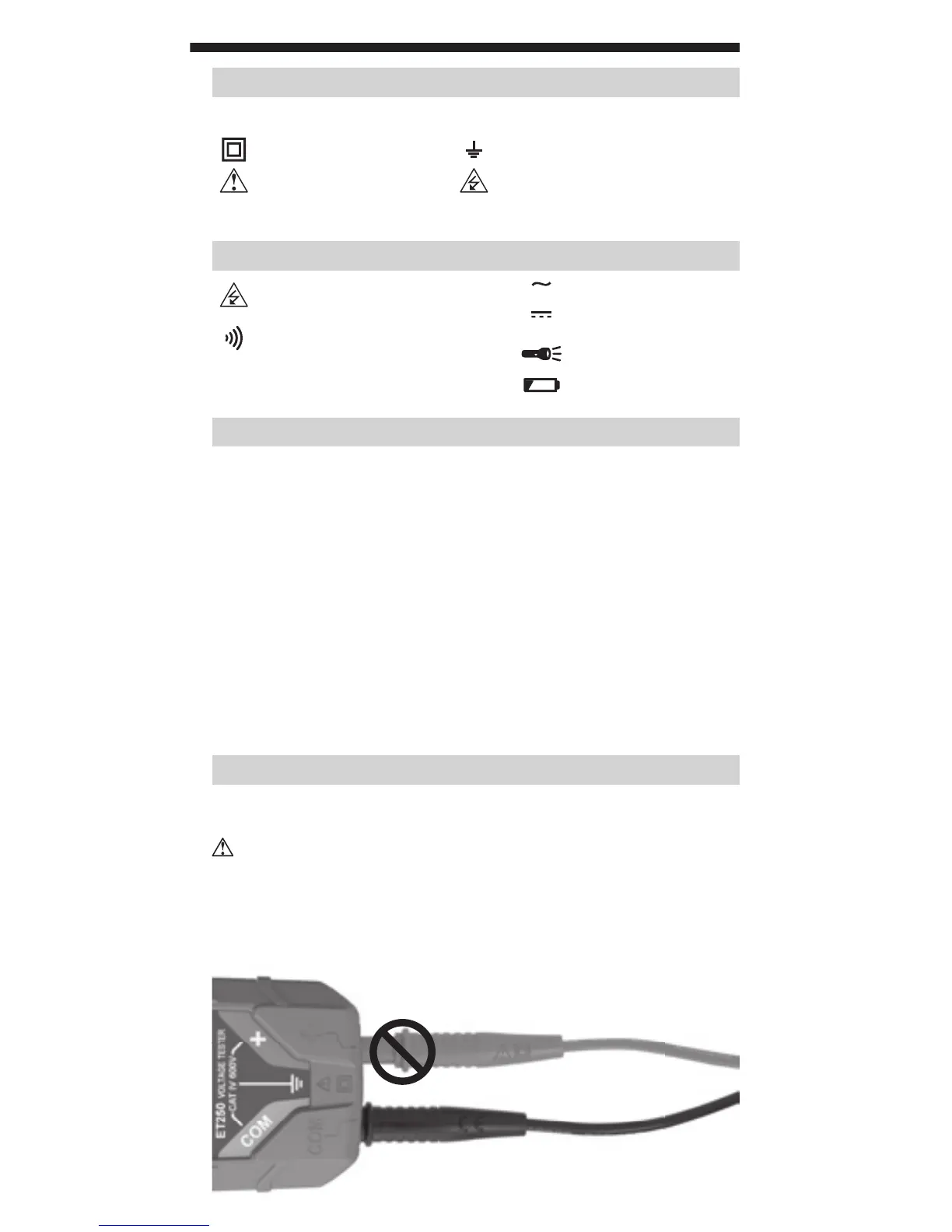
5
INCORRECT
CORRECT
OPERATING INSTRUCTIONS
CONNECTING TEST LEADS
USE PROPER SAFETY-RATED TEST LEADS
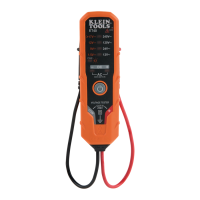
Connect test leads by inserting the black lead into the "COM" jack
and the red lead into the "+" jack. Do not test if leads are improperly
seated. Results could cause intermittent display readings. To ensure
proper connection, firmly press leads into the input jack completely.
SYMBOLS ON TESTER
+
Positive Lead Input COM Common / Negative Lead Input
Double Insulated Class II Ground
Warning or Caution
Risk of Electrical Shock
SYMBOLS ON LCD
Indicates presence of voltage
> 50V AC or DC
VAC
AC Voltage
VDC
DC Voltage
Audible Continuity
Worklight
GFCI Ground Fault Circuit Interrupter
testing mode
Low Battery Indicator
FUNCTION BUTTONS
POWER-ON/OFF: Press the On/Off button to turn the tester on or off.
The tester will automatically power-ON if test leads are applied to
a circuit and it detects voltage >12V. The tester will automatically
power-OFF following 15 minutes of inactivity to conserve battery life.
BACKLIGHT: Press the Backlight button to turn on/off the backlight.
The backlight will automatically power off after 3 minutes of
inactivity to conserve battery life.
WORKLIGHT:
Press the Worklight button to turn on/off the worklight.
The worklight will remain on until turned off or tester powers off.
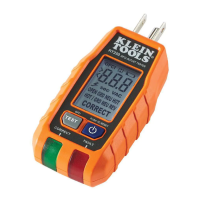
GFCI TEST: Press to perform a GFCI test. See
OPERATING
INSTRUCTIONS
for details.









 To Next Page