ENGLISH
OPERATING INSTRUCTIONS
DC CURRENT 200mA to 10A
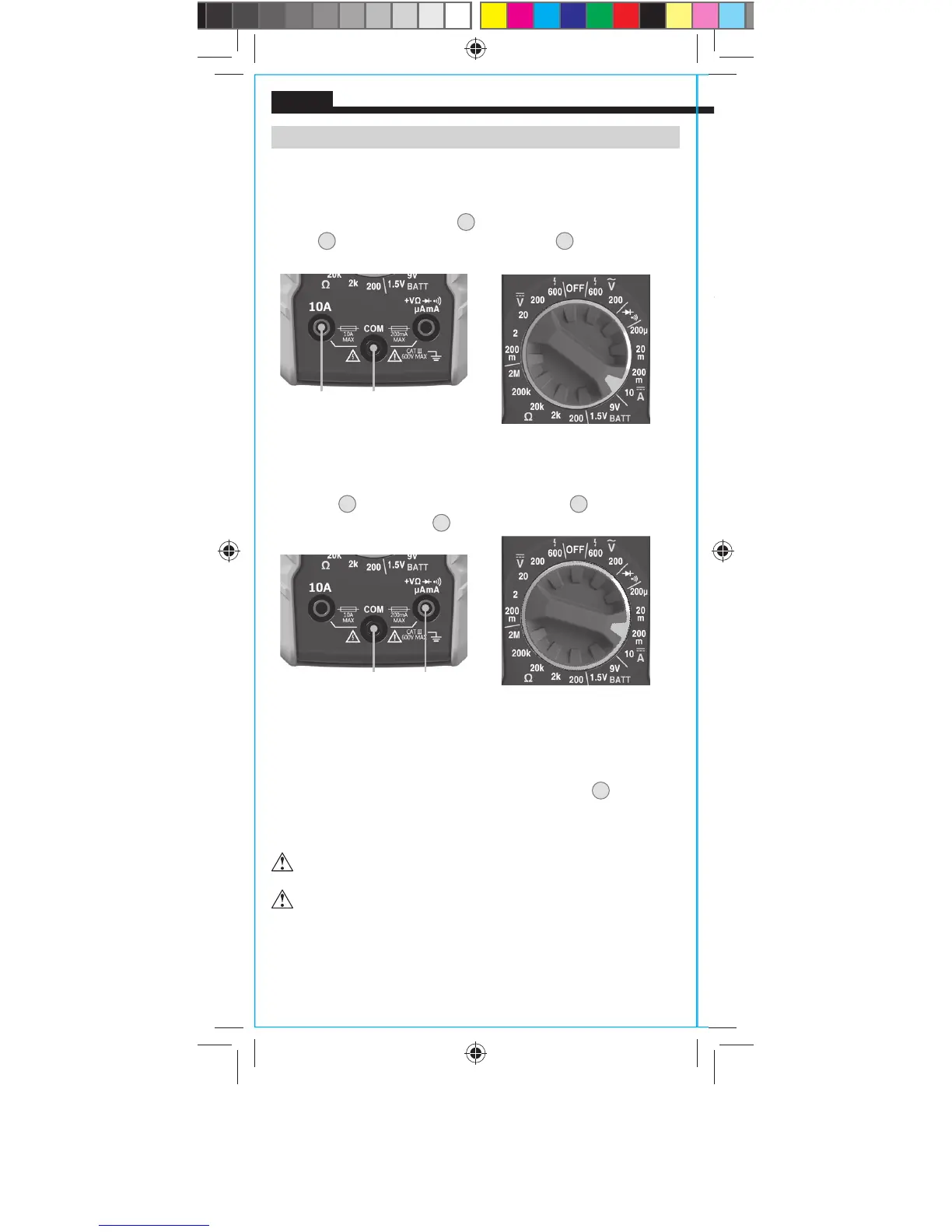
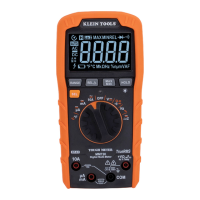
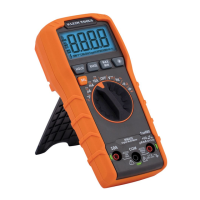
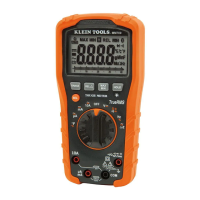
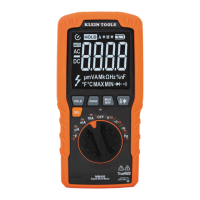
1. For DC currents more than 200mA and less than 10A, insert
RED test lead into 10A jack
3
, and BLACK test lead into COM
jack
4
, and rotate function selector switch
2
to the
10A DC setting.
DC CURRENT LESS THAN 200mA
2. For mA DC currents less than 200mA, insert RED test lead into
VΩ jack
5
, and BLACK test lead into COM jack
4
, and rotate
function selector switch
2
to the highest mA DC setting (200mA).
3. To measure current: Remove power from circuit, open circuit at
measurement point, connect meter in-series in the circuit using
the test leads, and apply power to circuit.The meter will auto-
range to display the measurement in the most appropriate range.
NOTE: If measuring mA, the function selector switch
2
may be
rotated to successively lower mA DC settings to obtain higher
resolution measurements.
Red lead Black lead
Do not attempt to measure more than 10A.
When measuring currents greater than 6A, a measurement
time of 30 seconds followed by 10 minutes of recovery time
is recommended.
Red leadBlack lead
MM300-1390109ART.indd 8 9/21/2015 2:48:04 PM






 To Next Page