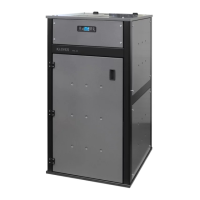
DIVA SLIM PELLET BOILER STOVE
19
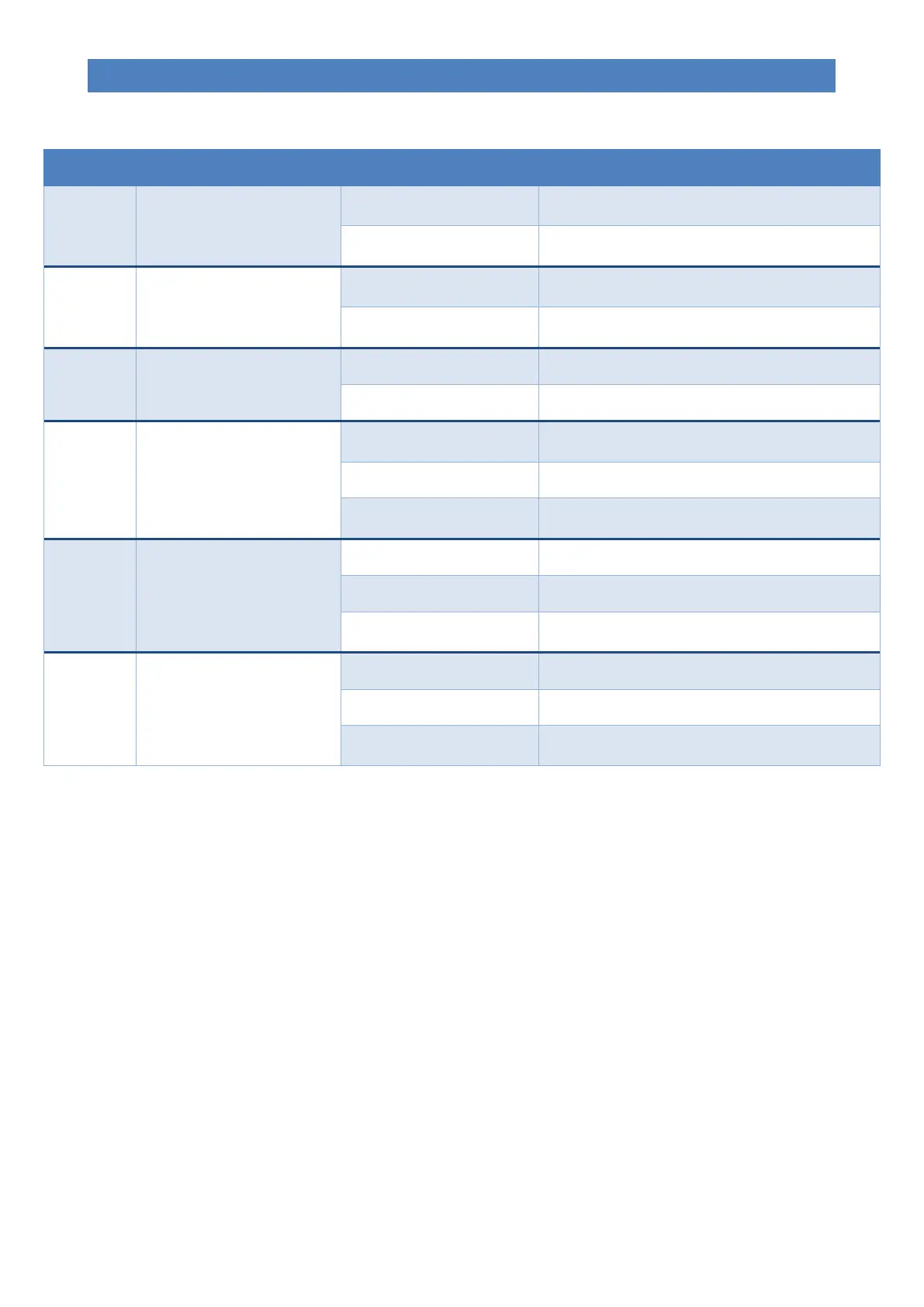
The table explains how the buttons on the display work.
Changes/increases the value of the selected menu
item.
It increases the temperature of the room/water
thermostat.
Changes/decreases the value of the selected menu
item.
It decreases the temperature of the room/water
thermostat.
Enters the menu in question.
Accesses the next level of sub-menus.
Switches the appliance on and/or off when pressed
for 2 seconds.
Moves you to the previous menu level, saving the
changes made.
Decreases the working/fan power of the appliance.
Moves you to the next menu item.
Moves you to the next submenu item, storing the
changes made.
Increases the working/fan power of the appliance.
Moves you to the previous menu item.
Moves you to the previous submenu item, storing
the changes made.
(1) The first press selects “Set temperature for boiler water - SET H2O” or “Set DHW boiler temperature - SET BOILER”
or “Set centralised puffer temperature - SET PUFFER” based on the system configuration type.
(2) It selects “Set temperature for boiler water - SET H2O” when first pressed.
(3) It selects the operating power “SET POWER” when first pressed.
THE MENU
Access the Menu by pressing key 3 (Set).
The menu is divided into different items and levels, providing access to the programming and settings options of the
appliance.
Buttons 5 and 6 allow you to select the menus to be modified.
Buttons 1 and 2 allow you to change the set value in the selected menu.
Listed below are the menus present on the PCB, with the relevant explanations.
Menu 01 – Choose season
Allows you to set the season for appliance use (SUMMER / WINTER). Can only be used with plumbing system 3 (see
“System configuration”).



 To Next Page