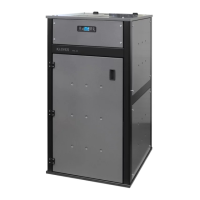
DIVA SLIM PELLET BOILER STOVE
26
If button 4 (ON/OFF) is pressed during the ignition cycle, the appliance switches to “WAITING OFF” and the appliance
will be turned off only at the end of the entire cycle; if, however, button 4 (ON/OFF) is pressed by mistake during this
phase, you only need to press it again to delete “WAITING OFF”: the appliance will return to normal operation at the end
of the entire ignition cycle.
Modifying the working power
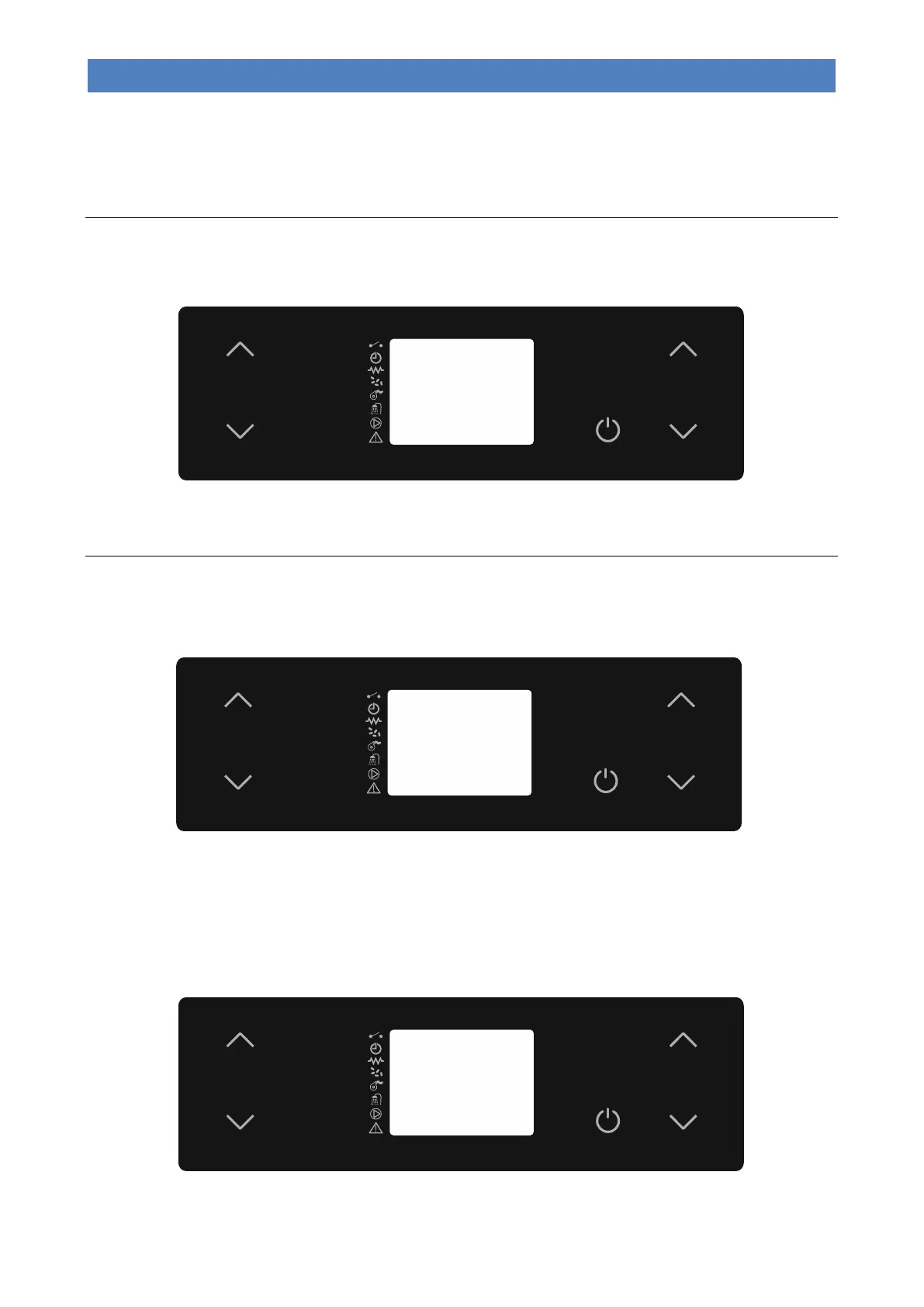
To modify the maximum working power you must select “SET POWER” by pressing buttons 5 or 6. Press buttons 5 and
6 to change the setting. During this operation, the display will appear as in the following picture.
After setting the desired value, press button 4 or wait a few seconds to confirm.
Changing the water temperature boiler or puffer
- Boiler Water Temperature
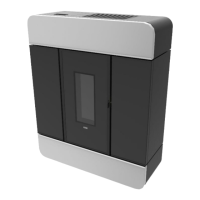
For system types 1, 2 and 3, to modify the boiler water temperature, simply select “SET H2O” by pressing button 2. Now
use buttons 1 and 2. During this operation, the display will appear as in the following picture.
After setting the desired value, press button 4 or wait a few seconds to confirm.
During the working mode the appliance enters “Economy mode operation” when that temperature value is reached.
- DHW cylinder temperature
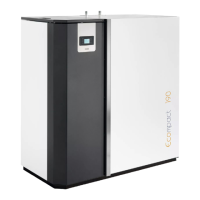
For system type 3, to modify the boiler temperature, simply select “SET BOILER” by pressing button 1. Now use buttons
1 and 2. During this operation, the display will appear as in the following picture.
After setting the desired value, press button 4 or wait a few seconds.



 To Next Page