5 FPGAconf extras
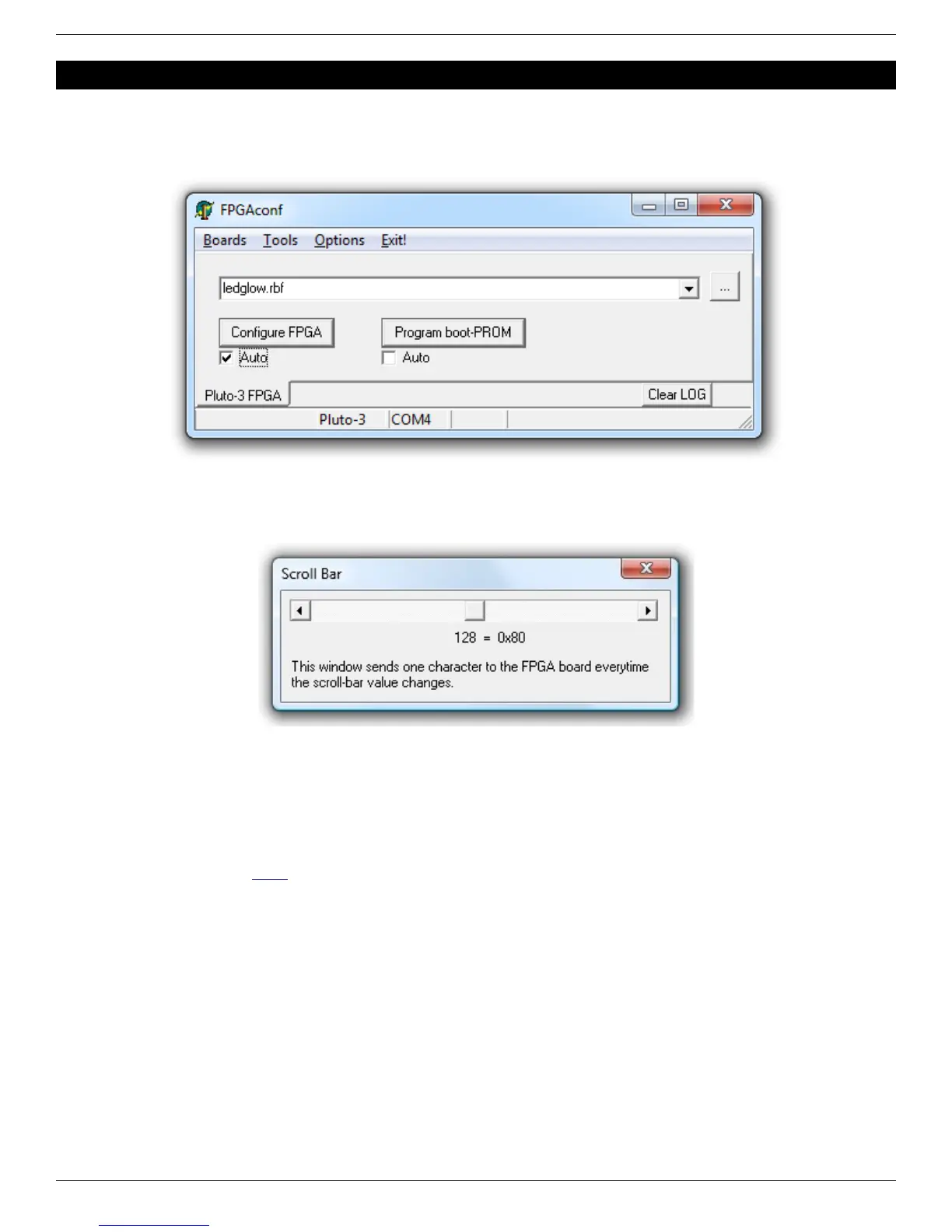
5.1 Auto configuration mode
When the “Auto mode” is enabled, FPGAconf monitors the bitfile and takes action each time the file is updated. Useful for
example if you want to re-configure the FPGA automatically after each ISE or Quartus-II compilation,.
5.2 Scrollbar
FPGAconf has a “scrollbar window” that is activated by pressing CTRL-S. Every time the scrollbar position is changed, a
byte between 0 and 255 is sent to the Pluto board (depending of the bar position).
That can be used to control easily a servomotor for example, or other simple applications that can be controlled by a
single byte.
5.3 Terminal
FPGAconf has an RS-232 terminal window that is activated by pressing CTRL-T.
Note: you can also use a third-party terminal, but it is recommended in this case to use a TXDI with MAX232. See
paragraph 15.3 and KNJN's TXDI page for more information.
FPGA RS-232 development boards Page 9


 To Next Page