KDC270/280
Quick Guide
See Reference Manual for more detailed information
Visit store.koamtac.com to purchase additional products and accessories.
QG_KDC270_KDC280_20201014 p14
5.2 Pair/Connect KDC with Gear S3
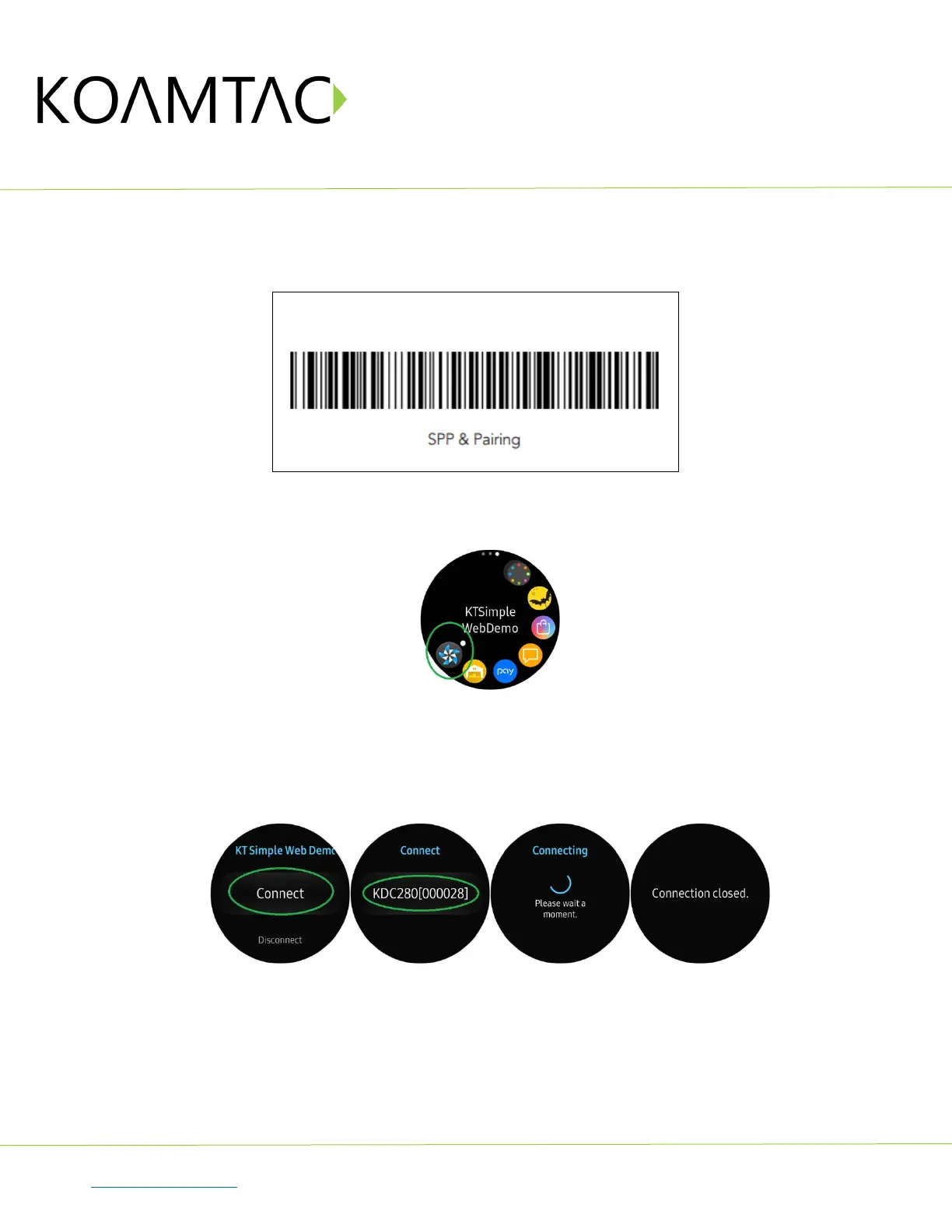
Put KDC280C-BLE into SPP mode and start pairing (you can also see Chapter 2.2 above)
Run KTSimpleWebDemo on your Gear S3.
Tap “Connect” and the available devices will be listed on your Gear S3. Tap the KDC from the list of
available devices to connect. The number between the brackets refers to the serial number located on
the back of the KDC.
Now you can trigger the KDC scanner via the demo application or the KDC itself. Any scanned bar
code will be displayed on the Gear S3. There are also many commands that can be used to view or set
the configuration of the KDC.



 To Next Page