EasyManua.ls Logo

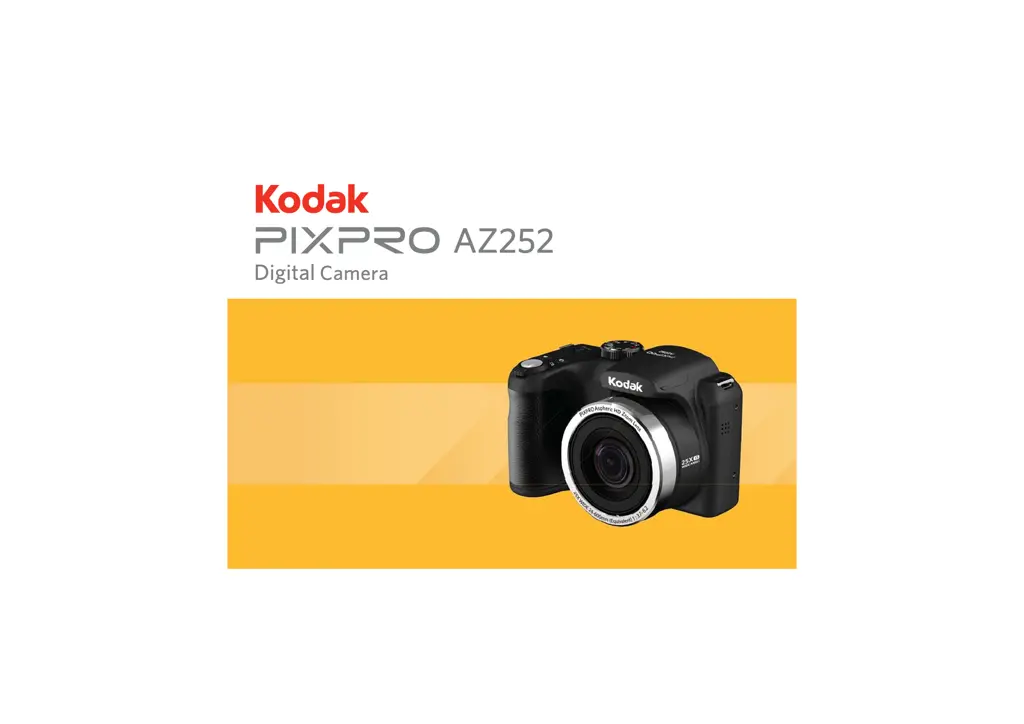
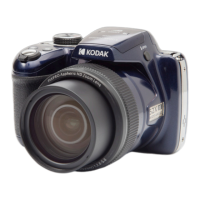
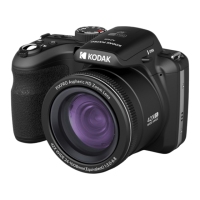
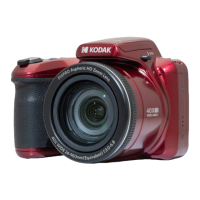
Kodak Astro Zoom PIXPRO AZ252 - User Manual

Kodak Astro Zoom PIXPRO AZ252
96 pages
Print Icon
To Next Page IconTo Next Page
Loading...
User Manual

Table of Contents

Questions and Answers

  • D
    Dr. Christopher BarnesJul 28, 2025
    What to do if images and video files cannot be saved on Kodak Digital Camera?
    • C
      Connie WebbJul 28, 2025
      If your Kodak Digital Camera images and video files cannot be saved, it might be due to a full or locked memory card. Try using another memory card, deleting unnecessary files, or unlocking the memory card.
  • A
    afosterAug 1, 2025
    What to do if I cannot write to the memory card on Kodak Astro Zoom PIXPRO AZ252 Digital Camera?
    • A
      Alyssa FischerAug 1, 2025
      If you cannot write to the memory card of your Kodak Digital Camera, it might be locked. Release the write lock or replace it with another card.
  • N
    ndeanAug 5, 2025
    Why does my Kodak Digital Camera turn off suddenly?
    • L
      Laurie BlackburnAug 5, 2025
      If your Kodak Digital Camera turns off suddenly during operation, it's likely because the batteries have been depleted. Replace the battery to resolve this issue.
  • C
    Christina WalshAug 9, 2025
    How to fix blurred pictures on Kodak Astro Zoom PIXPRO AZ252?
    • R
      Rodney StevensAug 9, 2025
      If the picture from your Kodak Digital Camera is blurred, it might be due to camera shake. Turn on the OIS feature. When using high magnification (above 15X) optical zoom, use a tripod.
  • S
    Stephanie WilsonAug 14, 2025
    Why is saving data to memory card slow on Kodak Astro Zoom PIXPRO AZ252 Digital Camera?
    • T
      taylor20Aug 14, 2025
      If saving data to your Kodak Digital Camera memory card is slow, it could be because you're using a memory card below Class 4. To improve performance, use a memory card with a write Class higher than 4.
  • A
    Annette TaylorAug 18, 2025
    Why won't images print from my Kodak Astro Zoom PIXPRO AZ252?
    • A
      Allison ShieldsAug 18, 2025
      If images will not print from the connected printer with your Kodak Digital Camera, check the connection between the camera and printer. Ensure you are using a PictBridge compatible printer. Also, make sure the printer has paper and ink, and that there is no paper jammed.
  • C
    Christine CochranAug 23, 2025
    What to do if there are too many movies to process on Kodak Astro Zoom PIXPRO AZ252?
    • N
      Nicholas AndrewsAug 23, 2025
      If your Kodak Digital Camera has too many movies to process, it is because the number of pictures or folders in the memory card exceed the specifications, so the playback of data folder can not be displayed. Delete unwanted files.

Summary

BEFORE YOU START

Declaration of Conformity and Customer Information

Formal statement of compliance with regulations and notes for US/EU customers.

About this Manual

Manual Structure and Usage Notes

Explains manual structure, symbols, and usage guidelines for clarity.

SAFETY NOTES

Camera Handling and Storage Precautions

Guidelines for safe handling and storage of the camera.

Battery Safety Precautions

Precautions for handling, charging, and disposing of batteries.

Memory Card Safety Precautions

Guidelines for using and protecting memory cards.

GETTING READY

Camera Parts Identification and Accessories

Identifies camera parts and lists included accessories.

Initial Setup and Basic Operation

Steps for initial setup and powering on the camera.

Language and Date;Time Configuration

Guides initial setup for language and date/time.

MODE OVERVIEW AND OPERATION

Understanding Screen Displays and Icons

Explains display settings and camera icons in various modes.

Using the Mode Dial for Shooting

Details various shooting modes like Auto, Manual, Scene, and Custom.

BASIC OPERATION AND MENUS

Core Camera Functions

Covers zoom, focus, flash, white balance, exposure, and ISO.

Shooting and Playback Menu Navigation

Navigates photo, movie, and playback menus for settings.

CONNECTIONS AND APPENDICES

Connecting to Computer and Printer

Connects camera to PC and PictBridge printers.

Camera Specifications and Troubleshooting

Lists technical details and provides solutions for common issues.

Kodak Astro Zoom PIXPRO AZ252 Specifications

General IconGeneral
SensorCCD
Optical Zoom25x
Effective Sensor Resolution16.15 Megapixels
Digital Zoom4x
LCD Screen Resolution230, 000 dots
Focal Length24-600mm
Image StabilizationOptical
ISO Range80-3200
LCD Screen Size3 inches
Video Resolution720p HD
Battery TypeAA
Image Sensor Size1/2.3 inches
ISO SensitivityAuto, 100, 200, 400, 800, 1600, 3200
Shutter Speed1/2000

Related product manuals