EasyManua.ls Logo

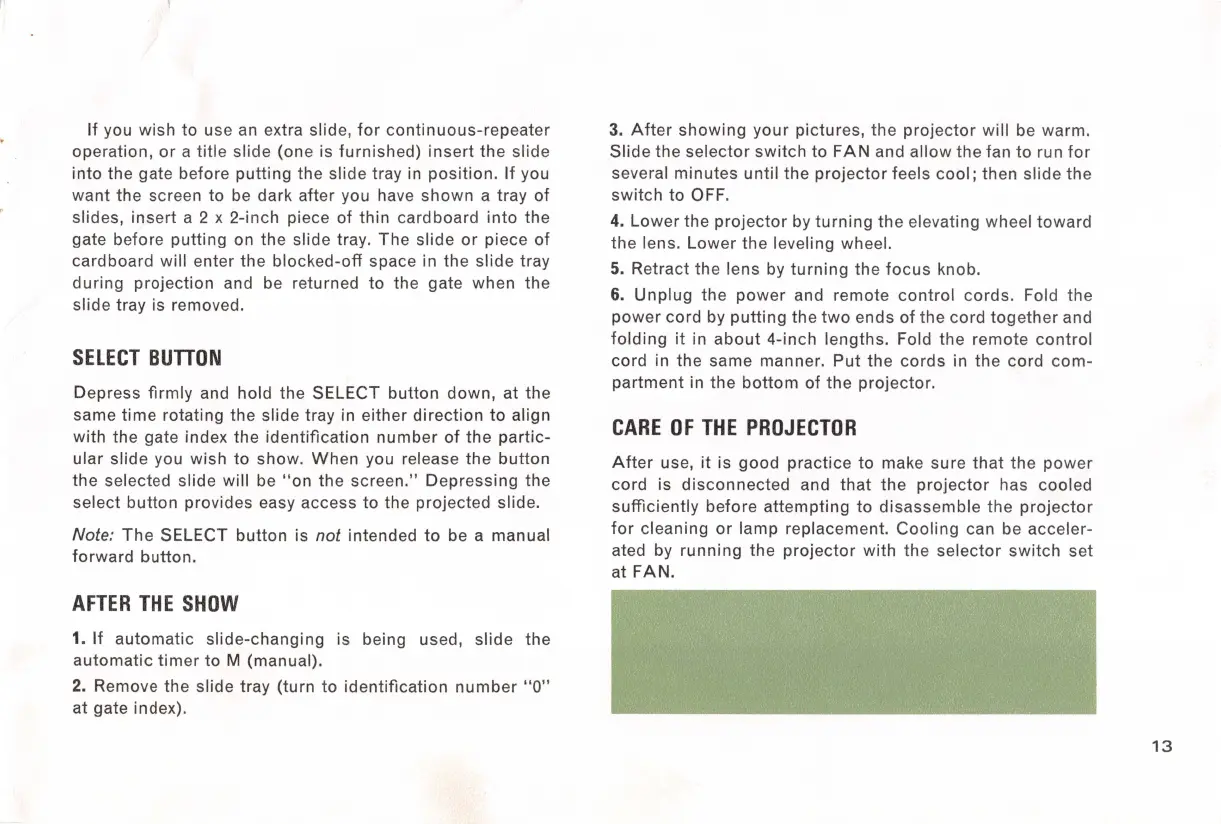
Kodak CAROUSEL 800 - Select Button; Care of the Projector

Kodak CAROUSEL 800
20 pages
Print Icon
To Next Page IconTo Next Page
To Previous Page IconTo Previous Page
Loading...
If
you wish
to
use an extra slide,
for
continuous-repeater
operation,
or
a
title
slide (one is
furnished)
insert
the
slide
into
the gate before
putting
the slide tray in
position.
If
you
want the screen
to
be dark after you have
shown
a tray
of
slides,
insert
a 2 x 2-inch piece of
thin
cardboard
into
the
gate before
putting
on
the
slide tray.
The
slide
or
piece
of
cardboard
will
enter the
blocked-off
space in the
slide
tray
during
projection and be returned
to
the gate when the
slide tray
is
removed.
SELECT
BUTTON
Depress
firmly
and hold the SELECT button
down,
at
the
same
time
rotating the slide tray in either
direction
to
align
with the gate index the
identification
number
of
the
partic-
ular slide you wish
to
show.
When
you release
the
button
the
selected slide will be
"on
the screen."
Depressing
the
select button provides easy access
to
the projected slide.
Note:
The
SELECT
button
is
not
intended
to
be a manual
forward
button.
AFTER
THE
SHOW
1.
If
automatic
slide-changing is being used, slide
the
automatic
timer
to
M (manual).
2. Remove
the
slide tray (turn
to
identification
number
"O"
at gate index).
3.
After
showing
your
pictures, the
projector
will
be warm.
Slide
the
selector
switch
to
FAN and
allow
the
fan
to
run
for
several
minutes
until
the
projector
feels
cool;
then
slide
the
switch
to
OFF.
4.
Lower
the
projector
by
turning
the
elevating wheel
toward
the
lens.
Lower
the
leveling wheel.
5. Retract the lens by
turning
the
focus
knob.
6.
Unplug
the
power
and remote
control
cords
. Fold
the
power
cord by
putting
the
two
ends
of
the cord
together
and
folding
it
in
about
4-inch lengths. Fold
the
remote
control
cord in the same manner.
Put
the
cords
in the
cord
com-
partment
in the
bottom
of
the
projector.
CARE
OF
THE
PROJECTOR
After
use,
it
is
good
practice
to
make
sure
that
the
power
cord is
disconnected
and
that
the
projector
has cooled
sufficiently
before
attempting
to
disassemble
the
projector
for
cleaning
or
lamp
replacement.
Cooling
can be acceler-
ated by
running
the
projector
with
the
selector
switch
set
at FAN.
13

Related product manuals