Copying
30 www.kodak.com/go/aiosupport
Changing the number of copies of a photograph
To change the number of copies:
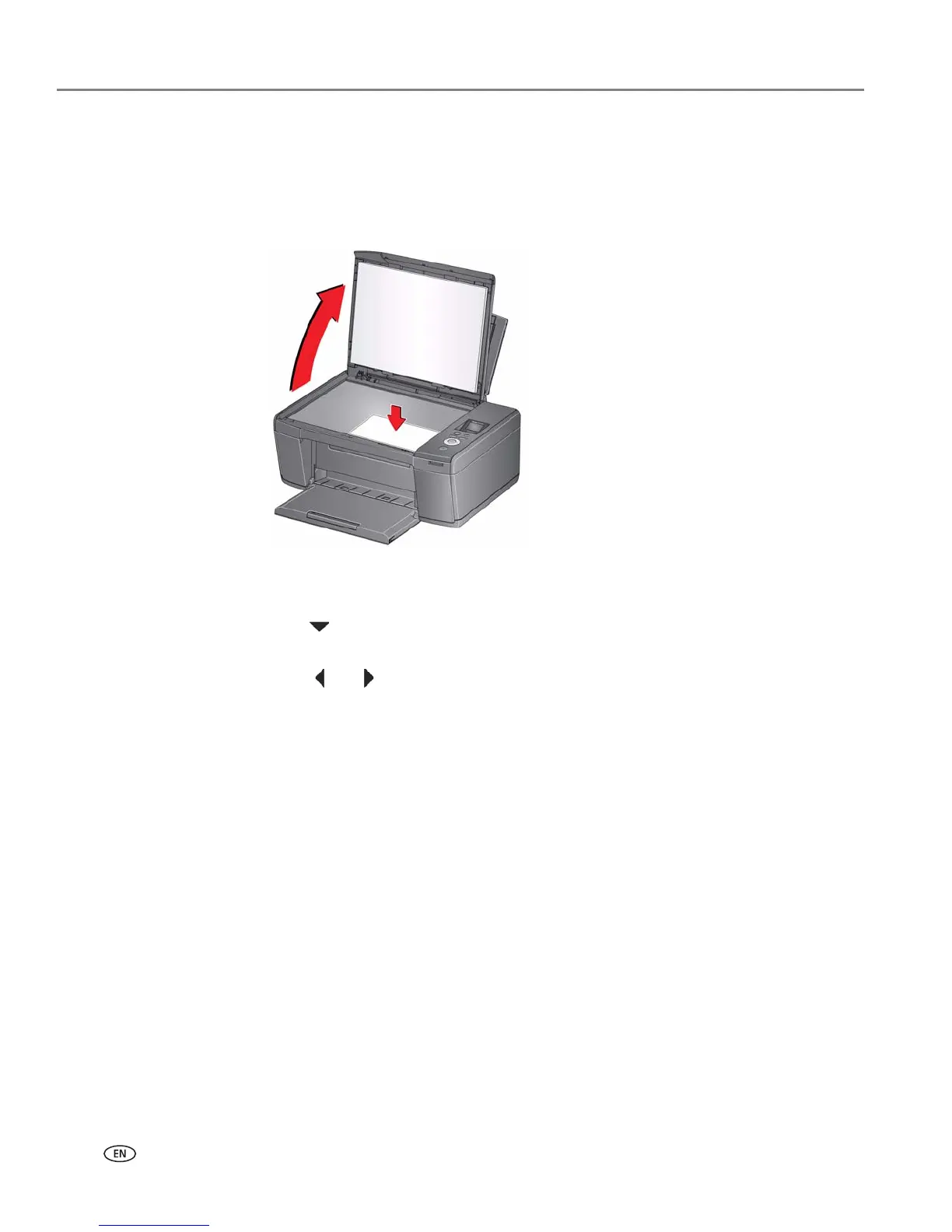
1. Lift the scanner lid, and place the photograph face down in the right-front corner
of the scanner glass.
2. Close the lid.
3. Press Home.
4. Press to select Copy Photo, then press OK.
5. Make sure Quantity is selected.
6. Press or to select a number.
7. Press Start to begin copying.













 To Next Page