www.kodak.com/go/digitalframesupport 1
ENGLISH
See the extended user guide – for more information about using your frame, visit
www.kodak.com/go/digitalframesupport. See the frame package for package contents.
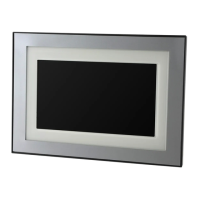
Front View
Back/Right View
1 LCD screen
2 Touch border (Tap/Slide)
3 Touch border (Tap only)
4 Touch-sensitive raised guide
3
1
2
To use the touch border,
see page 7.
NOTE: When screen icons appear,
LED lights turn on at touch-sensitive
points along the raised guide.
4
1 Audio In
2 Audio Out
3 DC-In (12V)
1
2
3

 Need help?
 General










 To Next Page