Getting started
www.kodak.com/go/digitalframesupport 7
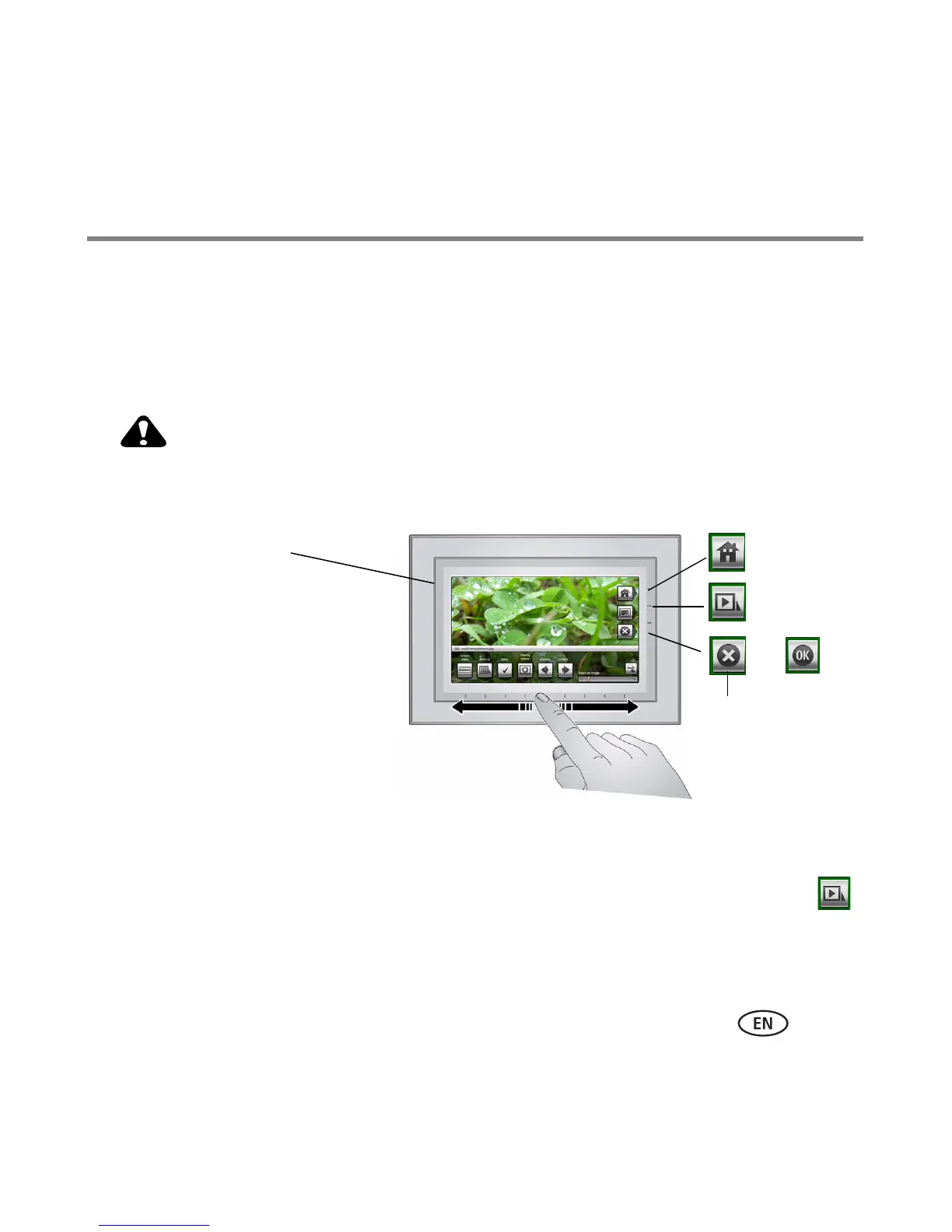
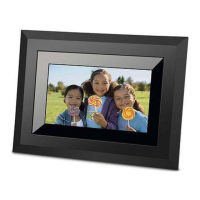
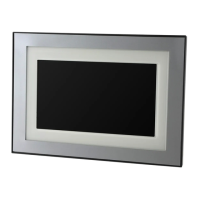
Using your frame’s touch border
Touch along the raised guide at the bottom (tap/slide) or right (tap only) border to
find/highlight menu items or pictures/videos. Press OK to select them.
NOTE: The screen is not touch-sensitive. Do not touch.
CAUTION:
Only use your finger to touch the border. Using sharp or metal
objects may damage the border or screen.
Tap Menu or More for more options, or tap
to resume a slide show.
On the raised guide:
■ Tap at bottom or right to
find/highlight menu items,
pictures, videos, etc.
■ Slide along bottom to
find/highlight selections quickly.
Sliding right to left during a slide
show quickly scrolls forward
through your pictures. Slide left to
right to reverse
■ Touch, hold for 2 seconds, then
slide along bottom to move quickly
through numerous images
or
Close
If the icons disappear, tap the touch border.
- Home
- Slide show
NOTE: When screen icons appear, LEDs turn on
at touch-sensitive points along the raised guide.










 To Next Page