www.kodak.com/go/digitalframesupport 3
1 Getting started
Setting up your picture frame
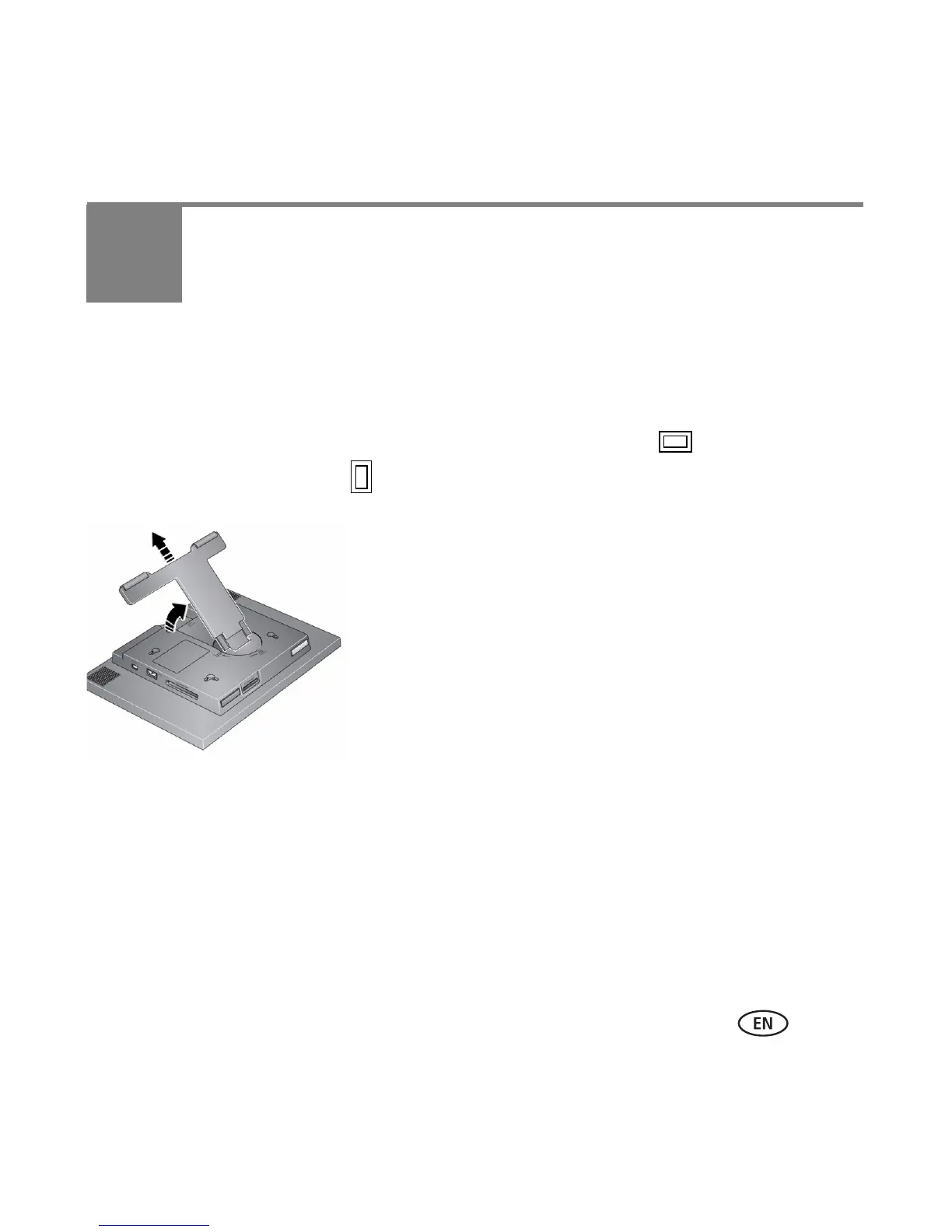
Changing the frame orientation
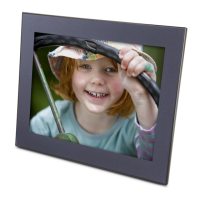
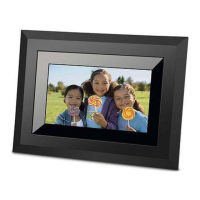
Your frame is set up to display pictures in landscape orientation . You can turn the
stand to change it to portrait but you must also change the setting (see page 8).
Change the stand position:
■ Turn the stand 90° to change the orientation.
■ Pull the stand out to adjust the frame angle.










 To Next Page