www.kodak.com/go/digitalframesupport 9
2 Doing more with your frame
Accessing your pictures
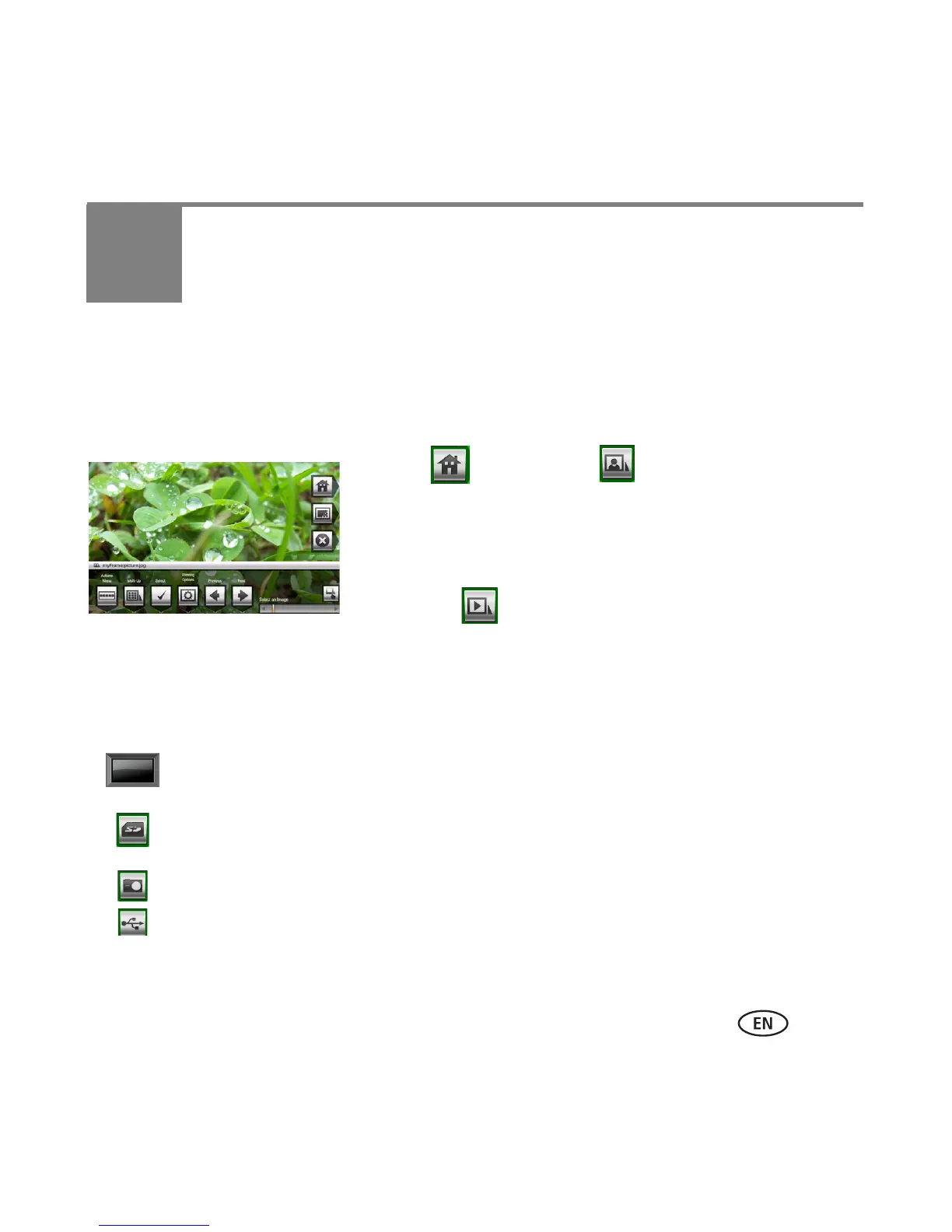
Tap Home to access pictures/videos from all connected devices (see page 6). Use the
touch border to make your selections
(
see
page 7
)
.
1 Tap (Home), then (Pictures and Videos).
All connected sources and the Settings icon are
displayed.
2 Slide to highlight a picture source, then:
■ Tap (Slide show) to start a slide show.
OR
■ Tap OK to view thumbnails.
Picture source icons:
My Frame—the frame’s 128 Mb internal memory. Copy your pictures into My Frame
from a memory card or other device (page 19).
Memory card—appears when you insert a card (page 6). The label and icon indicate
the type of card.
Camera—appears when you connect a digital camera via USB cable (page 6).
USB drive—appears when you insert a USB flash drive (page 6).











 To Next Page