Atollspeed Touch Screen Series – Original Instructions
This document is property of Kolb Huizhou Ltd. 25
Preheat timer and Reheat timer can be adjusted or turned off in user settings. They do not affect
the function of the oven, but are a visual indicator for the user.
This function can help to achieve a reproducible baking result.
Note: In user settings you can also enable the function “Enforce Preheat Times”. If this option is
chosen programs can only be started when the oven is fully heated up and the waiting time has
passed (the bar is red).
This is to avoid that inexperienced operators turn on the oven, place food inside the cold oven
and start to bake, resulting in a poor baking result and food waste.
7.3 Start manual baking
To start baking with the selected parameters first insert the food, then press the Start button.
Never start baking if the baking chamber is empty, it can damage the machine.
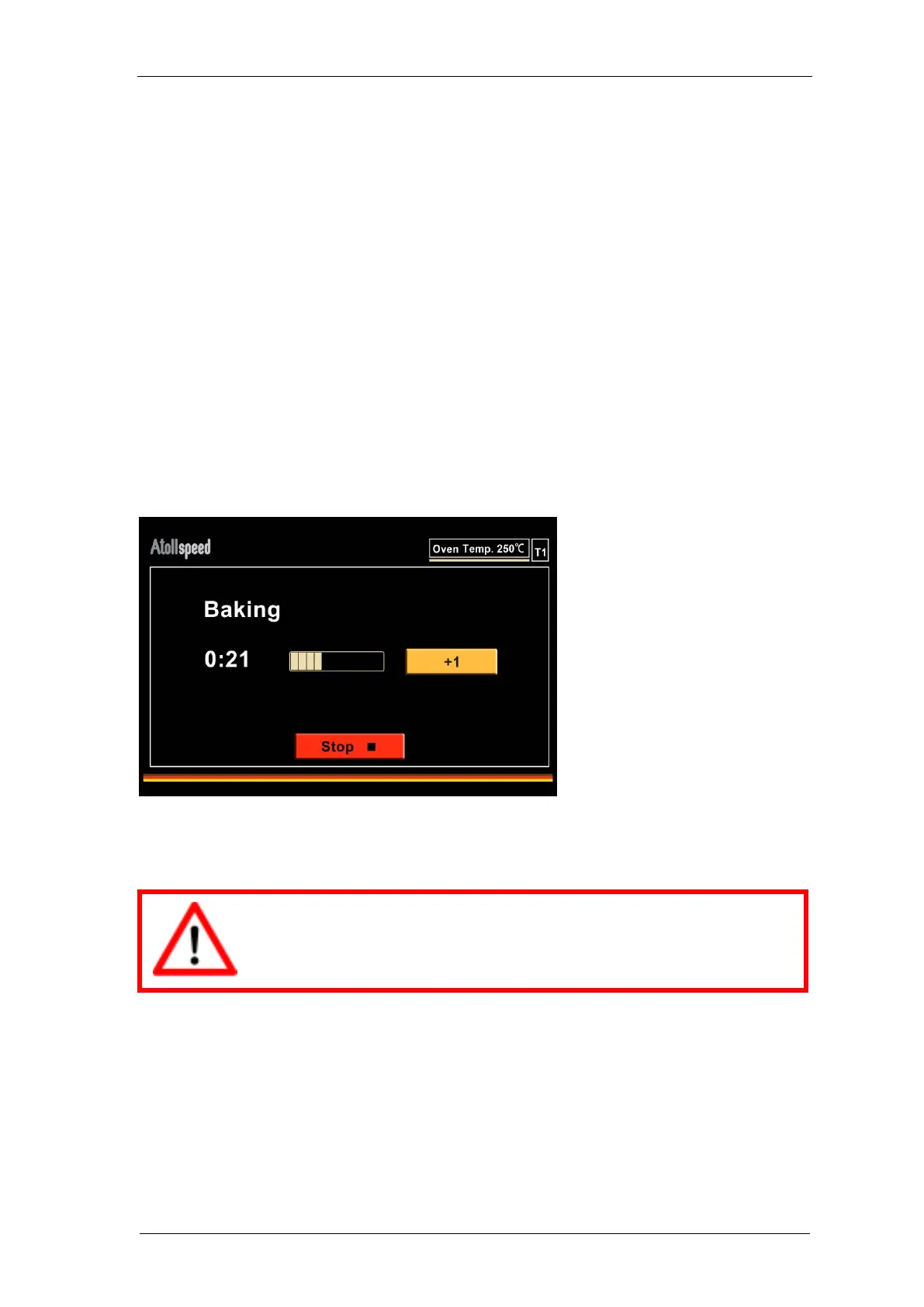
Then the baking screen appears and shows the remaining time of the baking process.
Baking can be interrupted by pressing the stop button.
After baking was interrupted you can either continue or cancel.
Do not continue if the food has been taken out already! It can damage the machine.


 To Next Page