16
3.3 S.O HD (Stake out Height Difference)
User can stake out by inputting the HDs (height differences) of the backsight point
and the stakeout point.
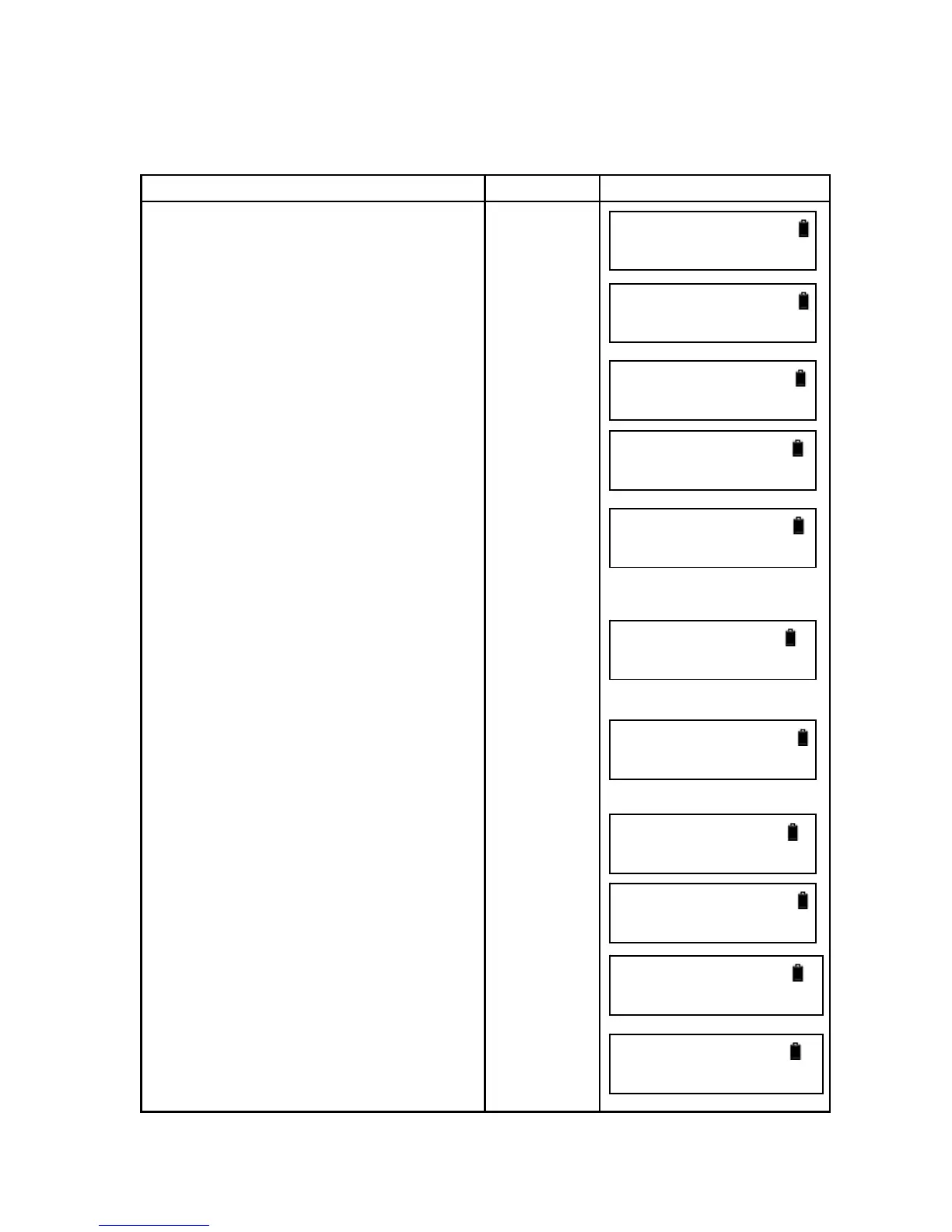
Operation Procedure Operation Display
1. Press [ENT].
2.Press [▲] or [▼] to select “layout”
and press [ENT].
3.Select Margin Out and press [ENT].
4. Input the GH (ground height) of
backsight point and press [ENT].
5. Input the HD (height difference) of
the stakeout point and press [ENT].
6. Collimate the staff until it looks clear
and press [MEAS].
7. It displays the backsight rod reading
and the distance. Press [MEAS] to
measure continuously or press [ENT] to
go to next step, or press [ESC] to quit.
8.Collimate the staff on stakeout point
until it looks clear and press [MEAS].
It displays the stakeout rod reading and
the distance. Press [ENT] to display the
height and the value to fill or dig.
“-“ means to fill and “+” means to dig.
9. Press [ENT] to continue to stake out
or press [ESC] to quit.
[ENT]
[ENT]
[ENT]
Input BS
height
[ENT]
Input VH
of stakeout
point
[ENT]
[MEAS]
[ENT]
[MEAS]
or
[ENT]
or
[ESC]
[ENT]
主菜单
►测量
Menu
►1.Measure



 To Next Page